Magisto Video Editor: Understanding the Workflow and Its Limits
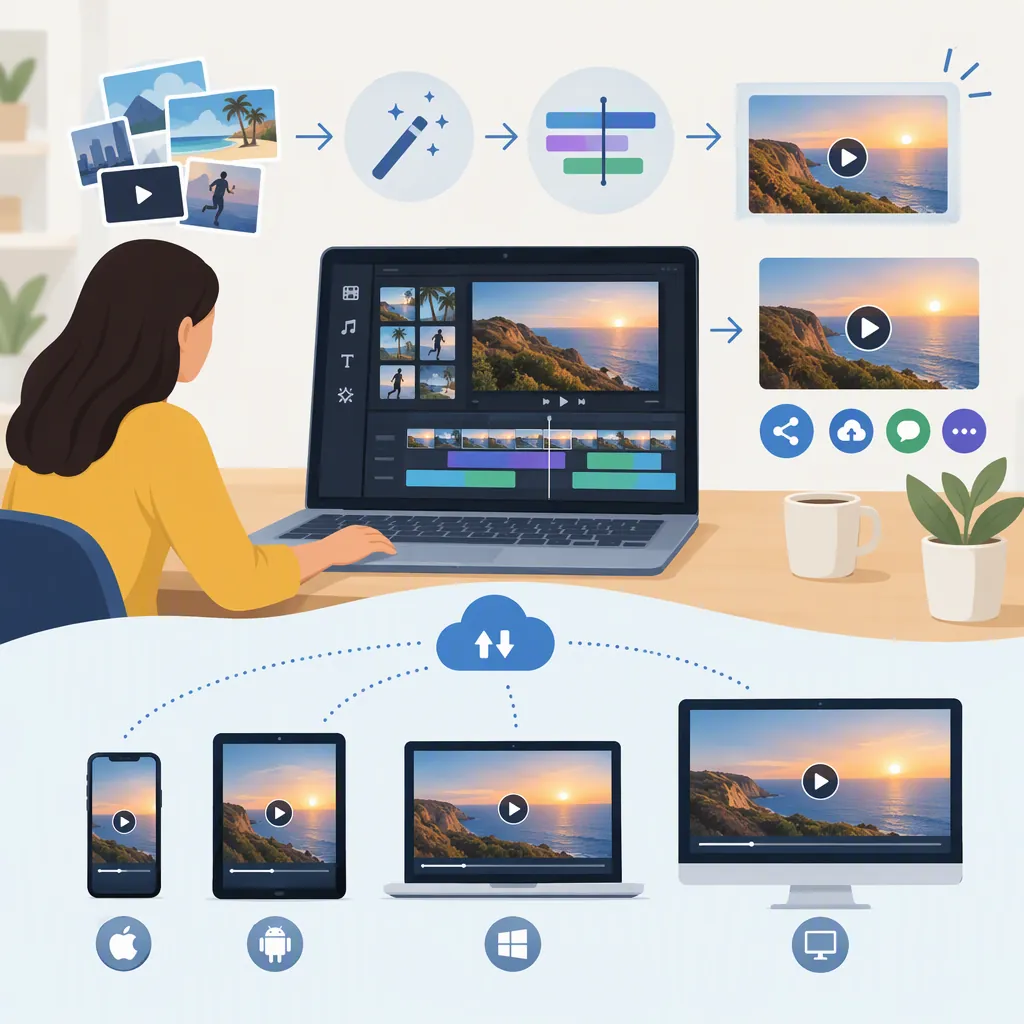
Magisto is documented as an automated video editor that builds videos from selected photos or clips, a style, and music. Its App Store description also lists trimming, reordering, and text customization. These are listing descriptions, not verified current functionality: the provided sources do not establish whether the service is operational or available in the United States. [app-store] [wiki]
How the Documented Workflow Works
The supplied App Store description presents three main choices: media, style, and music. It describes selecting photos and video clips, choosing a theme, and selecting a soundtrack. It also describes automated footage analysis and the application of effects. These statements explain the advertised workflow; they do not demonstrate the quality of a finished edit. [app-store]
For an educational practice project, prepare a small set of media with a clear beginning, middle, and end. Write down which moments must appear before allowing an automated edit to make selections. If the documented workflow is accessible in your version, review the result against that plan rather than assuming the selected moments tell the intended story.
This is a workflow outline, not a verified sequence of current interface buttons.
Practice Project Worksheet
Purpose: Describe the video’s message in one sentence.
Audience: Identify who needs to understand it.
Required moments: List the shots or photos that must appear.
Order: Sketch a beginning, middle, and end.
Style: Note the intended tone and pacing.
Audio: Record the soundtrack source and permitted use.
Review: Check missing moments, readable text, cropping, and audio balance.
Output: Record the dimensions, watermark status, and whether the saved file plays correctly.
Distinguish Automation from Editing Control
The App Store description lists cutting, trimming, merging, and reordering clips, alongside adding text and changing fonts, orientation, and colors. That supports a narrower statement than either “everything is automatic” or “every detail is editable.” The supplied listing does not establish the scope of frame-level control, audio-track editing, or current access to those functions. [app-store]
When evaluating an editor for a specific task, separate two questions:
- Can it assemble a draft from your media?
- Can you make the exact corrections your project requires?
For example, a montage may tolerate flexible shot selection. An instructional video may need a particular action to remain visible in a precise order. Before relying on an automated draft, check whether you can preserve those essential moments and correct any misleading sequence.
Why Current Availability Is Uncertain
The supplied references give an inconsistent picture. Wikipedia describes Magisto as acquired by Vimeo and shut down, while the supplied App Store page retains an app listing with version history dated March 2025. Uptodown lists an Android package dated July 2026. A retained listing or downloadable package does not, by itself, establish that account access, processing, or exports still work. [wiki] [app-store] [android-listing]
There is also a regional limitation: the Apple reference used here is a Bolivia storefront page, not a United States listing. It identifies iPhone and iPad compatibility, but it is not evidence of US availability. [app-store]
Treat the supplied descriptions as documentation to assess, not confirmation of a currently usable service. Current US availability, supported account access, and working exports remain unverified by these references.
Check Costs, Rights, and Privacy Separately
The App Store page labels the app “Free” with in-app purchases and describes subscription-dependent benefits, including watermark removal. That is not a guarantee of free exports or current plan terms. Because the reference is regional and contains multiple purchase entries, this guide does not present its prices as a current US price list. [app-store]
The same description refers to a commercially licensed music library. It does not establish permission for every possible publication, advertisement, or redistribution. Confirm that the applicable license covers your intended use rather than treating access to a track as unlimited permission. [app-store]
Apple’s privacy panel reports developer-declared handling of data, including photos or videos and identifiers, and explicitly says Apple has not verified the information. Before submitting sensitive media, review the applicable privacy terms and permissions. For any test project, retain your original files and check the saved output independently of the editor’s preview. [app-store]
FAQ
Is Magisto Still Available to Use?
The provided sources do not establish current operational availability. Wikipedia describes a shutdown, while Apple and Uptodown retain listings. Those listings alone do not verify that sign-in, processing, or exporting works. [wiki] [app-store] [android-listing]
Can You Edit Clips Manually in Magisto?
The App Store description lists cutting, trimming, merging, and reordering clips. It does not verify the current interface or establish that Magisto offers unrestricted timeline editing. [app-store]
Is Magisto Free Without a Watermark?
The supplied App Store listing says free with in-app purchases and associates watermark removal with its Premium plan. It does not establish a current free, watermark-free export option or current US subscription terms. [app-store]
Sources
-
[app-store] Magisto Video Editor & Maker App - App Store
-
[wiki] Magisto - Wikipedia
-
[android-listing] Magisto for Android - Download the APK from Uptodown