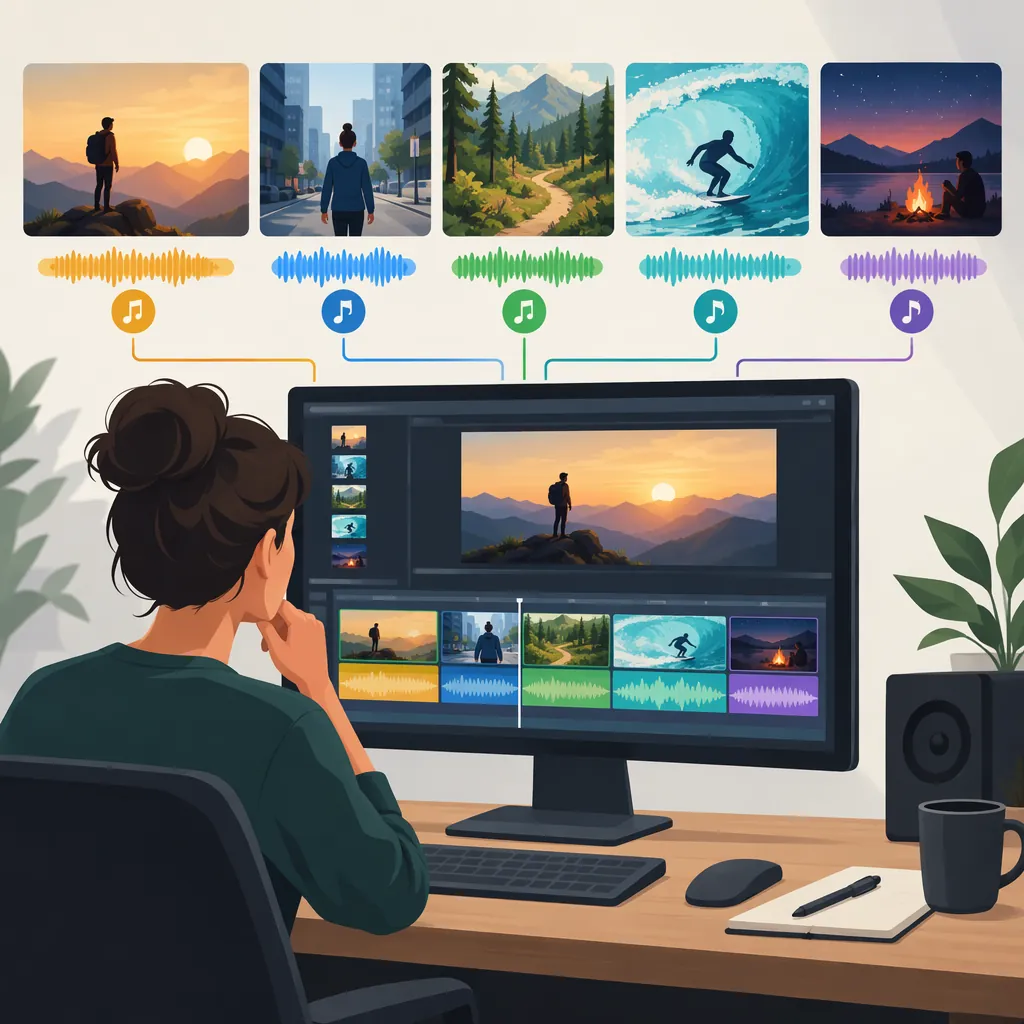
How to Choose the Best Song for Video Editing
Choose the song that fits your scene’s mood and pacing, leaves room for dialogue, and has permission covering your intended use. Rather than looking for one universal best track, compare a few candidates against the same footage. Check each track’s license before building the final edit around it; the supplied reference emphasizes that permissions and attribution requirements vary. [c1]
Start with the Scene, Not the Song
Write a short music brief before searching. Treat these questions as creative constraints rather than rules:
- Purpose: Should the music support an explanation, establish a setting, build tension, or carry a montage?
- Mood: What should the viewer feel at the beginning and end?
- Pacing: Does the scene need steady movement, a gradual build, or space between events?
- Speech: Will narration or dialogue occupy most of the scene?
- Structure: Where should the music enter, change, and end?
For a narrated tutorial, try a restrained instrumental first. For a dialogue-free montage, compare more rhythmically prominent options. For a reflective scene, audition sparse arrangements. These are starting points for testing, not claims that a particular genre always works.
Music Brief Template
Scene purpose: [explanation, montage, tension, reflection, or other]
Target mood: [starting emotion → ending emotion]
Speech: [continuous, occasional, or none]
Pacing: [steady, building, or spacious]
Key visual moments: [timestamps]
Music entry and exit: [timestamps]
Publishing destinations: [platforms or venues]
Intended use: [personal, monetized, client, advertising, or other]
Creative search phrase: [mood + instrument + pacing]
Use Video Type to Build a Shortlist
Use the following as an audition plan, not a ranking of songs or genres.
| Video Type | Starting Point to Audition | What to Check in the Edit |
|---|---|---|
| Tutorial or interview | Sparse instrumental with a steady feel | Can you follow every sentence without effort? |
| Travel or lifestyle montage | Rhythmic track with distinct phrases | Do musical changes support the sequence rather than dictate every cut? |
| Reflective story | Minimal piano, ambient texture, or restrained acoustic music | Does the mood fit without overstating the emotion? |
| Action sequence | Percussive or energetic instrumental | Does the intensity suit both the busiest and quieter shots? |
| Process demonstration | Repetitive groove or light instrumental | Does it remain comfortable through the full sequence? |
If a candidate needs constant workarounds to fit the scene, test another track before rebuilding the video around it.
Compare Tracks Against the Same Footage
Choose a representative passage containing speech, a transition, and an important visual moment where possible. Place each candidate under that same passage and keep playback levels reasonably comparable.
- Listen for mood. Describe the feeling in a few words. Does it match the brief?
- Check speech. Try an instrumental alternative if lyrics draw attention away from narration. Lower the music during speech and listen again.
- Check structure. Look for useful musical phrases, changes, and an ending that fits the sequence. Do not assume every cut needs to land on a beat.
- Test the exit. Try a musical ending or a fade. Listen for an abrupt or unfinished result.
- Compare with silence. Remove the track temporarily. Decide which moments benefit from music and which might work better without it.
Make the final choice in the timeline, not from the song’s opening alone.
Track Comparison Worksheet
Candidate: [track title and artist]
Test passage: [start → end]
Mood fit: [strong, mixed, or weak]
Speech clarity: [clear or needs revision]
Useful musical changes: [timestamps]
Ending fit: [usable, editable, or unsuitable]
Moments better without music: [timestamps]
License status: [verified or unresolved]
Decision: [keep, revise, or reject]
Reason: [one sentence]
Find Candidates and Verify Permission
The supplied reference lists discovery sources including Free Music Archive, dig.ccMixter, Incompetech, SoundCloud, and YouTube Audio Library. Treat these as places to investigate, not blanket permission to use everything they contain. The reference repeatedly advises checking the individual track’s license and attribution requirements. [c1]
For each candidate, verify:
- Whether the permission covers adding the music to your video.
- Whether it covers your intended commercial or monetized use, if applicable.
- Whether it covers your publishing destinations.
- Whether your planned edits are permitted.
- What attribution wording and placement are required.
Save the license terms and any permission records alongside the project. If the scope is unclear, seek clarification from the relevant rights holder or choose another candidate.
Evidence limitation: The supplied article is a secondary overview, not a license for any track. Its text shows an April 2024 update date despite a reference title mentioning 2026. Use it for discovery and general caution; verify current terms at the source before publishing. [c1]
License Verification Record
Track title: [title]
Artist: [name]
Track source: [source location]
License or permission document: [saved file or location]
Date checked: [date]
Permitted publishing destinations: [destinations]
Commercial or monetized use: [permission confirmed or unresolved]
Editing permission: [scope confirmed or unresolved]
Required credit: [exact wording, if required]
Required credit placement: [location, if required]
Unresolved questions: [questions or none]
FAQ
What Is the Best Song for Video Editing?
There is no supported single-track winner in the supplied material. Use scene fit, speech clarity, musical structure, and verified permission as your selection criteria. Compare candidates under the same footage before choosing.
Should I Use a Song with Vocals or an Instrumental?
For speech-heavy footage, start by auditioning an instrumental. For a montage without dialogue, test both. Listen for whether the lyrics support the scene or draw attention away from what the viewer needs to understand.
Can I Use Any Free Music Track in a Monetized Video?
Do not assume a free download includes permission for monetized use. The supplied reference describes licenses with different conditions, including attribution and noncommercial restrictions. Verify the exact track’s current terms for your intended use. [c1]