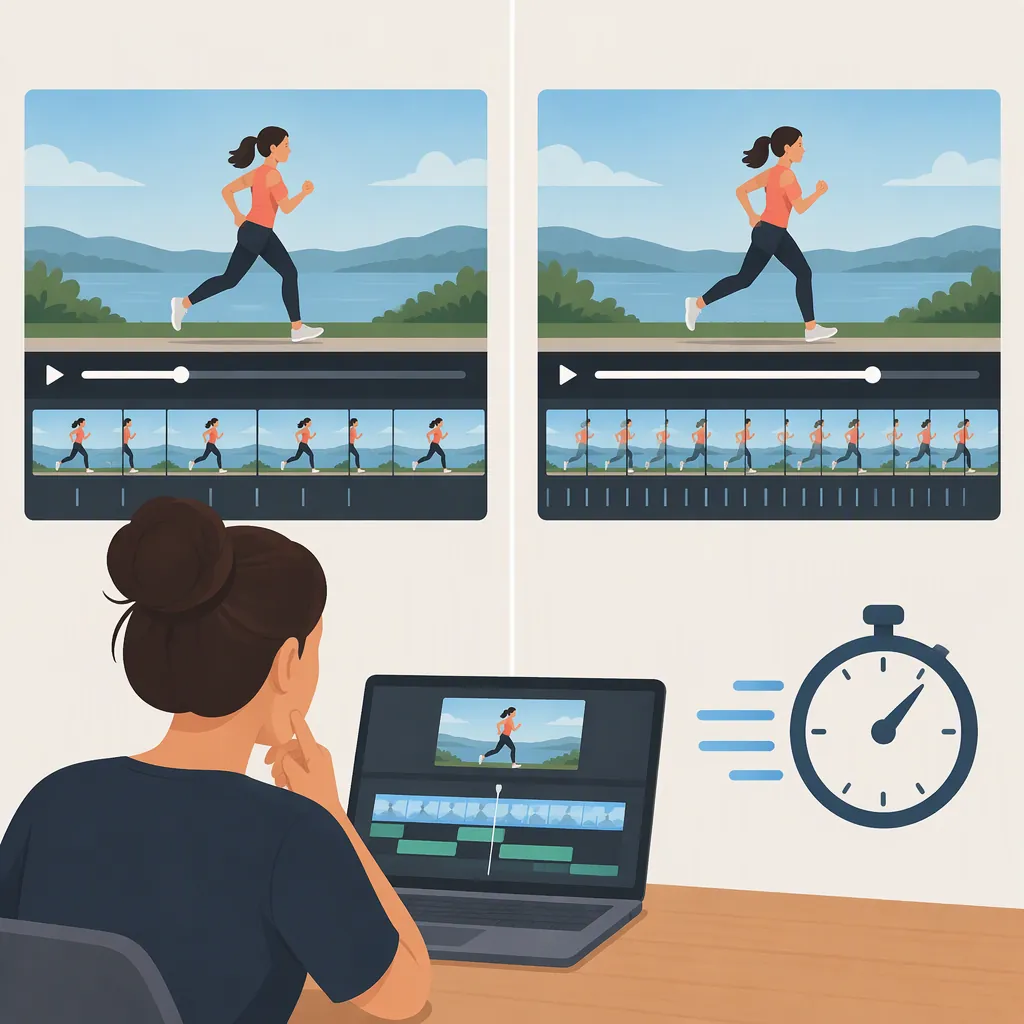
How to Make Your Video Feel Faster Without Random Effects
Start by removing repeated ideas, shortening unnecessary setup, and bringing the next meaningful story beat forward. Then use cuts, B-roll, and audio changes only when they help the viewer follow the action or argument. Aim for steady progress rather than constant visual activity. The provided editing post emphasizes pacing, visual flow, purposeful B-roll, and sound design instead of simply adding more effects; the workflow below is suggested editorial guidance, not a proven performance formula. [c1]
Edit the Story Before the Surface
First, review the video without adding transitions, graphics, or speed changes. Write down what each passage contributes: a question, an explanation, evidence, an action, or a payoff.
As an editing exercise, mark passages that repeat an earlier point without adding a useful distinction. Try removing them in a duplicate sequence. Next, test whether background information can move closer to the moment when it becomes necessary.
Keep deliberate pauses when they serve understanding, emotion, or anticipation. The goal is not to eliminate every quiet moment; it is to remove moments that do not earn their place.
Story-Beat Audit
For each passage, complete these prompts:
- This passage adds: ____.
- The viewer needs it before: ____.
- It repeats an earlier point: yes / no.
- If removed, the missing information would be: ____.

Test removal or relocation when the contribution is unclear. Compare against the original before keeping the change.
Tighten Cuts Without Rushing Comprehension
Work through the remaining material at the sentence and action level. Try trimming empty lead-ins, repeated starts, and gaps that serve no clear purpose. For demonstrations, consider cutting from a clearly established action to its meaningful result rather than showing every intermediate movement.
Do not automatically remove breaths, reactions, or all pauses between sentences. Use normal-speed playback to check whether the audience still has room to understand a new term, inspect a detail, or register a reveal.
Treat faster playback as a separate option, not the default solution. If an action is sped up, keep its important steps legible and make the change in speed clear when it matters to the explanation.
Cut-Point Check
Before accepting a trim, ask:
1. Is the sentence or action still complete?
2. Is the speaker's meaning unchanged?
3. Can the viewer understand what happened between shots?
4. Does an important detail still have enough viewing time?

Restore time wherever a trim makes the sequence confusing or misleading.
Give Each Visual Change a Job
Use visual changes to answer a specific need. A cutaway might show the object being discussed, a close-up might reveal a detail, and a simple graphic might clarify a relationship.
If a shot feels slow, first ask whether its content is still useful. Adding a zoom or transition does not address a repeated explanation or a delayed payoff. Try changing the information before decorating the shot.
For dialogue, experiment with carrying the outgoing speaker's audio over the next relevant image, or letting the next speaker's audio begin before their picture appears. Keep the timing only if the connection remains clear. Check that cutaways preserve context and do not suggest an event or reaction that the footage does not establish.
Visual-Purpose Test
Label every proposed insert or effect with one purpose:
- Show evidence.
- Explain a detail.
- Establish context.
- Connect story beats.
- Emphasize a meaningful change.

If none fits, test the sequence without the addition.
Review Sound and Rhythm Separately
Listen to the sequence without watching it. Mark repeated information, awkward gaps, abrupt audio edits, and places where music or effects compete with speech. Try adjusting those moments before introducing more visual activity.
Then watch at normal speed with sound. Compare the trimmed sequence with the original and ask where you lose the thread, where you wait unnecessarily, and where a pause feels intentional.
You can also review without sound to inspect visual continuity, but do not use that pass alone to judge a video that depends on spoken explanation. Keep edits that improve clarity and momentum together, rather than judging success only by a shorter runtime.
Three-Pass Review
Pass 1 — Audio only: mark repetition, unclear speech, and distracting sound changes.
Pass 2 — Picture only: mark confusing shot relationships and unexplained visual changes.
Pass 3 — Normal playback: confirm that the story is understandable and that important moments have room to land.

Compare each marked moment with the original sequence before finalizing it.
Evidence and Limits
The provided Editory Labs post describes an editing approach centered on stronger pacing, better visual flow, clean motion graphics, purposeful B-roll, sound design, and retention-focused storytelling. It frames editing as making the time worth watching rather than adding more effects. [c1]
That post is a creator's description of an edit, not a controlled study or a detailed technical tutorial. The supplied text does not establish that any particular technique improved retention. The exercises here are editorial suggestions to test against your own footage; they do not promise audience results or prescribe a universal cut frequency.
FAQ
Should I Make Every Shot Shorter?
No. As a practical editing rule, keep a shot long enough to communicate its purpose. Test shorter versions of repetitive or inactive moments, but retain time for reading, understanding a demonstration, or registering an emotional beat.
When Should I Add B-Roll Instead of Cutting More?
Try B-roll when the spoken idea needs a useful visual, such as a detail, example, or piece of evidence. If the explanation itself repeats information, test trimming it first. Purposeful B-roll is one element highlighted in the provided editing post, but the post does not establish a performance benefit. [c1]
How Can I Tell Whether I Have Made the Edit Too Fast?
Review at normal speed and check whether you can follow the argument, read necessary text, and understand the action without replaying. If a cut removes context or a key moment feels rushed, restore time or simplify the sequence. Treat these as review prompts rather than fixed measurements.