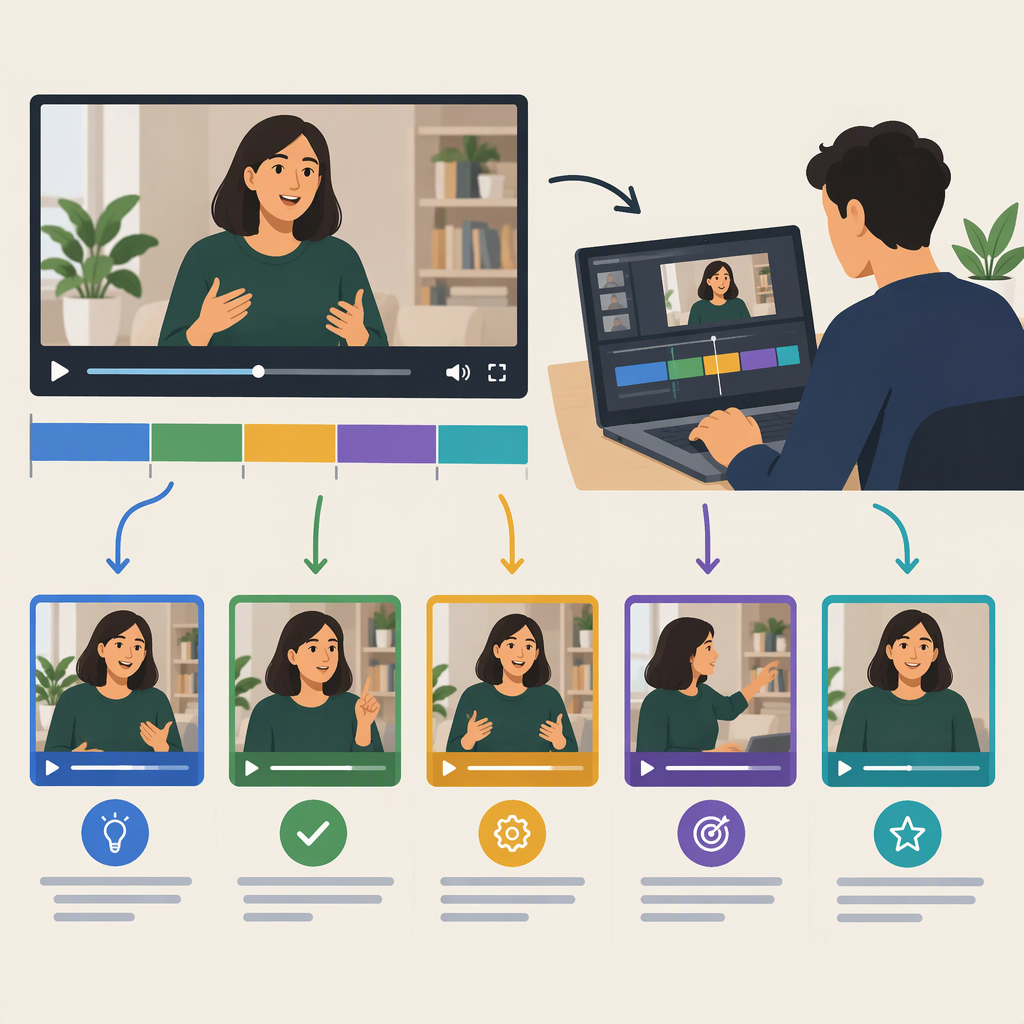
How to Turn a Long Video into Short Clips That Make Sense on Their Own
A short clip works on its own when a viewer can tell what it is about, follow the important idea or action, and understand where it ends—without having seen the full video. Look for a complete moment, keep the context needed to understand it, and review the finished cut by itself. If the meaning depends on footage outside the clip, adjust the cut or choose another moment.
1. Find a Complete Moment—Not Just a Short Stretch
As you review the long video, look for moments that contain a whole idea or story beat: a question and answer, a demonstration and result, a problem and explanation, or an action and its outcome. A lively reaction can also be a candidate, but only if viewers can understand what prompted it.
For each candidate, jot down three things:
- Subject: What is this moment about?
- Progression: What is explained, demonstrated, or changed?
- Stopping point: Where does the thought or action feel complete?
If you cannot name those parts, the segment may need more context—or may not be a good standalone cut. A transcript or a simple list of moments with timecodes can help you find candidates in a long recording; BBC Academy’s editing-preparation guidance suggests both as ways to organize source material, while noting that a transcript depends on having the time or budget for one. These are optional aids, not requirements. (downloads.bbc.co.uk)
2. Keep the Context the Point Needs
Start at the earliest moment a new viewer needs, not necessarily at the beginning of the original discussion. Keep the brief setup that makes the subject or premise clear. Then remove pauses, repetition, or detours only if cutting them does not break the meaning. End once the idea, action, or payoff is complete.
Hypothetical example: Suppose a speaker says, “Because of that, I stopped opening the oven.” If the reason was explained earlier in the long video, that line may not make sense by itself. You could include the relevant question—“Why did the bread collapse?”—and the explanation that opening the oven caused it, or choose a different segment that already contains its own setup and conclusion.
There is no single setup-to-payoff formula or ideal duration that fits every moment. A tighter cut can lose the premise; a longer one can wander. Keep the shortest version that still makes the point understandable, rather than trimming to an arbitrary time target.
3. Review the Clip Without the Original
Watch the cut as though you have never seen the long video. Ask:
- Can I tell what the clip is about?
- Can I follow the important idea, action, or cause and effect?
- Does the ending feel complete, or at least like a deliberate stopping point?
- Does the edit preserve what the speaker meant?
If an answer is unclear, add the minimum context needed, move the start or end, or pick a different moment. Then watch the revised cut by itself again. Do not keep a more dramatic edit if it changes the meaning or suggests a conclusion the original does not support. This review is a practical editorial check, not a guarantee of how an audience will respond.
A Quick Standalone-Clip Checklist
Before keeping a cut, make sure it has:
- A clear subject: A viewer can identify what is being discussed or shown.
- Enough setup: The premise or relevant cause is included when needed.
- A coherent middle: The key explanation or action is not lost in the trimming.
- A meaningful ending: The thought, demonstration, or story beat reaches a natural stopping point.
- Faithful meaning: The edit does not distort the original statement or imply an unsupported conclusion.
If a clip passes those checks on its own, it is a stronger candidate for sharing as a standalone short.