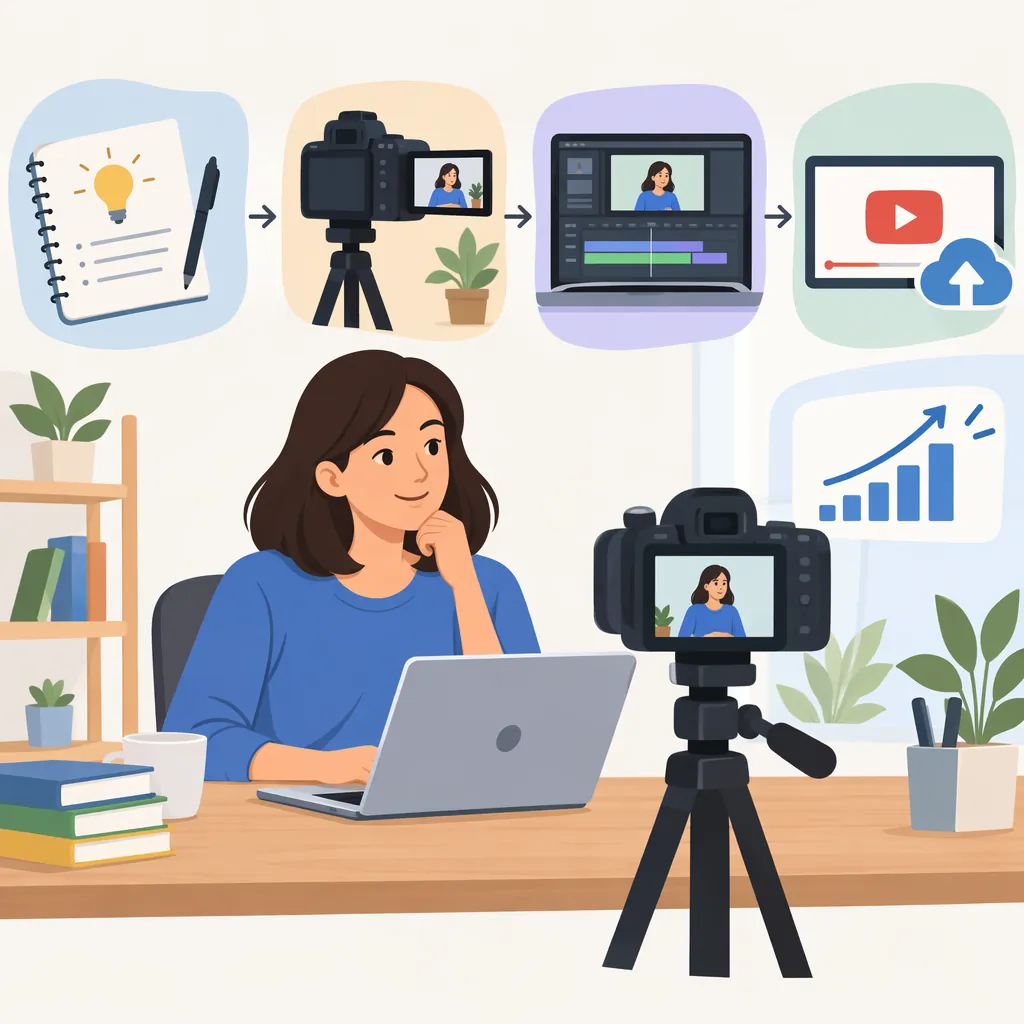
How to Make a Video Channel: From Setup to Your First Video
To make a video channel, choose a topic and intended audience, create the channel on your chosen platform, add a name and profile details, and prepare your first video. For YouTube, the supplied guide describes signing in with a Google Account, selecting “Create a channel” from the profile menu, and customizing the channel. These interface instructions come from a third-party guide published in 2024, so current labels may differ. [source_1]
1. Define What Your Channel Will Cover
Start with a short channel brief rather than a shopping list of equipment. Decide who the videos are for, what they will explain or show, and which format you can realistically produce.
The supplied guide recommends choosing content that matches your niche and audience interests, including tutorials, demonstrations, entertainment, and interviews. [source_1]
For a manageable starting point, choose one repeatable format and outline three related video ideas. Treat this as a planning exercise, not a rule about how many videos a channel needs.
Channel Planning Worksheet
Fill in these fields before creating your channel:
- Intended viewer:
- Main topic:
- What viewers should learn or experience:
- Starting format:
- First video idea:
- Second video idea:
- Third video idea:
- Time available for recording and editing:
- Tentative publishing schedule:
2. Create Your Channel on YouTube
The account-creation steps below are specific to YouTube; they are not a universal procedure for every video platform.
The supplied guide describes this sequence:
- Sign in to YouTube with the Google Account you intend to associate with the channel.
- Open the profile menu and select “Create a channel.”
- Follow the channel-creation prompts, then customize the channel. [source_1]
Before confirming, check that you are using the intended account and that the public channel name is the one you want viewers to see.
Source limitation: These steps are drawn from a third-party article published in July 2024, not current official platform documentation. If the interface differs, follow the platform’s current on-screen guidance rather than assuming the older menu labels still apply.
3. Make Your Channel Easy to Understand
The guide recommends adding a profile picture, choosing a name that reflects the content, writing a concise description, and organizing related videos into playlists. It also discusses banners and channel trailers. [source_1]
For an initial setup, prioritize clarity:
- Name: Choose something that fits the subject and is easy to read.
- Profile image: Use an image you have permission to publish.
- Description: Explain the subject and intended viewer without promising results.
- Banner: Keep important text readable and check the platform’s current image requirements.
- Public details: Review any links or contact information before displaying them.
A trailer can be a later project. First, make sure the channel description accurately reflects the videos you plan to publish.
Channel Description Template
This channel covers [topic] for [intended audience]. Videos focus on [main subjects] through [format, such as demonstrations or step-by-step explanations].

Before publishing, replace every placeholder and remove any statement that does not match your actual plans.
4. Prepare and Review Your First Video
Keep the first video focused on one question, demonstration, or story. The supplied guide recommends starting with an outline, using straightforward language, reviewing the script, and paying attention to lighting and audio. It also recommends accurate captions. [source_1]
A practical production sequence is:
- Write the main point and a short outline.
- Record a brief test and check whether speech and visuals are clear.
- Record the complete video.
- Edit out mistakes and unnecessary repetition.
- Prepare a title and thumbnail that accurately describe the content.
- Review captions, including names and technical terms.
- Before making the video public, review the platform’s available visibility settings and check for personal information or material you lack permission to use.
Use the checklist below as an editorial review, not as a substitute for the platform’s current publishing requirements.
First Video Review Checklist
- [ ] The video delivers what its title promises.
- [ ] Speech is understandable throughout.
- [ ] Important visuals and on-screen text are readable.
- [ ] Unnecessary pauses and repeated explanations have been reviewed.
- [ ] Captions have been checked for errors.
- [ ] The thumbnail represents the actual video.
- [ ] Personal details and permissions have been reviewed.
- [ ] The intended visibility setting has been checked.
5. Establish a Sustainable Publishing Routine
Choose a schedule that leaves time for recording, editing, and review. The supplied guide favors consistent publishing while prioritizing quality over frequency, and recommends using audience feedback and analytics to refine content. [source_1]
After each video, record one production lesson and one possible improvement. For example, you might simplify an explanation, adjust microphone placement, or make on-screen text larger.
Avoid treating a schedule, video length, or upload count as a guarantee of growth. This article explains a starting workflow; it does not establish current monetization requirements or predict audience results.
FAQ
Do I Need a Google Account to Create a YouTube Channel?
The supplied guide describes using a Google Account to sign in before creating a YouTube channel. Its setup instructions were published in 2024, so check the current platform prompts if the interface differs. [source_1]
Do I Need Expensive Equipment to Start?
Not necessarily. The supplied guide identifies a smartphone with a suitable camera and a basic editing app as a starting option. Before buying equipment, make a test recording and assess whether the image and sound are clear enough for your intended content. [source_1]
How Often Should I Publish Videos?
Choose a frequency you can maintain without skipping preparation and review. The supplied guide says upload frequency depends on content type, audience preferences, and production capacity, and recommends quality over quantity. It does not establish one schedule that works for every channel. [source_1]