How to Make a Quote Video on TikTok: A Step-By-Step Guide
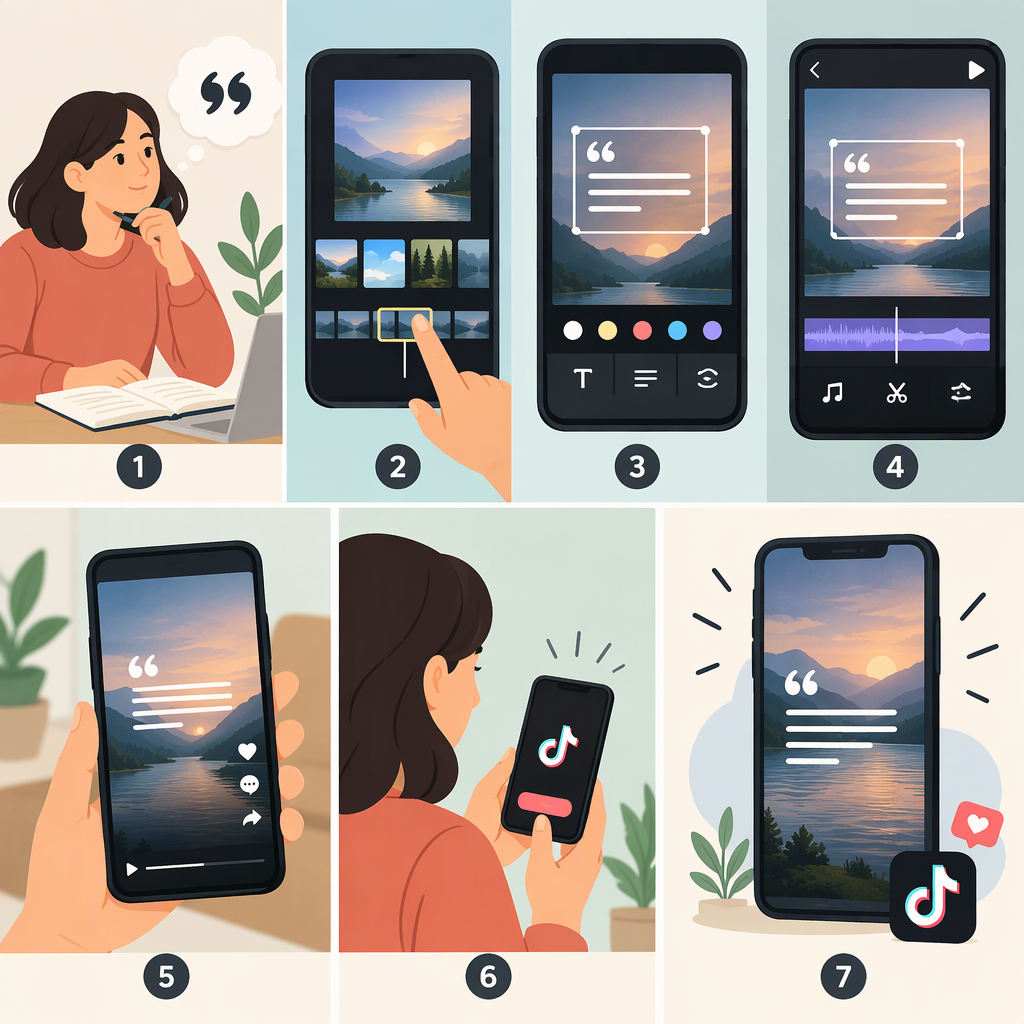
A quote video starts with clear wording and a readable presentation: choose a quote, decide how to show it, assemble the text with any visuals or audio, preview the finished clip, and check the material before posting. Then use TikTok’s current in-app posting flow to publish it. The exact button names and upload steps aren’t provided here because they could not be verified.
1. Choose the Quote and Plan How to Present It
- Keep a copy of the exact wording. Check spelling and punctuation against the source. If you shorten or adapt a quote, don’t present the edited version as an exact quotation.
- Decide whether attribution is appropriate. If you identify an author or source, make sure the attribution is accurate and visible long enough to read. Don’t guess at authorship.
- Choose a simple treatment. You can place the quote on a plain background, pair it with relevant footage, or read it aloud. These are creative options, not requirements.
- Split long text if needed. Show a short passage in sections rather than crowding the screen. Check that the complete wording and any attribution remain in the final video.
For example, you could build a short video around the original sample line “Small steps still move you forward.” Show the sentence first, then end with your name if you wrote it. If it is someone else’s quote, use an accurate attribution where appropriate—and separately check whether you have a basis to use the quote.
2. Assemble the Video
Put the quote, background, and any optional audio together in TikTok or in a video editor you choose. Keep the background from competing with the words. If you use narration, compare what is spoken with what appears on screen so they don’t contradict each other. Captions can also help viewers follow spoken words; review them for accuracy.
These are general editing suggestions, not verified TikTok specifications. No particular font size, text duration, aspect ratio, or safe-area measurement is prescribed here.
3. Preview and Check Before Posting
Watch the entire clip, not just the editing preview. Check that:
- Every word and the attribution, if included, are correct and visible.
- The text is readable against its background and isn’t obscured by other elements.
- Each section stays on screen long enough for you to read it at a normal pace.
- The video and any narration or audio play as intended.
- Any captions accurately reflect the speech.
- You have checked the basis for using the quote, images or footage, and audio. Attribution alone does not establish permission, and this guide does not determine whether a particular use is permitted.
If you can, ask someone unfamiliar with the quote to watch once and tell you what it says. If they miss a line, revise the layout, contrast, or pacing and preview again.
4. Publish on TikTok
When the video is ready, follow TikTok’s current in-app posting instructions to create a post or select a prepared video, review it, and publish. Interface labels and steps can change; consult TikTok’s current Help Center instructions rather than relying on guessed button names. Review the final post before sharing, especially the displayed text and any caption or attribution.
In short: plan the wording, make it readable, assemble and preview the full clip, check the quote and media you use, then publish using TikTok’s current instructions.