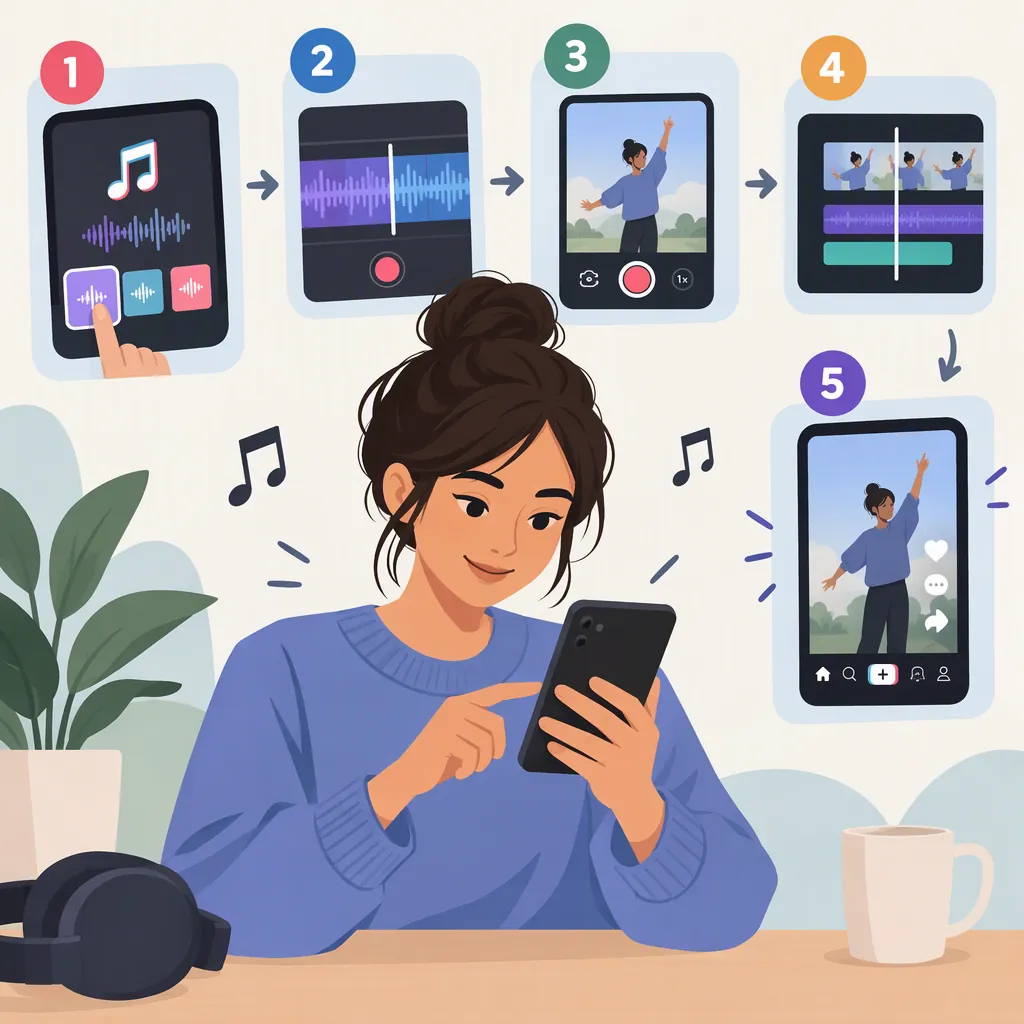
How to Make a Song on TikTok: Record, Edit, and Post
To make a song on TikTok, prepare an original song excerpt, record it with a video, review the sound and visuals, and post it. Audio captured with the video can become an original sound. Adding a finished song to TikTok’s music library is a separate distribution process. [c1]
Before you begin: The TikTok controls described here come from a third-party Linktree guide published on April 18, 2023—not current TikTok documentation. Treat the button names and locations as a general workflow; availability and layout may differ by device or account. The guide’s copyright discussion is not definitive current policy or legal advice. [c1]
Choose Your Route: Performance Video or Library Release
Decide what you want to create before recording:
| Your goal | Workflow |
|---|---|
| Write and share a new song idea | Prepare a short excerpt and record yourself performing it in a video. |
| Create an original sound from your performance | Post a video containing your recorded audio. |
| Make a finished track available in the music library | Use a separate distribution route rather than relying on a video post. |
The guide distinguishes recorded original audio from library music and names third-party distribution platforms and SoundOn as routes for delivering finished music to the library. Posting a performance is not the same as distributing a track. [c1]
The steps below focus on preparing a song and making its accompanying video, rather than treating TikTok as a complete songwriting or music-production tool.
Prepare a Short Song Excerpt
Start with one musical idea you can perform clearly. A chorus, a verse, or a brief instrumental phrase can be a manageable starting point. These are creative suggestions, not TikTok requirements or promises of reach.
For a new song:
- Choose a subject. Write one sentence describing what the song is about.
- Draft a few lines. Keep the excerpt focused on that idea.
- Try a repeatable melody. Choose something you can sing comfortably through several takes.
- Record a practice take. Listen for unclear words, awkward phrasing, or accompaniment that overpowers the vocal.
- Revise the excerpt. Change the parts that are difficult to perform or understand.
If you already have a finished song, choose a section that makes sense without the rest of the track.
Plan the picture alongside the music. You might use a direct performance, a lyric-focused visual, or a simple scene that matches the song’s mood. Check permission for backing music, samples, and other material you did not create. The guide cautions against using another person’s music or voice without permission, including audio audible in the background. [c1]
Song and Video Planning Worksheet
- Song idea: What is the excerpt about?
- Musical section: Which lines or phrase will you perform?
- Visual concept: Will viewers see a performance, lyrics, or a scene?
- Opening and ending: Where should the video begin and finish?
- Audio check: Are the voice and accompaniment easy to hear?
- Rights check: What material did someone else create, and do you have permission for the intended use?
- Revision: What is one change to make after the practice take?
Record the Performance and Balance the Audio
Choose a quiet setting and make a practice recording before the take you intend to share. Then follow the appropriate recording route.
Option 1: Record an Original Performance Without Added Sound
The guide describes opening TikTok, tapping the plus sign (+) to create a video, pressing Record, and tapping the checkmark when finished to continue to editing. Audio captured during the recording becomes the video’s original audio. [c1]
Use this route for an unaccompanied vocal or a performance in which you record your voice and instrument together.
Option 2: Record Your Voice over an Added Sound
For layered audio, the guide describes selecting Add sound at the top of the recording screen and choosing the backing clip before pressing Record. It then describes recording your voice or other sound over that backing track. [c1]
This is the sequence documented in the older guide, not a guarantee that every current account offers the same controls. Verify that the selected music is permitted for your intended use.
Review and Adjust the Mix
After recording:
- Listen before adding effects. Check whether the lyrics are understandable and whether the accompaniment overwhelms the vocal.
- Open the volume controls, if available. The guide describes tapping the sound icon at the top center, selecting Volume at the bottom right of the pop-up menu, and adjusting separate Original sound and Added sound sliders. [c1]
- Balance the tracks. As a general mixing choice, keep the vocal clearly audible if the words are the focus.
- Preview the entire excerpt. Check the opening, louder passages, and final note—not just a few seconds.
- Use effects selectively. Consider leaving the recording untreated if an effect makes the words harder to understand.
If a named control is missing, do not assume it is available for your account. The reference does not establish the current interface across devices or account types.
Edit the Music Video to Match the Song
Once the audio is clear, review how the picture supports it. The following are general production suggestions, not verified paths through TikTok’s current editing interface. Use whichever editing controls are available to you.
- Set a deliberate opening. Decide whether the video should begin with a brief visual introduction or directly with the first lyric or musical phrase.
- Remove unnecessary pauses. Cut empty time before or after the performance where possible, but keep pauses that serve the song.
- Keep the performance in sync. After any cuts, check that visible singing or instrument playing still matches the audio.
- Time lyric text carefully. If you add lyrics, show each line alongside the corresponding sung phrase and leave enough time to read it.
- Check text placement. Make sure words do not cover your face, hands, instrument, or another important part of the scene.
- Choose a clean ending. Avoid cutting off the final word or note unless the abrupt stop is intentional.
- Watch the complete video. Confirm that the imagery fits the song’s mood and that no edit interrupts the performance unintentionally.
For a simple performance video, a clear, steady shot may be enough. Additional cuts or text should help viewers follow the song rather than compete with it.
Post the Video and Check Its Original Sound
When you are satisfied with the recording and video, the guide describes continuing through Next, adding a caption, and selecting Post. To inspect the sound afterward, it describes opening the published video from your profile and tapping the spinning record icon to view the sound and modify its name. [c1]
Use a descriptive caption that identifies the song or excerpt without implying a release status it does not have. If sound naming is available, a clear song title or excerpt label is a practical choice.
The guide associates other users’ access to recorded original audio with a public account. That does not guarantee that every posted sound will be reusable under current settings or restrictions. Posting an original sound also should not be treated as proof of a music-library release. [c1]
Put a Finished Song in the Music Library
If your goal is a library release rather than a performance post, the guide identifies third-party distribution platforms and SoundOn as possible routes. It does not verify current eligibility, fees, delivery timing, or submission requirements. [c1]
Before choosing a route:
- Review the service’s current submission requirements and terms.
- Confirm that you can authorize the intended use of both the recording and the composition.
- Check permission for any samples or other third-party material.
- Verify release details directly with the selected service rather than assuming that posting a video completes distribution.
Do not assume that giving credit replaces permission or that music available inside TikTok is cleared for every commercial or off-platform use. This section explains the workflow distinction, not a complete distribution or legal process.
FAQ
Can I Sing Directly into TikTok to Make a Song?
Yes—the recording workflow described in the guide captures audio along with a video, so a recorded singing performance fits the original-sound route. Prepare your song first, then review the recording before posting. [c1]
Can I Combine My Voice with Added Music?
The guide describes choosing Add sound before recording, then balancing the recorded and added audio with separate volume sliders. Check whether those controls are available in your app and verify permission for the music’s intended use. [c1]
Is an Original Sound the Same as a Music-Library Song?
No—not necessarily. An original sound can come from audio recorded with a video; a finished song reaches the library through a separate distribution route. [c1]
Can Other People Use the Song I Record?
The guide says recorded original audio is available to other users when the account is public. Current settings and restrictions may affect reuse, so that statement is not a guarantee for every posted sound. [c1]
How Do I Put My Finished Song in TikTok’s Music Library?
The guide names third-party distribution platforms and SoundOn as possible routes. Check the selected service’s current eligibility, submission requirements, pricing, and timing; the reference does not establish those details. [c1]