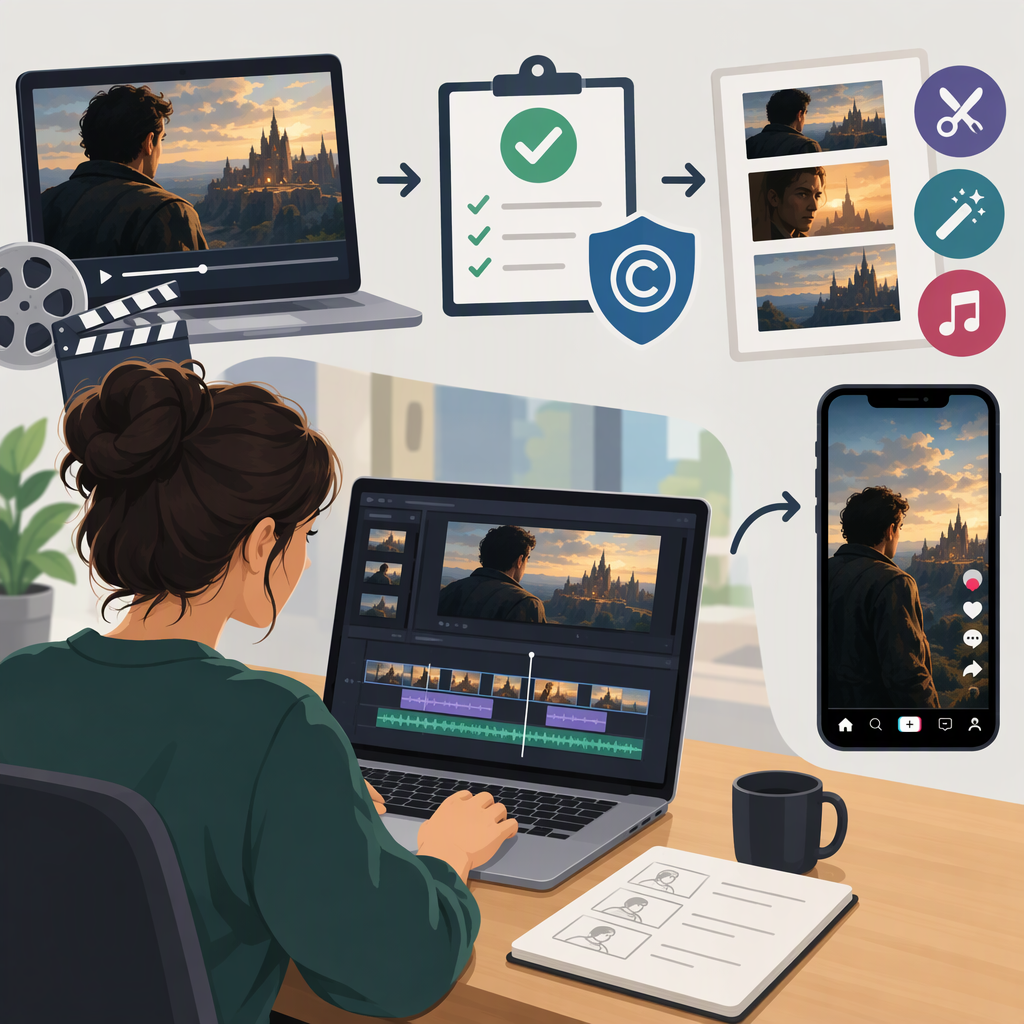
How to Make Tiktoks with Movie Clips: Rights Checks and Editing Workflow
Start with the Rights Question
You can make a TikTok that includes a movie clip when you have the rights or permission for your intended use, the relevant material is verified as public domain in the applicable jurisdiction, or a legal exception may apply. A clip being short, credited, edited, or used in a commentary video does not automatically make it lawful. TikTok’s rules are a separate consideration: its guidance says content that infringes someone else’s copyright is not allowed, and that laws vary by jurisdiction. (support.tiktok.com)
This guide focuses on U.S. copyright as general information, not a ruling on any particular video. If you are elsewhere, local exceptions and copyright terms may differ.
Choose a Rights Path Before You Edit
- Get permission or a license. Identify who controls the rights for the clip and ask for permission covering your planned use—such as posting on TikTok. Keep the written permission and note any limits, such as where, how long, or for what purpose you may use it. The U.S. Copyright Office recommends contacting the owner when known; its records can help with research, but a record search is not a substitute for permission. (copyright.gov)
- Check whether the specific material is public domain. In the U.S., a work enters the public domain when its copyright term expires, but the term depends on facts such as publication date and authorship. A film’s age alone is not enough to conclude that a particular version or excerpt is free to use. Start with the film’s credits, copyright notice, publication details, and Copyright Office records. The Office cautions that even several research methods may not produce a conclusive result. (copyright.gov)
- If relying on fair use, assess the whole use—not a shortcut. U.S. fair use is evaluated case by case using four factors: the purpose and character of the use; the nature of the copyrighted work; the amount and substantiality used; and the effect on the work’s potential market or value. Commentary and criticism can be relevant purposes, but do not automatically qualify. There is no fixed number of seconds or percentage that is always safe. If the video depends on fair use, consider getting legal advice before posting. (copyright.gov)
A public-record search is a starting point, not a guarantee of ownership or public-domain status. Check the exact film version and the intended excerpt; seek permission if the rights remain uncertain. The Copyright Office provides a public records portal and guidance on investigating copyright status. (copyright.gov)
Build the TikTok Around Your Own Idea
Once you have a rights path—or are deliberately assessing a possible exception—make the creator’s contribution the organizing idea of the video. This is an editorial workflow, not a legal test: adding narration or edits does not itself establish permission or fair use.
- Write the point in one sentence. For example: “I’m explaining how this scene uses a change in camera distance to build tension.”
- Plan what you add. Decide what your narration, on-camera explanation, criticism, or other original contribution will communicate. Make the video understandable without asking viewers to watch an uninterrupted scene.
- Choose only the footage needed for that point. Use the minimum that supports your explanation. There is no guaranteed safe clip length; the amount used is one part of a broader legal assessment. (copyright.gov)
- Assemble a draft. Put your explanation in a clear order, then place the relevant footage where it helps make the point. Add readable captions and an opening that tells viewers what you are discussing if useful.
- Review every included element. Check the movie images, dialogue, music, sound effects, and anything else you added. A soundtrack may involve rights separate from the movie images; the Copyright Office explains that a musical work and a sound recording can be distinct protected works. (copyright.gov)
- Preview the whole post before sharing. Confirm that the final cut matches the use you assessed and any permission or license conditions. TikTok’s copyright guidance addresses platform rules; it does not decide whether a use is lawful under U.S. copyright law. (support.tiktok.com)
Illustrative contrast: A scene reposted with only a title card centers the movie footage. A video that uses a relevant moment to explain a specific filmmaking choice centers the creator’s explanation. That difference may matter when assessing the use, but it does not decide the legal outcome by itself.
If You Cannot Establish That You Can Use the Clip
You do not have to build the video around footage you cannot clear. You can seek permission, choose material with verified rights and terms, or revise the idea to use original visuals, a reenactment, or commentary that does not depend on the movie excerpt. If you replace the movie soundtrack with other music, check the rights for that audio too; image and audio rights are not necessarily the same. (copyright.gov)
TikTok’s commercial music guidance is specifically about posts promoting a brand, product, or service. It says its Commercial Music Library is pre-cleared for commercial use and that its licenses for music outside that library do not cover commercial use in content. That guidance concerns music; it does not clear movie footage. (support.tiktok.com)
Bottom line: establish a rights basis before posting, make your own idea the focus of the edit, and switch to a concept that does not rely on the clip if you cannot determine whether you may use it. TikTok’s policy and legal permission are separate questions, and neither a caption credit nor an editing choice is a guarantee.