How to Make a Funny Voice on TikTok
The Quickest Way to Make a Funny Voice on TikTok
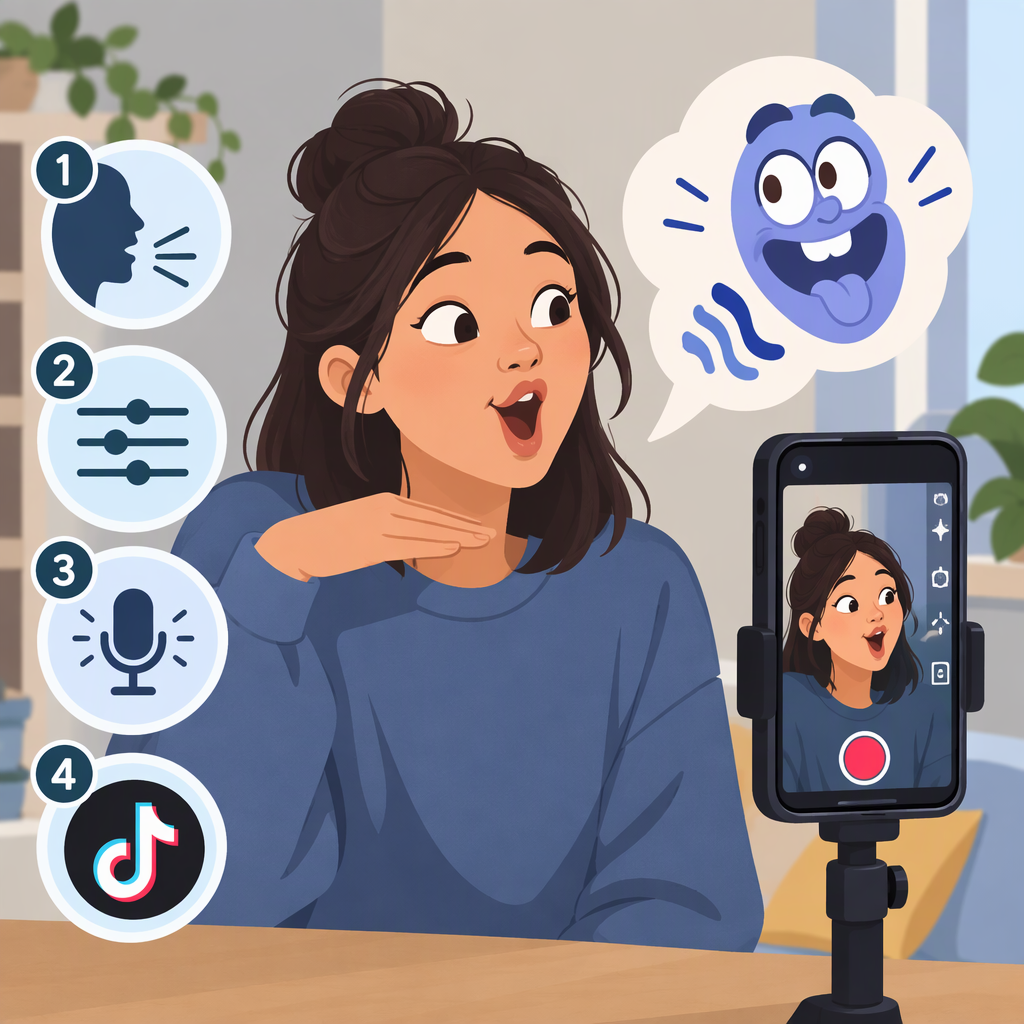
Record yourself speaking in TikTok, then try a voice effect in the editing screen and preview the result before posting. A common route is: tap +, record a clip with your spoken line, tap the checkmark to continue, then look for Voice Effects or Audio Editing. Choose an effect and listen to the preview. TikTok’s Help Center confirms that effects can be added before or after recording, though its public instructions don’t specify the voice-effect button or exact steps. A recent step-by-step guide describes the post-recording route; your screen may use a different label or layout. (support.tiktok.com)
Try It Step by Step
- Open TikTok and tap + to start a video.
- Record the line you want to deliver. Keep it short so you can easily compare versions.
- Tap the checkmark to reach the editing or preview screen.
- Look for Voice Effects or Audio Editing. If you find it, tap an effect and listen to how it changes your recorded speech.
- Replay the clip from the beginning before posting.
TikTok’s interface and available options can vary. If you don’t see a voice-effect control, don’t assume another effect button does the same thing: TikTok’s general Effects instructions describe video effects, not a guaranteed voice changer. You can still record the line with a different delivery, or leave the audio unchanged. (support.tiktok.com)
Choose Based on the Audio You’re Starting With
If you’re making a new video, recording your spoken line in TikTok first is the clearest route to try. The steps above apply a voice effect to that recording if the control is available.
If your speech is already in an uploaded clip, TikTok documents editing uploaded videos, and its general effects guidance says effects may be added after uploading. But those instructions don’t confirm that a voice effect will be available for every uploaded clip. Check the editor for the voice control before relying on it. The Help Center also documents multi-track editing, but that alone doesn’t establish a specific voiceover workflow for this task. (support.tiktok.com)
Check the Joke Before You Post
Listen once for the joke and once for the audio: can you understand every word, and can you hear the voice clearly alongside any other sound? If the effect makes the line hard to understand, try another available effect or use the original recording. These are practical listening checks, not guaranteed settings or a formula for making a video funny.
For a simple creative starting point, try a very serious delivery of an unexpectedly ordinary line, or pause briefly before its last word. Treat that as an idea to experiment with—not a tested formula.