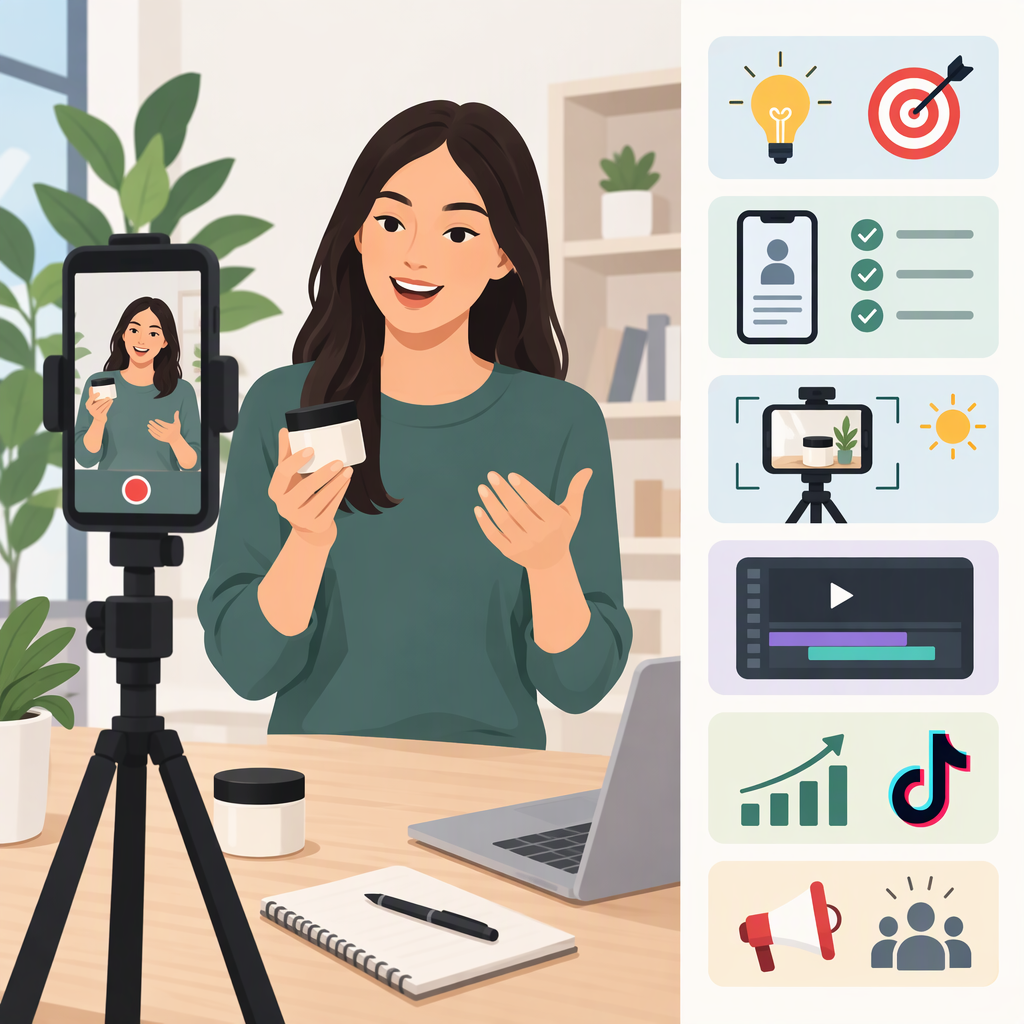
How to Make TikTok Videos for Your Business
To make a TikTok video for your business, choose one intended viewer and one useful message, plan a short opening–main point–ending sequence, record clear footage and sound, then review the post for captions, music rights, and any required commercial-content disclosure. After posting, use an observation from the video—not an assumed promise of sales or reach—to decide what you might change next.
The planning and filming advice below is general production guidance, not a required TikTok formula. TikTok’s tools and some features can vary by app, web experience, region, or eligibility, so check the current instructions for the channel you use.
1. Choose One Viewer, Purpose, and Message
Before filming, write down three things:
- Who is this for? Name a specific kind of viewer, such as someone comparing options, learning a basic skill, or trying to solve a common problem.
- What should the video do? It might explain, demonstrate, answer a frequently asked question, or introduce an aspect of your business. Choose one purpose for this video rather than trying to cover everything.
- What is the one point to remember? Write it as one plain sentence. If the sentence contains several unrelated points, narrow the topic.
Then turn that message into a filmable idea. For example, a hypothetical neighborhood bakery could make a video showing how to store a loaf to keep its crust from getting soggy. That is an illustrative idea, not a real business case or a claim about likely results. A different business could use the same planning approach for a common customer question, a brief demonstration, or a behind-the-scenes explanation.
A useful check: can you explain the video’s point in one sentence, and can you show or say it clearly in a few shots? If not, simplify the idea before recording.
2. Turn the Idea into a Simple Video Plan
A straightforward structure is opening, main point, ending. Treat it as a planning aid, not a proven performance formula:
- Opening: State the question, situation, or topic so viewers know what the video is about.
- Main point: Show the process, explain the answer, or give the key information. Keep each line or shot focused on the same message.
- Ending: Sum up the point or give a relevant next step, such as where to find more information. Avoid adding a new topic at the last moment.
Illustrative Script and Shot-List Template
This is a blank template with a hypothetical example. It has not been tested and makes no performance claim.
| Part | What to plan | Hypothetical example |
|---|---|---|
| Opening | One question or topic | “Wondering how to store a crusty loaf?” |
| Main point | One explanation or demonstration | Show the storage method and explain the reason in a short sentence. |
| Ending | Brief summary or next step | “Choose storage based on when you plan to eat it.” |
Before recording, list the shots you need—for instance, a person speaking to camera, a close-up of the item being demonstrated, and a final shot that supports the summary. You can film the shots in the order that is easiest, then arrange them during editing.
3. Record and Edit the Video
You do not need to treat any particular camera or setup as mandatory. Aim for footage that makes the point easy to see and sound that is easy to hear.
- Frame for the subject. Keep the person, product, or action large enough to understand on a phone screen. Portrait framing is a practical choice for a full-screen mobile video, not a universal platform requirement; check current specifications if you are making an ad or using another publishing workflow.
- Use available light thoughtfully. Face a window or another soft light source when possible, and avoid a bright background that makes the subject difficult to see.
- Check the sound. Record a short test and listen back. Reduce nearby noise or move the microphone closer if speech is hard to understand.
- Edit for clarity. Remove pauses or repeated explanations that do not help the main point. Keep transitions and effects secondary to the information.
- Make text readable. Use concise on-screen wording, with enough contrast and time for someone to read it. Do not put important text where it may be covered by app controls.
- Review captions. TikTok says eligible uploaded videos can have auto-generated captions, and its app also provides creator captions that can be reviewed and edited. Check the transcription for errors before posting; availability and steps may vary. (support.tiktok.com)
TikTok Studio can be used to upload, schedule, and edit posts, manage content, and view analytics. TikTok says some tools are better accessed in a browser and that availability can vary by experience, region, or eligibility. (support.tiktok.com)
4. Check Business-Content Requirements Before Posting
If the video promotes your own business, a product, or a service, TikTok’s guidance says to turn on its content disclosure setting. TikTok says a post promoting your own business is labeled Promotional content; branded content posted for another business is labeled Paid partnership. Its help page also says posts without the proper disclosure may be removed or restricted. Check the setting and current instructions in the app or publishing workflow you use. (support.tiktok.com)
For music, TikTok recommends using tracks from its Commercial Music Library for content promoting a brand, product, or service. TikTok says licenses it holds for music outside that library do not cover commercial use in content; if you use an original sound or music from outside the library, its Music Usage Confirmation says you must confirm there is no copyright-protected music or that you have obtained the necessary licenses. (support.tiktok.com)
If you endorse another brand and have a material connection—such as payment, employment, a personal or family relationship, or free or discounted products—the FTC says that connection should be made obvious. The disclosure should be hard to miss and placed with the endorsement, rather than only on a profile page or behind a “more” click. TikTok’s disclosure label and any disclosure needed for a particular endorsement are related but distinct considerations; review the applicable guidance for the content and relationship involved. (ftc.gov)
Also check relevant platform rules and laws for your content. This article is general educational guidance, not legal advice; requirements may depend on what you promote and the circumstances.
5. Review the Post and Choose One Thing to Learn
After publishing, look at the response available to you and compare it with the video’s purpose. TikTok Studio includes analytics and content-performance tools, though certain metrics may require analytics to be enabled and tool availability can vary. (support.tiktok.com)
Keep the review modest and specific:
- Recall the intended purpose. Was the video meant to explain a process, answer a question, or show something clearly?
- Note one observation. For example, did viewers respond to the demonstration, or did the explanation seem too long? Treat this as a prompt for further learning, not proof of why a video performed a certain way.
- Choose one adjustment to consider. You might make the opening more specific, shorten one explanation, improve the sound, or show the key action closer to the camera.
- Try the adjustment in a future video. Keep the topic or approach comparable if you want a more useful comparison, while remembering that audience response can vary for many reasons.
There is no guaranteed outcome from following a particular format or changing one element. The goal is to make the next video clearer and learn from what you observe.
Quick Pre-Publish Checklist
- The intended viewer and main message are clear.
- The video has an opening, a focused explanation or demonstration, and an ending.
- The footage is easy to see and the speech is easy to hear.
- On-screen text and captions are readable and checked.
- Music is suitable for commercial use in this content.
- The content disclosure setting is on when the post promotes a brand, product, or service, as TikTok instructs.
- The final post matches the current requirements for the account and publishing channel you use.