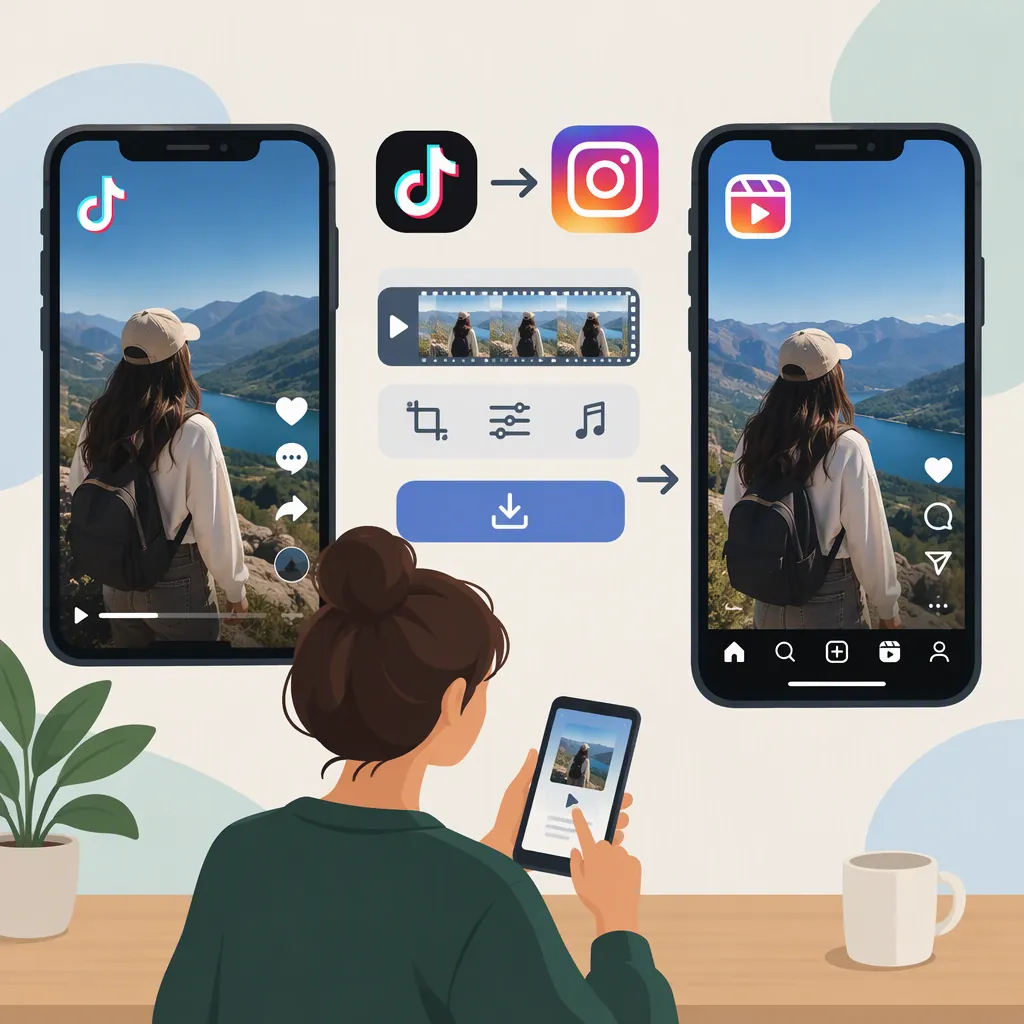
How to Make Instagram Reels from Your TikTok Videos
To turn your TikTok video into an Instagram Reel, use your original video file when available, open Instagram’s Reel creation option, and upload the clip from your phone. Review the framing, edit the text and audio for Instagram, choose a cover, and add a caption before sharing. Uploading separately gives you more editing control than a direct share to Stories. These steps follow third-party guides; exact controls can vary. [c1] [c2]
Choose a Reel, Not Just a Story Share
“TikTok Reels” usually means TikTok videos republished as Instagram Reels—not a separate TikTok format.
For this task, use Instagram’s Reel creation flow and select your saved video. The MarketerHire guide describes direct sharing from TikTok to Instagram Stories as a different route with less control over the finished video. A Story share is therefore not the same workflow as creating a Reel. [c1]
The instructions below focus on reusing your own footage. If the clip includes someone else’s footage or music, treat permission as a separate check rather than assuming that a downloadable file is cleared for reuse.
Prepare Your Video Before Uploading
Start with the original recording or an export from your editing project, if you still have it. MarketerHire recommends using the original video rather than relying on a TikTok download, while Marvelous describes exporting one edited MP4 for use on either platform. [c1] [c2]
Use these preparation checks:
- Framing: A vertical 9:16 layout, such as 1080 × 1920 pixels, is the working format recommended by MarketerHire. Treat it as a practical export target, not a verified current Instagram requirement. [c1]
- Watermark: Prefer a clean export from your own project. Cropping or blurring a downloaded watermark can compromise the composition; the source presents those approaches as last resorts. [c1]
- Text: Rewrite references that only make sense on TikTok. Preview the video and check that important words remain readable.
- Pacing: Consider trimming an intro or outro that no longer fits the Instagram version, as the cross-posting guide suggests. [c1]
If a downloaded copy is your only option, inspect it before editing. Do not assume that removing a watermark restores the quality of the original recording.
Check Audio Separately from the Video
Do not assume that music used on TikTok is also cleared for Instagram. The MarketerHire guide flags music licensing as a cross-posting issue and recommends replacing TikTok-added music when necessary. [c1]
A practical approach is to keep your original speech or voiceover in the export and leave out added music whose reuse rights are unclear. Then choose audio suitable for your intended Instagram use, or use a track for which you have the necessary permission.
If music and speech are already mixed into one file, return to the editing project if possible. Muting the entire exported clip would also remove the speech, so review the result before publishing.
The supplied references do not establish the current music permissions for every account type, region, or commercial use. A track’s presence in an app should not replace checking the terms that apply to your post.
Upload and Review the Instagram Reel
The Marvelous guide describes this basic upload sequence. Follow the equivalent controls in your version of Instagram rather than relying on a button being in one fixed location. [c2]
- Open Reel creation. Open Instagram, select the create or plus control, and choose Reel.
- Select your saved clip. Use the phone-library option to import the prepared video.
- Edit the Instagram version. Review the clip and add or adjust text, effects, and suitable audio as needed.
- Choose a cover and caption. Select a frame that represents the video and write a caption that makes sense without the TikTok context.
- Preview, then share. Check the full video for unwanted cropping, unreadable text, and audio problems before publishing.
These are third-party instructions, not a current official Instagram interface specification. If the app rejects the file or offers different controls, follow its displayed requirements. The supplied references are not sufficient to verify current maximum Reel length, file-size limits, or recommendation rules.
Pre-Publish Review Checklist
- [ ] I am using my own footage or have checked permission for reused material.
- [ ] I selected Reel rather than a Story-only sharing route.
- [ ] The framing preserves the important visual content.
- [ ] On-screen text is readable in the preview.
- [ ] The audio is appropriate for my intended Instagram use.
- [ ] The cover and caption match this version of the video.
- [ ] I watched the complete preview before sharing.
Avoid Promises About Reach or Quality
A separate upload is useful for controlling the edit, but it is not a guarantee of more views. MarketerHire makes claims about watermark-related ranking effects; the supplied evidence does not include an official Instagram policy confirming how those effects currently work. Prefer a clean original export for presentation and editing control, not as a promised reach boost. [c1]
Likewise, a clean export does not guarantee that the published video will look identical to the file on your phone. The guide identifies downloading, watermark-removal tools, and Instagram upload compression as possible sources of quality loss. Compare your source file with the uploaded result before deciding which part of the workflow to change. [c1]
FAQ
Can I Use the Same Video on TikTok and Instagram Reels?
Yes. The supplied guides describe reusing an edited video across both platforms. Prefer your original export, then review the text, framing, and audio separately for Instagram rather than assuming the TikTok version needs no changes. [c1] [c2]
Does Sharing from TikTok Automatically Create an Instagram Reel?
Do not assume so. The MarketerHire guide describes direct sharing to Instagram Stories separately from manually uploading a video as a Reel. To follow the Reel workflow, open Instagram’s Reel creation option and select your saved clip. [c1] [c2]
Can I Keep the TikTok Song in My Instagram Reel?
Only if you have the necessary permission for that use. The supplied cross-posting guide warns that music available on TikTok may not be licensed for Instagram. If the rights are unclear, omit the added track and choose appropriate audio for the Instagram version. [c1]
What Video Size Should I Prepare?
A vertical 9:16 export at 1080 × 1920 pixels is the practical target recommended by MarketerHire. It is not presented here as a verified current upload requirement; check Instagram’s displayed requirements if your file is rejected. [c1]