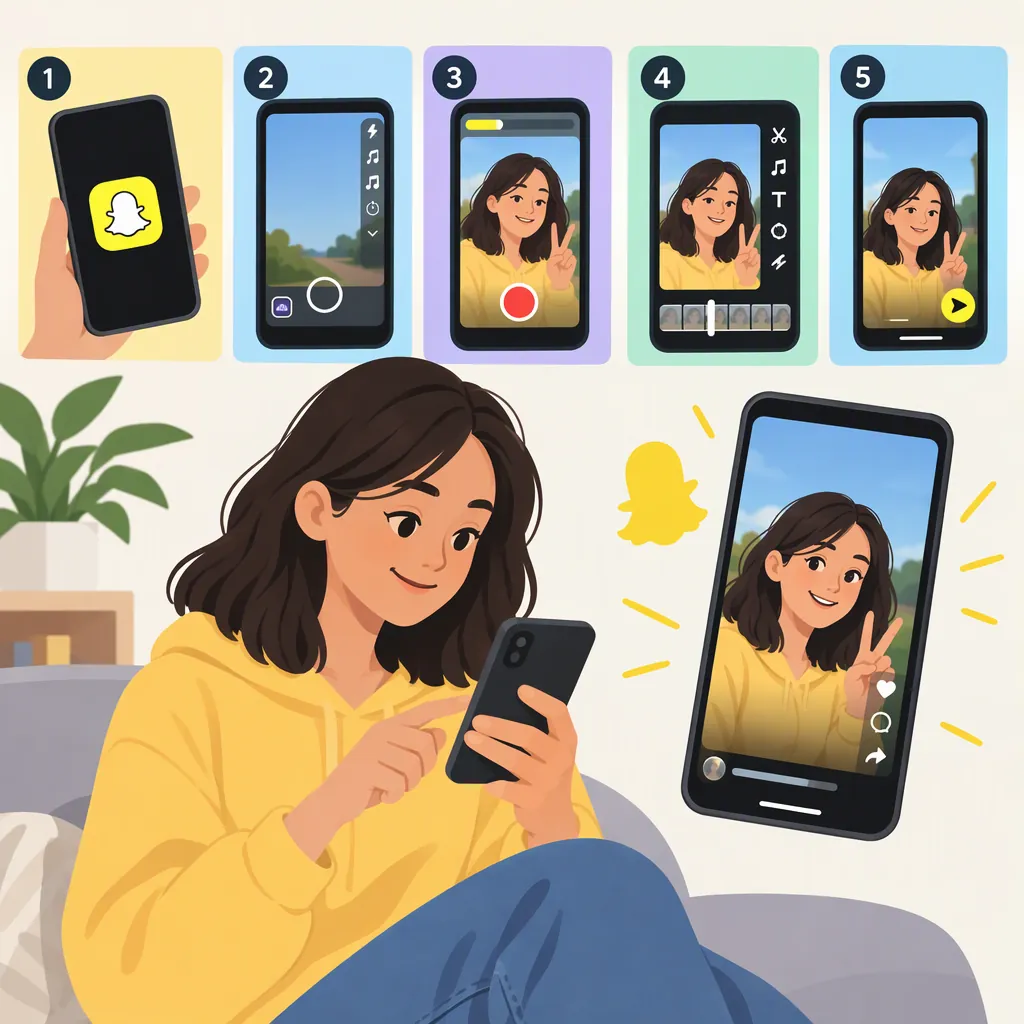
How to Make Reel-Style Videos for Snapchat: A Beginner Workflow
To make an original reel-style video for Snapchat, choose one idea, plan an opening and payoff, film your own clips, and edit them into a clear short sequence. Add text or audio where it helps, save the finished video, and check its playback before reviewing Snapchat’s available sharing destinations and audience settings.
Understand What “Reels” Means Here
Here, reel-style video means a short, edited video—not a verified Snapchat feature name.
Snapchat’s “Reels Ideas” page references creative ideas and creators on Spotlight, while its “How To Make Short Videos” page describes a Spotlight collection. These pages provide inspiration; they do not establish a separate Reels publishing feature. [src_2] [src_3]
Scope and evidence limits: This guide covers original video planning, filming, editing, and preparation for sharing. The cited collections are not technical guides: they do not verify current Snapchat controls, upload specifications, music permissions, account eligibility, or publishing steps. Confirm those details in the current app for your chosen destination. The creative techniques below are adjustable exercises, not requirements or promises of views.
1. Plan One Idea with a Clear Payoff
Choose something you can show rather than a broad topic. Instead of “my creative process,” try “how I turn a pencil sketch into a finished drawing.”
Write three beats before recording:
- Opening: Show the result, question, or situation.
- Middle: Show the action that explains or changes it.
- Payoff: Deliver the result or resolve the question.
Snapchat’s video-content collection includes material about hooks, context, payoffs, POV shots, and text overlays. Use those topics as prompts for planning your own sequence. [src_1]
For the drawing example, open with a detail of the finished image, show the essential drawing steps, and end with the completed work in full.
Use your own footage and wording. If another video inspires a transition or camera angle, apply the technique to your own subject rather than reproducing the original video.
Fill-In Video Brief
- Subject: One thing I can show.
- Viewer question: What the opening should make someone wonder.
- Opening shot: The result, problem, or situation.
- Middle action: The essential change or explanation.
- Payoff: The answer or finished result.
- Text needed: Information the images do not explain.
- Original elements: My footage, script, performance, or demonstration.
2. Film a Simple Sequence of Original Clips
Make a small shot list so every clip has a purpose. For this exercise, try filming upright with your phone and keeping the main action clearly framed.
For the drawing video, record:
| Shot | What to capture | Purpose |
|---|---|---|
| Finished drawing close-up | A clear detail of the completed image | Introduce the result |
| Blank page and tools | A wider view of the starting setup | Establish the starting point |
| First lines | A close view of the pencil creating the main shape | Show how the drawing begins |
| Shading or color | A visible change in the image | Show progress |
| Final reveal | The complete drawing, clearly framed | Deliver the payoff |
Stabilize the phone and choose lighting that makes the subject easy to see. Record a short test before filming the whole sequence. If you speak, listen to the test for distracting background noise.
Capture an alternate take of an essential action if the first version is unclear. Keep framing consistent when you want viewers to compare the drawing before and after a change.
Before recording, check the background for private messages, addresses, and other personal information. Avoid including people who have not agreed to appear.
3. Turn the Clips into a Clear Rough Cut
Choose an editor that lets you arrange and trim your footage, add any necessary text, and save a finished video. This is a tool-neutral workflow; it does not assume that every step is available inside Snapchat.
Import or select your recorded clips in the editor, then build the sequence before adding effects.
Example: Edit the Drawing Video
Try this order:
- Finished drawing close-up: Open with a detail that introduces what you are making.
- Blank page and tools: Cut to the starting point.
- First lines: Keep the action that establishes the main shape. Remove extended positioning, pencil searching, or repeated attempts that do not explain the process.
- Shading or color: Keep a visible change. If several clips show the same action, choose the clearest one rather than including them all.
- Final reveal: Show the complete drawing so the ending resolves the opening.
If the process needs explanation, place a short phrase on the relevant shot—for example, “Block in the main shapes” over the first-lines clip. Position it away from the pencil tip and essential details.
Add Text, Transitions, and Audio Selectively
- Text: Use short phrases that supply missing context. Check that they remain readable while the video plays.
- Transitions: Start with simple cuts. Use another transition only when it helps explain a change.
- Speech: Keep the essential explanation understandable and remove unnecessary repetition.
- Music: Use only audio you are authorized to use for the intended post. A track’s availability elsewhere does not establish permission to use it.
Snapchat’s short-video collection highlights transitions, text overlays, reaction styles, and creative skits as techniques to explore. They are options for your video, not a mandatory editing formula. [src_3]
Watch the rough cut without sound to see whether the sequence is understandable. Then play it with sound to check whether music or background noise obscures speech or important audio.
Rough-Cut Review Checklist
- The opening makes the subject clear.
- Every clip contributes to the idea.
- The middle shows the essential action without unnecessary repetition.
- Text is readable and does not cover important details.
- Speech and important sounds are understandable.
- I have checked permission for footage and audio.
- The ending delivers the promised payoff.
- Private information is not visible.
4. Save and Check the Finished Video
Move from an editable project to a finished video before attempting to share it. An editing project and a saved video are different deliverables: make sure you have the version you can play outside the editor.
Use this handoff checklist:
| Stage | What to do | What to confirm |
|---|---|---|
| Select footage | Import or select your original clips in the editor | All essential shots are included |
| Arrange and trim | Put the clips in order and remove unnecessary footage | The opening, middle, and payoff are clear |
| Add finishing elements | Add only necessary text and authorized audio | Nothing obscures the action or explanation |
| Save the video | Use your editor’s save or export option for the finished sequence | You can locate the completed video |
| Check playback | Open and play the saved video outside the editing timeline | Picture, text, sound, and ending appear as intended |
| Check Snapchat | Inspect the current app’s destinations and requirements | Your video and intended audience fit the destination you choose |
The first five stages are general production steps. The Snapchat stage requires checking the current app rather than assuming a particular control, destination, or technical limit.
If the saved video has missing audio, unreadable text, or an accidental cut, return to the project, correct the issue, and save a new version. Keep the original clips and editable project until you are satisfied with the finished video.
5. Review the Snapchat Destination and Audience
In your current Snapchat app, inspect the available ways to select or share your finished video. Do not look for an assumed destination called “Reels.”
Before posting:
- Read any requirements shown for the destination you choose.
- Confirm that the selected audience matches your intention.
- Review any available preview for framing, text, sound, and unwanted details.
- If the video does not meet a displayed requirement, revise it in your editor and check the saved version again.
The cited pages reference Spotlight but do not document a current tap-by-tap publishing sequence or its visibility rules. [src_1] [src_3]
For your next attempt, choose one production change—such as a clearer opening, fewer repeated shots, or better-positioned text—and compare the drafts for clarity rather than assuming the change will increase reach.
FAQ
Does Snapchat Have a Feature Called Reels?
The cited references do not establish a separate Snapchat feature called Reels. Snapchat’s “Reels Ideas” page points to creative ideas and creators on Spotlight. Here, “reel-style” describes the video format. [src_2]
What Is a Simple Original Video Idea for a Beginner?
Try a small transformation you can film yourself: a drawing from blank page to finished image, a desk rearrangement, or a simple craft. Show the result or problem first, include the essential steps, and end with the reveal.
How Long Should My Snapchat Reel-Style Video Be?
Keep only the footage needed to make your idea understandable, then check the current requirements for your chosen Snapchat destination. The cited short-video collection does not verify a current duration limit. [src_3]
Do I Need Transitions or Text Overlays?
No specific effect is required by this workflow. Start with understandable footage and simple cuts. Add text when the image needs context, or a transition when it helps explain a change. Snapchat’s short-video collection includes both as creative techniques. [src_3]
Can I Follow This Guide Entirely Inside Snapchat?
That depends on which tools are available in your current app. The cited pages do not verify Snapchat’s recording, editing, or saving controls. If you use another editor, save and check the finished video before inspecting how your current Snapchat app lets you select and share it. [src_1] [src_3]
What Should I Check After Saving My Video?
Play the saved video outside the editor. Confirm that the whole sequence is present, text is readable, sound is understandable, and the ending is complete. Then check Snapchat’s destination requirements and audience settings before sharing.
Sources
-
[src_2] Reels Ideas Videos
-
[src_3] How To Make Short Videos