How to Do a CapCut Trend on TikTok: Find a Template, Edit, and Post
How to Do a CapCut Trend on TikTok
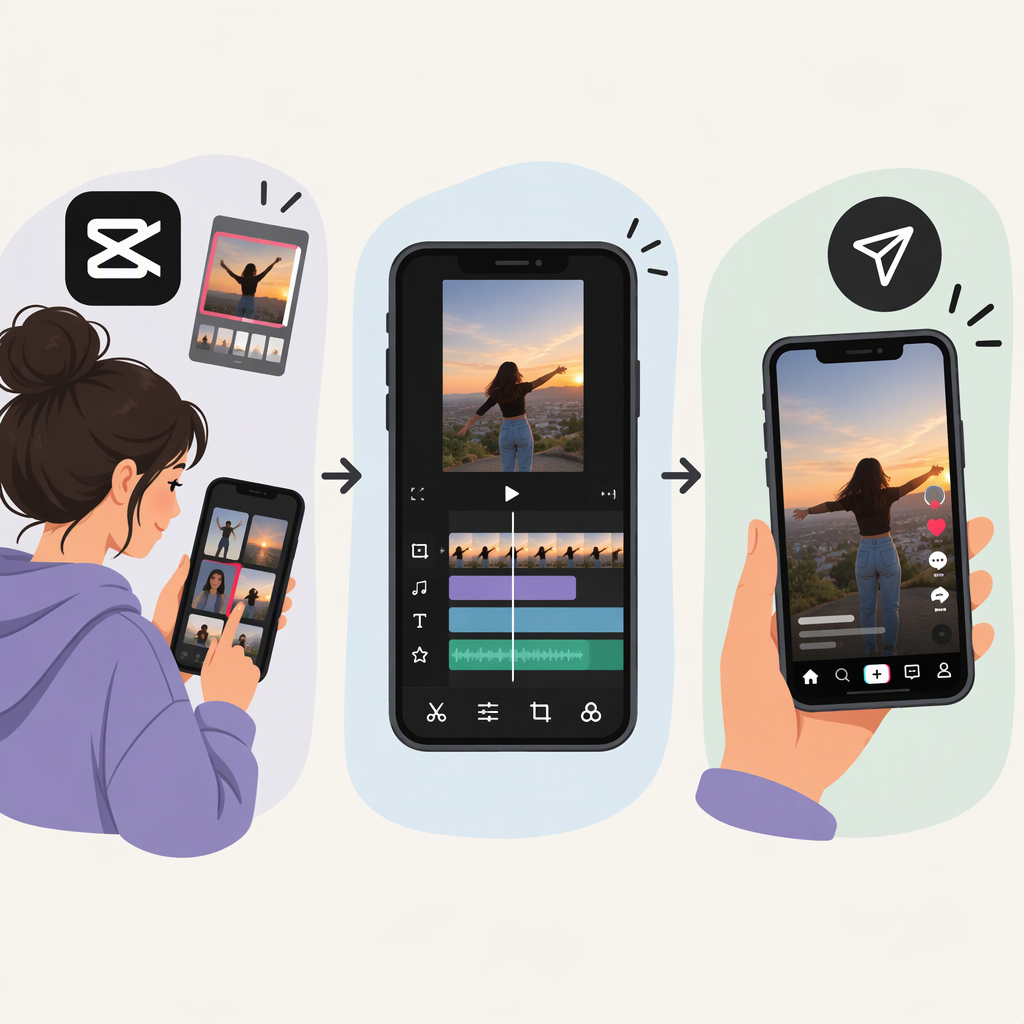
If the TikTok you want to recreate has a CapCut template link, tap it, open the template in CapCut, add your own photos or videos, preview the edit, and export it. Then upload the saved video to TikTok and publish it. The phrase “the CapCut trend” does not identify one specific trend from 2022, so start with the exact TikTok or template you want to copy rather than assuming there was one definitive trend.
The steps below describe CapCut’s documented mobile template flow and TikTok’s documented posting flow. Button names or availability can vary by app version, platform, and region.
1. Find the Particular Trend or Template
If you saw the edit on TikTok, open that video and look for a CapCut template link near the lower-left area. If it appears, it can take you to the template in CapCut. CapCut also describes searching TikTok for “CapCut templates” and opening a video’s Use template in CapCut link. (capcut.com)
Before editing, check that you have the right example: compare the video’s look, order of shots, and audio with the edit you wanted to recreate. The query alone doesn’t say which 2022 video, template, sound, or visual style you mean.
2. Make the Edit with a CapCut Template
For the documented mobile workflow:
- In TikTok, tap the CapCut template link on the video, if it’s available. Or open CapCut and tap Template to browse there.
- Tap Use template.
- Select the photos or video clips the template requests.
- Tap Preview to review the assembled edit.
- Check that the selected clips fit the template’s sequence and that the result looks the way you intend. Use CapCut’s export control to save the finished video to your device. CapCut documents Export as the control for saving a video; exact screens can vary. (capcut.com)
A template is the quickest route when you want its preset timing, transitions, effects, or music. If the link is missing or the template doesn’t appear in CapCut, the available guidance doesn’t establish a universal fix. You can search TikTok for the template name or a phrase from the original video; if you still can’t find it, use the video as a visual reference and make a similar edit manually. That manual approach is a practical alternative, not a guarantee of an exact match.
3. Upload the Exported Video to TikTok
In TikTok, tap Add post (+), choose Upload, and select the exported video from your device. Continue through the editing screen, then tap Next to add a description, hashtags, or other post details. Review the post settings and tap Post to publish, or Drafts to save it for later. TikTok’s Help Center documents this upload-and-post sequence. (tiktok.com)
Before publishing, watch the preview once more. Check that the opening shot, timing, and audio are intact, and confirm the audience or privacy settings you want.
Why the “2022 CapCut Trend” Wording Can Be Confusing
The search phrase includes a year but doesn’t name a particular trend. If you mean a specific edit that went around in 2022, you’ll need its original video, template, or another identifying detail to follow that exact version. Otherwise, these steps explain the general template-based route for making a CapCut-style TikTok edit—not a claim that one template represents every CapCut trend from that year.