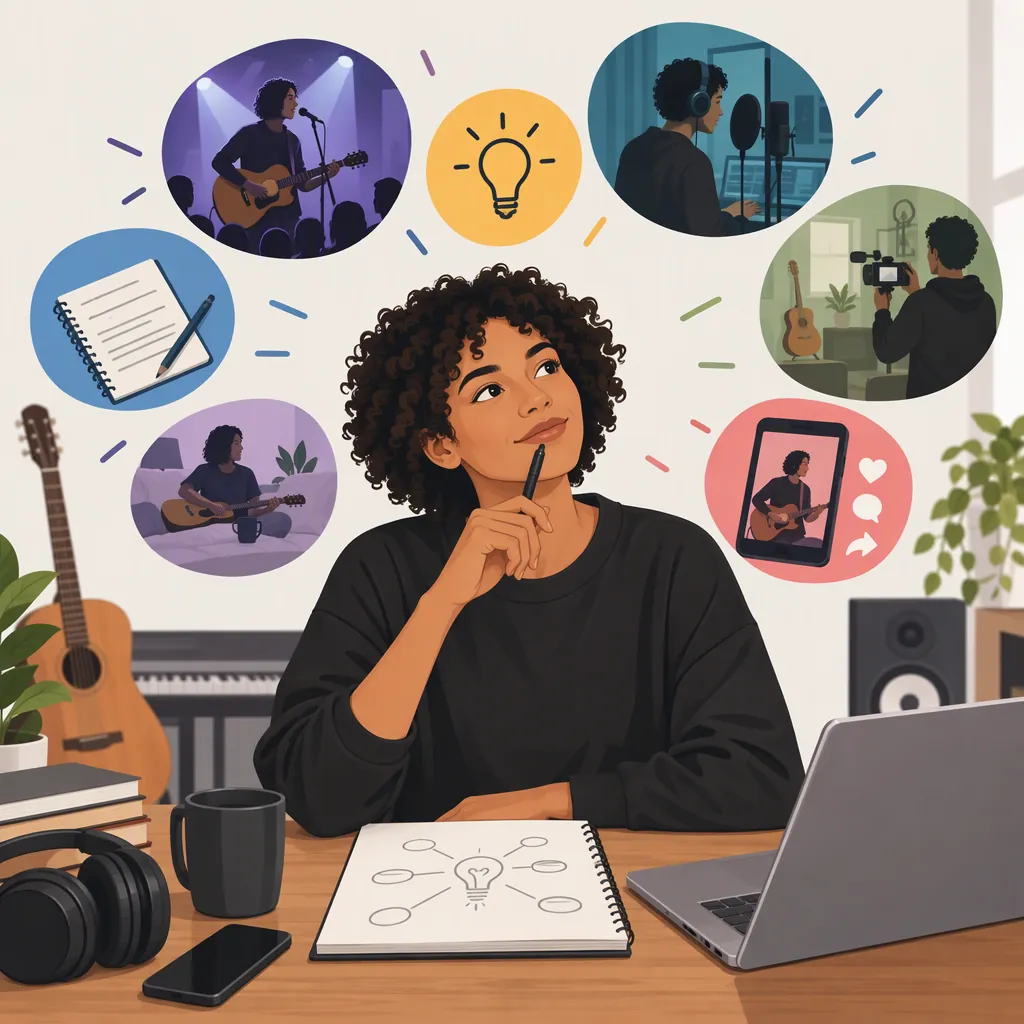
Content Ideas for Music Artists: From Songwriting to Short Videos
Start with content that makes your music the subject: performance clips, lyric explanations, demo-to-final comparisons, recording-process videos, and audience questions. Bandzoogle and GetMusic include these kinds of formats in their musician content guides. Choose a few repeatable ideas that fit your current work rather than trying every format. These are starting points, not proven guarantees of reach or fan growth. [c1] [c2]
Make the Music the Starting Point
A useful starting question is: What can someone hear or understand about this song after seeing the post? Choose a specific musical moment instead of a general update about being busy in the studio.
GetMusic suggests song breakdowns, demo-to-final comparisons, instrument-layer videos, alternative lyrics, and stripped-down arrangements. The following prompts adapt those formats into a practical idea bank. [c2]
| Content Idea | What to Capture | Editorial Focus |
|---|---|---|
| Chorus performance | One complete chorus in a simple setting | Let the musical phrase stand on its own. |
| Demo versus finished version | The same passage from two stages | Explain one change, such as tempo or instrumentation. |
| Lyric breakdown | One line and the passage containing it | Describe the actual writing decision, not an invented backstory. |
| Arrangement build | Add instruments one at a time | Make each layer audible before introducing the next. |
| Alternate arrangement | A stripped-down or reworked section | Keep the passage consistent so listeners can compare. |
| Rejected lyric | A draft line beside the final line | Explain why the wording changed. |
Treat these as optional prompts. An instrumental artist can replace lyric explanations with melody, harmony, rhythm, or sound-design decisions. A performer without a new release can use existing repertoire or rehearsal material they are comfortable sharing.
Show Process Without Sharing Everything
Bandzoogle includes behind-the-scenes posts, handwritten material, personal posts, and playlists among its suggestions. GetMusic also proposes practice routines, studio documentation, musical influences, and preparation for shows. [c1] [c2]
Use those categories to document a bounded part of your work:
- Practice problem: Show a passage you are working on and the exercise you chose for it.
- One recording decision: Compare two takes or explain why you selected a particular sound.
- Annotated setup: Photograph your setup and label what each visible component does.
- Pre-show preparation: Show a warm-up, setlist annotation, or packing checklist without exposing private logistics.
- Artwork development: Compare an early sketch with the finished image, with the designer's permission and credit.
- Influence note: Describe one musical quality you admire in another artist's work; use a playlist or text explanation rather than assuming you can repost their recording.
Set boundaries before filming. Consider keeping private addresses, unreleased collaborator material, personal messages, and confidential session details out of frame. A process post can focus on one creative decision; it does not need to become a record of your entire day.
Process Post Planning Card
Subject: Name one song, rehearsal passage, or recording task.
Decision: Identify the single choice the post will explain.
Evidence: Select a clip, image, or draft that demonstrates that choice.
Context: Write one sentence explaining what viewers are seeing or hearing.
Boundary check: Remove private details and confirm permission for shared material.
Finish: End after the musical example or explanation is complete.
Use Audience Questions as Editorial Prompts
Polls, Q&As, and fan features appear in Bandzoogle's guide. GetMusic adds lyric interpretations, setlist polls, production questions, fan covers, and fan artwork. [c1] [c2]
Consider these six ideas when they fit your situation:
- Arrangement comparison: Present two versions of the same passage and ask which musical difference listeners notice.
- Lyric interpretation: Share a line and ask what image it brings to mind, without implying there is only one correct answer.
- Production answer: Explain one real question about your recording process, with an audible example.
- Setlist choice: Offer a choice only if you are willing and able to use the result.
- Collaborator conversation: Discuss one shared decision, with both contributors agreeing on what to publish.
- Fan-created work: Feature an actual cover or artwork only with permission and clear credit.
If nobody has submitted questions yet, publish an explanation you want to make. Label it as a topic you are exploring, not as a fan request. Likewise, do not invent comments, testimonials, or audience stories to fill a content slot.
GetMusic specifically advises asking before reposting fan covers and protecting names in message screenshots unless permission has been obtained. [c2]
Evaluate Trends Without Losing the Musical Point
Treat a trending sound or visual format as an optional presentation device, not a requirement. The supplied references are content-idea guides; they do not verify which sounds are trending now or establish that joining a trend will improve results.
For a lightweight discovery routine, review a small selection of public posts relevant to your genre. Record the date, the recurring format, and the musical purpose you could give it. Separate observations from conclusions: seeing several examples means you noticed a pattern, not that you have measured a platform-wide trend.
For example, you could adapt a before-and-after format to show a rough demo beside a finished arrangement. A visual transition could accompany instruments entering a mix. In either case, make the musical comparison understandable without requiring viewers to recognize the trend.
Skip a format when its joke, audio, or visual style overwhelms the song. Verify applicable permissions and current platform rules before using someone else's recording or footage. This guide does not establish rights clearance or confirm current platform feature availability.
Trend Fit Checklist
- Record what you observed and when; do not label it a verified trend without supporting evidence.
- State the musical idea the format would communicate.
- Check whether the post still makes sense without knowledge of the trend.
- Confirm permission and applicable rules for any borrowed audio, images, or footage.
- Estimate the production effort before committing.
- Skip the idea if the format hides the music or requires a misleading story.
Build a Small, Repeatable Content Plan
Choose a manageable set rather than treating an idea list as a posting obligation. GetMusic recommends selecting a subset of its prompts, while Bandzoogle suggests batch-recording short clips. Neither recommendation establishes a universally effective schedule. [c1] [c2]
A simple planning method is to select one song or rehearsal task and give it several distinct treatments: a performance, an explanation, a process comparison, and an optional question. Record only what you can share accurately and comfortably.
Use the sample sequence below as a planning exercise, not a required posting frequency. Space the posts around your workload, and leave a slot empty when you do not have suitable material.
After publishing, review whatever feedback and analytics are available to you. Note the post's purpose, production effort, and relevant responses. Avoid declaring one format a winner from a single post: timing, topic, and audience differences can complicate comparisons. Keep formats you can sustain and revise those that do not communicate the intended musical idea.
Four-Post Sequence for One Song
| Slot | Post | Preparation |
| --- | --- | --- |
| 1 | Performance excerpt | Select a complete phrase and check that the audio is understandable. |
| 2 | Creative explanation | Identify one lyric, rhythm, harmony, or sound-design choice. |
| 3 | Process comparison | Find two versions of the same passage and explain the change. |
| 4 | Optional question | Ask a specific musical question, or replace this slot with another performance. |

Review note for each post: purpose, time spent, feedback observed, and one change to consider next time.
FAQ
What Can I Post When I Do Not Have a New Release?
Consider a rehearsal excerpt, a practice explanation, an existing song's backstory, a setup walkthrough, or a note about musical influences. These adapt categories in the supplied guides without requiring a release announcement. Share only material you have permission to publish. [c1] [c2]
How Often Should a Music Artist Post?
Use a schedule that fits your music-making workload. Start with a small repeatable sequence and adjust after reviewing effort and feedback. The supplied references offer scheduling suggestions, but they do not establish an optimal frequency for every artist.
Should I Share Unfinished Songs?
A demo-to-final comparison is one option in GetMusic's guide. Share a draft only if you are comfortable making it public and have agreement from relevant collaborators. Label it clearly as a draft so listeners understand its context. [c2]
Do I Need Trending Sounds for Music Content?
No. You can build an editorial plan around your own performances, writing choices, and recording process. The supplied references do not demonstrate that trending sounds are necessary or verify any currently trending audio.