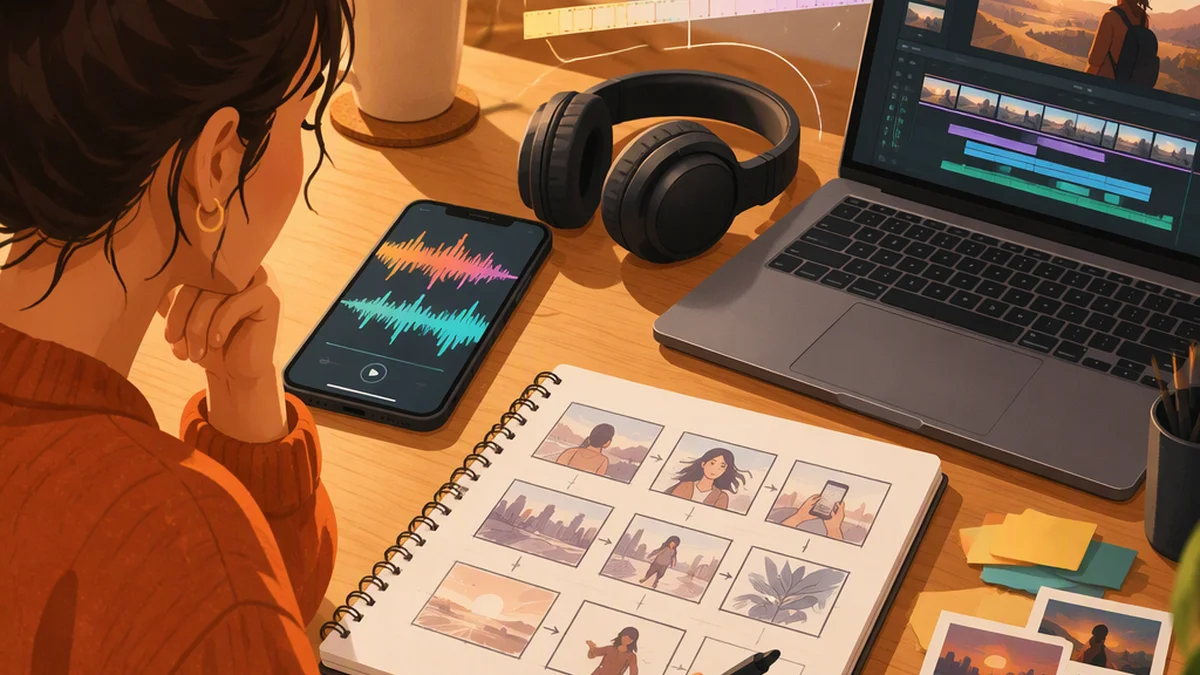
How to Find and Use a Trending Sound for Video Ideas
A trending sound is an audio clip, song, voice line, remix, or sound effect gaining attention within a particular audience. To use one well, find candidates on the platform where you plan to publish, identify the creative pattern behind them, and connect that pattern to something your audience cares about.
The goal is not simply to attach popular audio to a video. It is to create an original idea that uses the sound’s timing, dialogue, or mood—and remains useful after the trend fades.
What Counts as a Trending Sound?
A trending sound can be a commercially released song, an original user-created clip, a spoken phrase, a reaction sound, a remix, an instrumental edit, or a standalone sound effect.
The audio is only part of the trend. Many trends also include a repeatable structure:
- A cue followed by a reveal.
- A transformation synchronized with a beat.
- A spoken line paired with an on-screen response.
- A contrast between expectation and reality.
- A sound effect that punctuates a visual joke.
Studying that structure is more useful than copying another creator’s exact video. For example, you might borrow the mechanic of a sudden audio change marking a before-and-after comparison while using your own subject, footage, script, and takeaway.
Where to Find Trending Sound Candidates
Start on the Platform Where You Will Publish
Use the platform’s discovery tools and videos from your niche to build a shortlist. Interface labels, audio availability, and visible trend data can vary by region, account, and app version.
- TikTok: Search for a topic relevant to your audience and inspect recent videos. Tap the sound label on a promising video to explore other uses. Where available, use sound-search results to find related candidates.
- Instagram Reels: Browse Reels from relevant creators and tap an audio label to open its audio page. Use the audio picker when creating a Reel to search for candidates, and inspect any trending indicators your account displays.
- YouTube Shorts: Browse Shorts in your niche and open the sound information on relevant examples. Explore the sound picker when creating a Short. The YouTube U.S. weekly trending-videos chart offers another discovery entry point, but it is not a ranking of specific sounds.
Save the audio’s source link and note the part of the clip creators actually use. A song may be familiar, but the trend may depend on only one phrase or beat.
Distinguish Recent Momentum from Accumulated Popularity
A high total usage count can reflect months of activity rather than a sound rising now. Check these signals together:
| Signal | What to look for |
|---|---|
| Recent activity | Are multiple examples newly published, or are most visible uses older? |
| Creator participation | Are different creators using the sound, rather than one account posting repeatedly? |
| Audience fit | Does it appear in the niche, language, or region you want to reach? |
| Creative variation | Can creators adapt the format to different subjects without losing its meaning? |
| Change over time | If usage data is available, does it increase between observations on different dates? |
These are judgment signals, not a universal threshold for “trending.” Search results may also be personalized or incomplete. Record the date you checked a candidate so you can reassess it before publishing.
Use Playlists and Sound Libraries as Discovery Inputs
External collections can broaden your shortlist, but they do not establish current popularity on your target platform.
- Spotify: The “Viral Hits 2026” playlist, labeled “Trending TikTok Sounds,” can help you discover music candidates. Its title is a curator’s label, not an independently verified cross-platform ranking.
- Epidemic Sound: The “Now Trending” collection provides music-discovery options with metadata such as tempo, genre, mood, and instrumental versions. It is a commercial music service; review the applicable license before choosing a track.
- Myinstants: The search results for “trending” can surface reaction clips and sound effects. This is a keyword search, not evidence of trend rankings or recent growth.
How to Turn a Trending Sound into an Original Video
1. Define the Audience and Promise
Write one sentence describing who the video serves and what it delivers.
Example: “This video helps beginner home cooks organize three weekday dinners.”
Use that promise to filter sounds. A candidate should strengthen the idea through timing, dialogue, contrast, or atmosphere—not distract from it.
2. Build a Shortlist of Three to Five Sounds
For each candidate, record:
- Sound name and source URL.
- Date checked and signs of recent use.
- The relevant audio segment or cue.
- The creative format it supports.
- Why it fits your audience.
- Whether permission for your intended use is confirmed or still needs checking.
This makes it easier to compare candidates instead of choosing the first recognizable clip.
3. Identify the Creative Mechanic
Watch several examples and ask:
- What happens immediately before the strongest audio cue?
- What visual action lands on that cue?
- Is the format driven by timing, dialogue, surprise, contrast, or mood?
- What makes the format understandable?
- Can you use the mechanic without copying the script, captions, footage, or punchline?
For a spoken clip, the mechanic might be a setup followed by a reaction. For instrumental music, it might be a sequence of cuts leading to a reveal.
4. Match the Mechanic to an Angle
Choose a format that delivers your audience promise:
- Demonstration: Show a process or transformation on the beat.
- Comparison: Reveal two options, costs, or outcomes.
- Reaction: Introduce a common mistake, then explain the correction.
- Story beat: Use the cue to mark a turning point.
- Mood edit: Reinforce the atmosphere of a place, activity, or result.
- Educational hook: Introduce a misconception or question, then answer it.
The sound should support the angle; it should not determine the entire subject.
5. Draft the Sequence Before Editing
Write the opening, setup, audio cue, and final takeaway. Plan captions and visual context so the core message also works without sound.
Worked example: a meal-prep reveal
This is a hypothetical creative demonstration, not a claim about a currently trending track or observed performance.
Audience problem: A beginner home cook wants a clearer plan for weekday dinners.
Sound feature: A rhythmic instrumental section with a noticeable change around six seconds.
Creative mechanic: Preparation shots build toward a reveal on the audio change.
| Approximate timing | Shot | On-screen text |
|---|---|---|
| 0–2 seconds | Empty counter with ingredients laid out | “Three dinners, one prep session” |
| 2–6 seconds | Short cuts of chopping, portioning, and arranging ingredients | Name each preparation step |
| Around 6 seconds | Cut to three prepared meal components on the strongest cue | Label the three dinner options |
| Final seconds | Close-up of the organized containers | “Plan what to use first; store each item appropriately” |
The final message is the practical preparation plan, not merely the reveal. Adjust the timing to the actual sound and show only what the footage supports.
Other possible concepts include an error sound followed by an editing correction, a dramatic cue revealing a clearly calculated price comparison, or a calm opening contrasted with the work behind a polished result.
6. Verify Rights for the Intended Use
Public availability does not automatically mean you have permission to reuse audio. Check the source and current terms for the exact way you plan to publish.
Consider:
- Whether the audio is permitted for your account type.
- Whether the video is personal, commercial, sponsored, or paid advertising.
- Whether regional restrictions apply.
- Whether permission covers reposting to another platform.
- Whether attribution is required.
- Whether edits, remixes, or other changes are permitted.
Platform music libraries, licensed services, and user-uploaded sound repositories can have different conditions. Sound effects and spoken clips also need checking; they are not automatically safer than songs.
Keep a record of the source and permission basis for the final asset. If the intended use is unclear, choose original audio or an alternative with confirmed permission.
7. Review the Finished Draft
Before posting, check that:
- The first frame communicates the topic.
- The audio cue matches the intended visual moment.
- Captions are readable on a small screen.
- The video makes sense with the sound muted.
- Your insight, script, setting, or visual treatment makes the execution distinct.
- Any factual claims are supported.
- Rights and publishing restrictions have been checked.
If the sound is no longer relevant or becomes unavailable, the concept should be strong enough to re-edit with suitable alternative audio.
Common Mistakes to Avoid
Choosing Popularity over Relevance
A widely used sound may be wrong for your subject or audience. If it makes the video harder to understand, choose another candidate.
Copying the Execution Instead of the Mechanic
Reproducing another creator’s sequence, captions, and punchline leaves little room for your own value. Borrow the structure, then apply it to a different audience problem or insight.
Making the Audio Carry All the Meaning
A joke or reveal that depends entirely on recognizing the sound can confuse new viewers. Provide enough visual context and text to make the idea accessible.
Spending Too Long Chasing a Fleeting Format
Check the candidate again before editing and publishing, but do not let trend monitoring replace making a useful video. A clear demonstration or explanation can remain valuable even when the sound stops attracting attention.
FAQ
How Do I Know Whether a Sound Is Genuinely Trending?
Look for repeated recent use by different creators in your target audience. If the platform provides usage data, compare it across dates rather than relying only on a cumulative total. There is no single threshold that applies to every platform or niche.
Should I Use the Same Part of the Song as Other Creators?
Use the recognizable cue if it suits your idea and is authorized for your intended use. You can match the timing without copying another creator’s full execution.
Can I Use a Trending Sound in a Business or Sponsored Video?
Not automatically. Check the platform’s current terms and the provider’s license for commercial, branded, or paid use. Permission for an ordinary post may not cover advertising or cross-platform distribution.
What If the Trend Disappears Before I Finish the Video?
Keep the audience problem and takeaway, then reassess the audio. If the format still makes sense, finish it; if not, replace the sound or revise the edit.
What Is the Best Way to Test a Sound Idea?
Make a short draft and check topic fit, timing, clarity, originality, and rights. After publishing, assess it against the video’s objective rather than assuming that a popular sound caused the result. One post is not conclusive evidence.
Final Takeaway
Find candidates on your target platform, check for recent audience-relevant activity, and identify the creative mechanic. Then build an original sequence, verify permission, and review the draft for clarity. A trending sound is most useful when it supports a worthwhile idea—not when it substitutes for one.