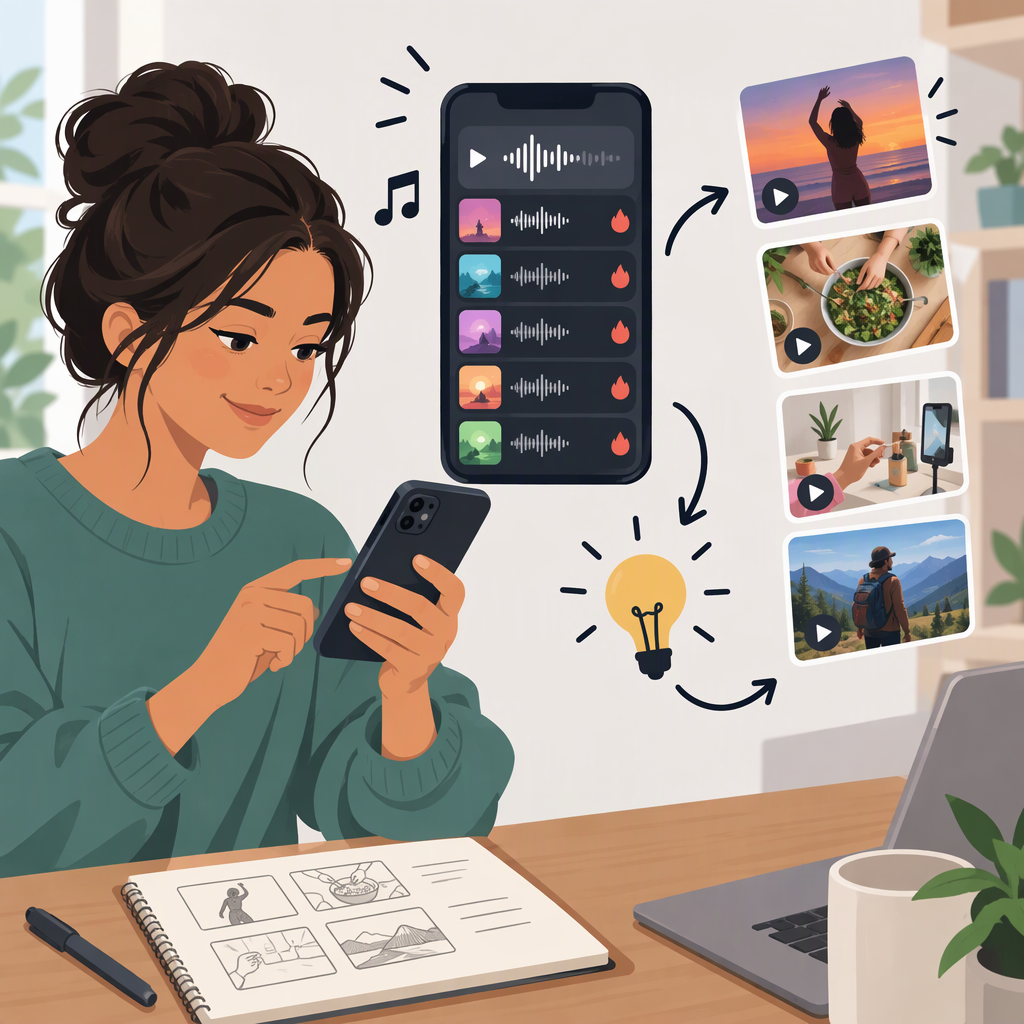
TikTok Trending Music: How to Find Sounds and Turn Them into Video Ideas
A useful way to find TikTok trending music is to treat trend lists and in-app activity as leads—not proof that a sound will suit your audience or improve a post. Check TikTok’s Creative Center for popular music, explore sounds in the app, then decide whether a sound fits your idea. Before posting, check whether its use is appropriate for your content, especially if you are promoting a brand, product, or service.
Quick Method
- Look for leads: Browse the Songs section in TikTok Creative Center, or explore and search sounds in the TikTok app.
- Check the context: Listen to the sound and review how people are using it. Look for a format or moment you can adapt—not just a familiar track.
- Test the fit: Ask whether the sound supports your subject, audience, and original idea.
- Check use conditions: If the post promotes a brand, product, or service, TikTok recommends using music from its Commercial Music Library (CML), which it describes as pre-cleared for commercial use.
A sound’s presence in a trend discovery page or in-app library is not a guarantee of reach, and it does not establish that the sound is cleared for every use.
What Makes a Sound Worth Investigating?
TikTok’s Creative Center has a Songs area described as a place to get inspired by songs trending on TikTok. Its trend-discovery interface also displays categories such as Popular, Breakout, and New to top 100. These labels can help you find sounds to review; they should not be treated as a promise of future popularity or performance for your video. The available discovery options and what you see may change, so check the live interface rather than relying on a saved list.
Use a few practical checks before building an idea around a sound:
- Can you explain why it caught your attention? A discovery label is a starting point. Listen to the sound and decide whether its mood, lyrics, or structure gives you a useful creative cue.
- Are there examples of a format you could adapt? Look for repeated approaches, such as a reveal timed to a musical change. Treat examples as inspiration, not instructions to copy another creator.
- Does it fit your audience and subject? A sound that is popular in one context may be a poor match for another.
- Is the idea still timely enough to make? A trend can change while you plan and produce. If the concept only works because the sound is currently circulating, consider whether you can make it quickly without sacrificing quality.
These checks help screen ideas; they are not a formula for predicting views or engagement.
Where to Find TikTok Sounds
Browse Songs in TikTok Creative Center
Open TikTok Creative Center and choose Songs in the trend-discovery area. Review the options shown there and use any available region or time-period controls that match the audience you are researching. TikTok describes this area as a way to find songs trending on the platform. Discovery results are leads to investigate, not a guarantee that a sound is suitable for your account or content.
Search and Preview Sounds in the TikTok App
TikTok’s Help Center describes this route for adding a sound:
- Tap Add post (+).
- Tap Add sound at the top of the recording screen.
- Browse Recommended, Favorites, or Recent, or tap Search to look for a sound.
- Preview the sound. If you want to use it, confirm your choice; you can also save it to Favorites or adjust the clip.
TikTok also says sounds can be added during editing. Interface labels and availability can vary; if your app looks different, use the current controls shown in your version. The Discover tab may not appear for everyone; TikTok says some users see the Friends tab instead. You can still use search to look for sounds where that option is available.
Check How the Sound Is Being Used
After finding a candidate, review the sound’s detail page or related videos if those are available in your app. Notice what creators are doing with it: Is the appeal a lyric, a beat, a change in mood, or a recognizable moment? The goal is to understand the creative opening, then decide whether you have a distinct idea—not to assume that every video using the same sound is part of one trend.
Turn a Sound into a Video Idea
Try this simple sequence:
- Name your video’s point. Write down what the viewer should learn, feel, or see.
- Identify the sound’s useful feature. It might be a pause, a beat change, a lyric, or a contrast in tone.
- Connect the two. Use that feature to structure a reveal, transition, comparison, or punchline only if it clarifies your idea.
- Make the angle yours. Change the subject, perspective, setting, or payoff so the video offers something beyond repeating a format.
- Decide whether to proceed. If the sound fits and you can make the video while the format is still relevant, it may be worth exploring. If the idea feels forced, choose a different sound or use original audio.
Hypothetical example: A cooking creator finds a sound with a sharp musical change. They could time the change to a before-and-after reveal of a decorated cake. This is an invented idea to illustrate the method—not a claim about a real trending sound or a likely performance outcome.
Check Music-Use Conditions Before Posting
A sound being selectable in TikTok does not, by itself, establish that it is suitable for every account, post, or use outside TikTok. Pay particular attention if your video promotes a brand, product, or service: TikTok recommends using music from the Commercial Music Library, stating that it is pre-cleared for commercial use. TikTok says the licenses it holds for music outside the CML do not cover commercial use in content.
If you choose an original sound or music outside the CML for promotional content, TikTok says you must agree to its Music Usage Confirmation when the content disclosure setting is turned on. That confirmation states that the post contains no copyright-protected music, or that you have obtained and paid for the necessary licenses. Check TikTok’s current music guidance and the terms that apply to your specific post before publishing; do not assume in-app availability establishes rights for reposting or using the sound elsewhere.
A Short Decision Checklist
Before using a candidate sound, ask:
- What observable clue made me investigate it?
- Have I listened to it and looked at its current use in context?
- Does it support my topic and audience, or am I forcing the fit?
- Can I add a distinct angle instead of simply copying a format?
- If the video promotes a brand, product, or service, have I checked the CML and TikTok’s applicable music-use guidance?
- Am I assuming rights for use outside TikTok that I have not verified?
The strongest choice is not necessarily the sound with the biggest label or the most familiar format. It is a sound you can use meaningfully, on time, and under conditions appropriate to your post.