Streamlabs Thumbnail Maker: What the Guides Explain
If you are searching for a “Streamlabs thumbnail maker,” the provided Streamlabs guide explains how to create a YouTube thumbnail in Canva, not in a documented built-in Streamlabs thumbnail editor. It covers a 1280 × 720 design, images, text, review, download, and upload through YouTube. These sources do not establish whether a separate Streamlabs thumbnail-making tool is currently available. [SL1]
Which Tool Does the Streamlabs Guide Use?
Streamlabs’ How to Create a YouTube Thumbnail walks through a Canva workflow. It also says the same general design steps can be followed in other design software. Its mention of Streamlabs as live-streaming software is separate from the thumbnail-design instructions. [SL1]
The distinction matters: this is a guide published by Streamlabs, not evidence of a thumbnail editor inside Streamlabs Desktop. The supplied references were last updated in July and August 2024, so they should not be treated as verification of current interfaces, pricing, or product availability. [SL1] [SL2]
A Source-Based Thumbnail Workflow
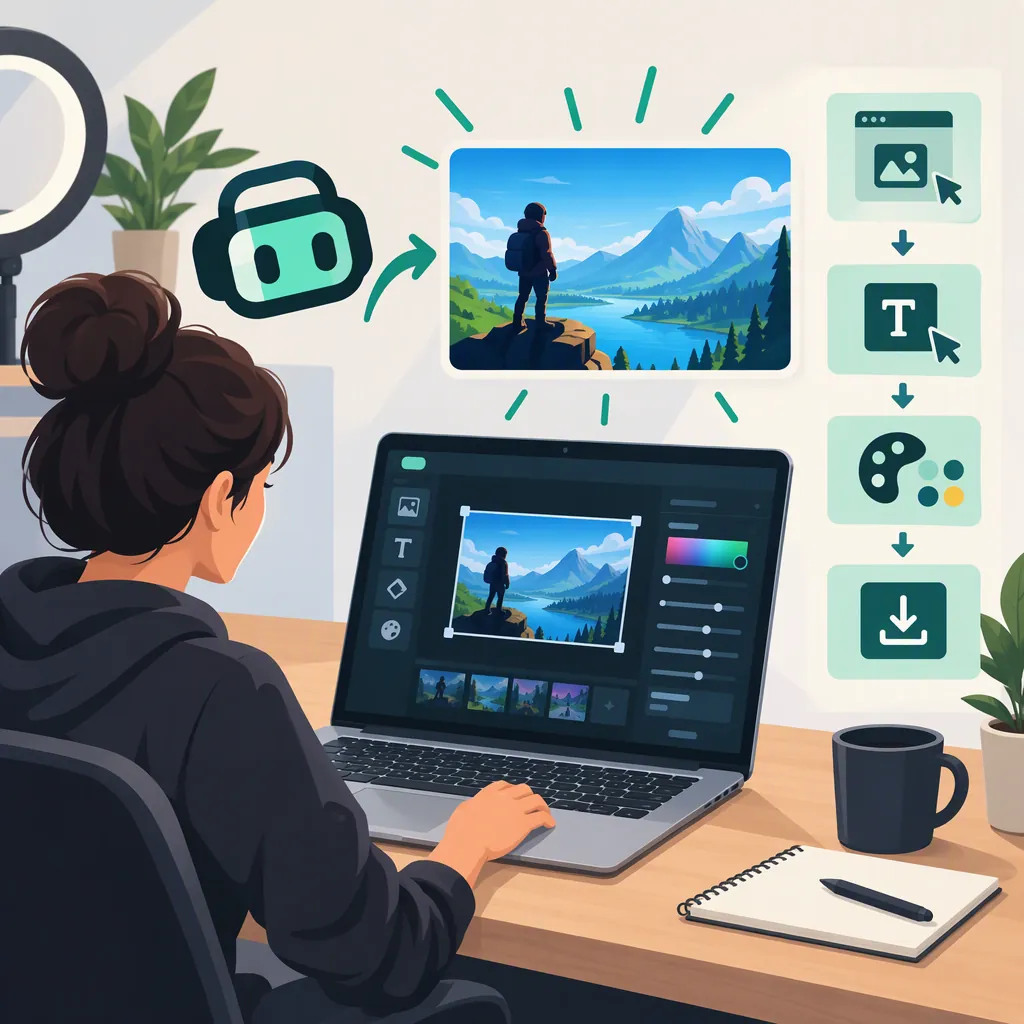
The Streamlabs tutorial describes the following sequence. Interface labels reflect the supplied guide rather than a verified current version of Canva. [SL1]
- Open a design. In Canva, search for “YouTube Thumbnail” when creating a design. The guide uses a 1280 × 720-pixel preset.
- Choose a starting point. Use a template suited to the video, or begin with a blank design.
- Add relevant imagery. Upload images or choose a background and visual elements that represent the content.
- Arrange the layout. Establish a clear focal point and avoid overcrowding the image.
- Add concise text. Choose a readable font and contrasting colors.
- Adjust and review. Crop or adjust the imagery as needed, then inspect the completed design.
- Download and upload. The guide describes downloading through Canva’s Share menu and adding the thumbnail during a YouTube video upload or through YouTube Studio. [SL1]
The references do not provide a complete current upload specification, including file-size limits, accepted formats, or account eligibility. Verify those requirements in the destination platform before uploading.
Thumbnail Design Brief
Complete this brief before opening your design editor:

- Video topic: __________
- Accurate visual subject: __________
- Main focal point: __________
- Short thumbnail text, if needed: __________
- Video title: __________
- Information the thumbnail adds beyond the title: __________
- Images available for this design: __________
- Platform upload requirements checked: __________
Check Readability and Content Accuracy
Streamlabs’ thumbnail-and-title guide recommends keeping the design simple and checking text at 50% or 25% of the original image size. It also recommends using thumbnail text to add information rather than repeating the title verbatim. [SL2]
Use these as review criteria, not as a guarantee of more views. A thumbnail should communicate what the video actually contains. The same guide advises avoiding clickbait and aligning the title and thumbnail with the expectations the video can fulfill. [SL2]
For a hypothetical setup tutorial, a descriptive title might be “How to Set Up a Streaming Scene,” while the thumbnail could use a relevant scene image and the phrase “Scene Layout.” This is an illustrative pairing, not a tested performance recommendation.
Pre-Upload Review Checklist
- [ ] The main image represents the video’s actual content.
- [ ] One focal point is easy to identify.
- [ ] Text remains readable at 50% and 25% of the design size.
- [ ] Unnecessary graphics and small details have been removed.
- [ ] Thumbnail text adds context instead of merely repeating the title.
- [ ] The title and image do not promise an unsupported result.
- [ ] The exported file has been inspected before upload.
- [ ] Current platform upload requirements have been checked.
FAQ
Does Streamlabs Have a Built-In Thumbnail Maker?
The supplied references do not establish that it does. The Streamlabs thumbnail tutorial demonstrates Canva rather than a built-in Streamlabs editor. This is a limitation of the available evidence, not proof that no separate tool exists. [SL1]
What Thumbnail Size Does the Streamlabs Guide Use?
It uses 1280 × 720 pixels for a YouTube thumbnail. Treat that as the dimension documented in the supplied guide; the references do not cover every current upload requirement or other platforms’ specifications. [SL1]
Do I Need Canva to Follow the Guide?
No. Although the walkthrough uses Canva, Streamlabs says the general steps can also be followed in other design software. Specific menu labels and available features may differ. [SL1]
Where Does the Guide Say to Upload the Finished Thumbnail?
The guide says to upload it during the YouTube video upload process or through YouTube Studio. It does not document a thumbnail-upload workflow inside Streamlabs Desktop. [SL1]