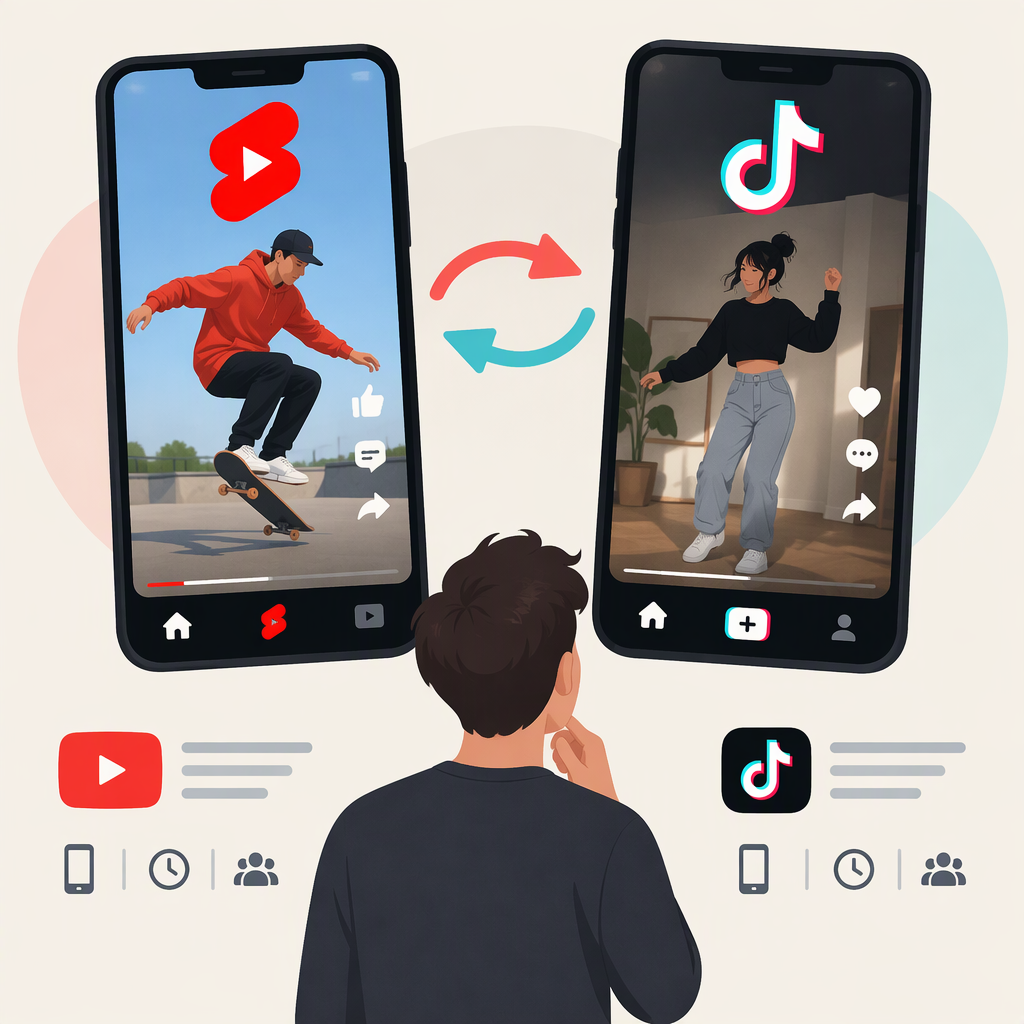
YouTube Shorts and TikTok: How the Formats Relate
YouTube Shorts and TikTok are related, but they are not the same format. Both support short-form video, so a creator may reuse an idea or source footage on both. But they are separate platforms, with their own tools, publishing conditions, and music permissions. A video that works creatively on one is not automatically ready—or cleared—to post on the other.
Related Creative Formats, Separate Platform Requirements
A concise vertical video is a common creative approach for both platforms. That does not make their upload limits or rules identical. For example, YouTube says that, for standard channels, square or vertical videos up to three minutes uploaded on or after October 15, 2024 are categorized as Shorts. TikTok’s help guidance says videos recorded in the app can be up to 10 minutes, while uploaded videos can be up to 60 minutes. Those are platform upload limits, not a guarantee that a longer video will feel like the same short-form viewing experience on both. (support.google.com)
YouTube’s help page gives a different cutoff for Official Artist Channels: the three-minute Shorts categorization applies to qualifying uploads on or after December 8, 2025. If that channel condition applies, use YouTube’s relevant guidance rather than assuming the standard-channel date covers it. (support.google.com)
Can You Reuse One Video on Both?
Often, you can reuse the idea, footage, and basic edit. Treat each post as a separate publishing decision, though. Before posting, check:
- Length and framing: Confirm the finished file fits the current upload options and presentation you want on each platform. TikTok’s recording and upload limits differ; YouTube’s Shorts classification has its own length, aspect-ratio, and upload-date conditions. (support.tiktok.com)
- Audio rights: Do not assume a song or sound available inside one app is cleared for use in a file uploaded to the other. YouTube describes music available through its Shorts Audio Library as available for Shorts made with YouTube’s tools; TikTok says its music licenses outside the Commercial Music Library do not cover commercial use in content promoting a brand, product, or service. Check the permissions that apply to your specific sound, use, and destination. (support.google.com)
- The final edit: Preview each upload and check that the crop, text, captions, and timing still work. This is practical workflow advice, not a platform rule.
- The post itself: Review the current in-app options and applicable guidance before publishing. Platform features and publishing conditions can change.
A simple workflow is to keep a clean export of your own video, then make platform-specific versions if needed. Add or select platform audio separately only when you have permission for that use. For content promoting a brand, product, or service on TikTok, TikTok recommends using music from its Commercial Music Library, or confirming you have the necessary licenses for music used outside it. (support.tiktok.com)
What Not to Assume
Format similarity does not mean identical specifications, music permissions, tools, or audience response. Nor does posting the same edit to both guarantee equivalent distribution or performance. Reuse what you have the rights to use, then check each platform’s current requirements and adapt the post where needed.
Bottom Line
Think of Shorts and TikTok as related short-form video destinations, not interchangeable publishing formats. Reuse your idea and source footage when appropriate; verify each platform’s upload conditions and the rights for every sound separately. YouTube’s Shorts guidance and TikTok’s video-length guidance and music-use guidance are useful starting points.