Semrush for YouTube SEO: A Research and Planning Workflow
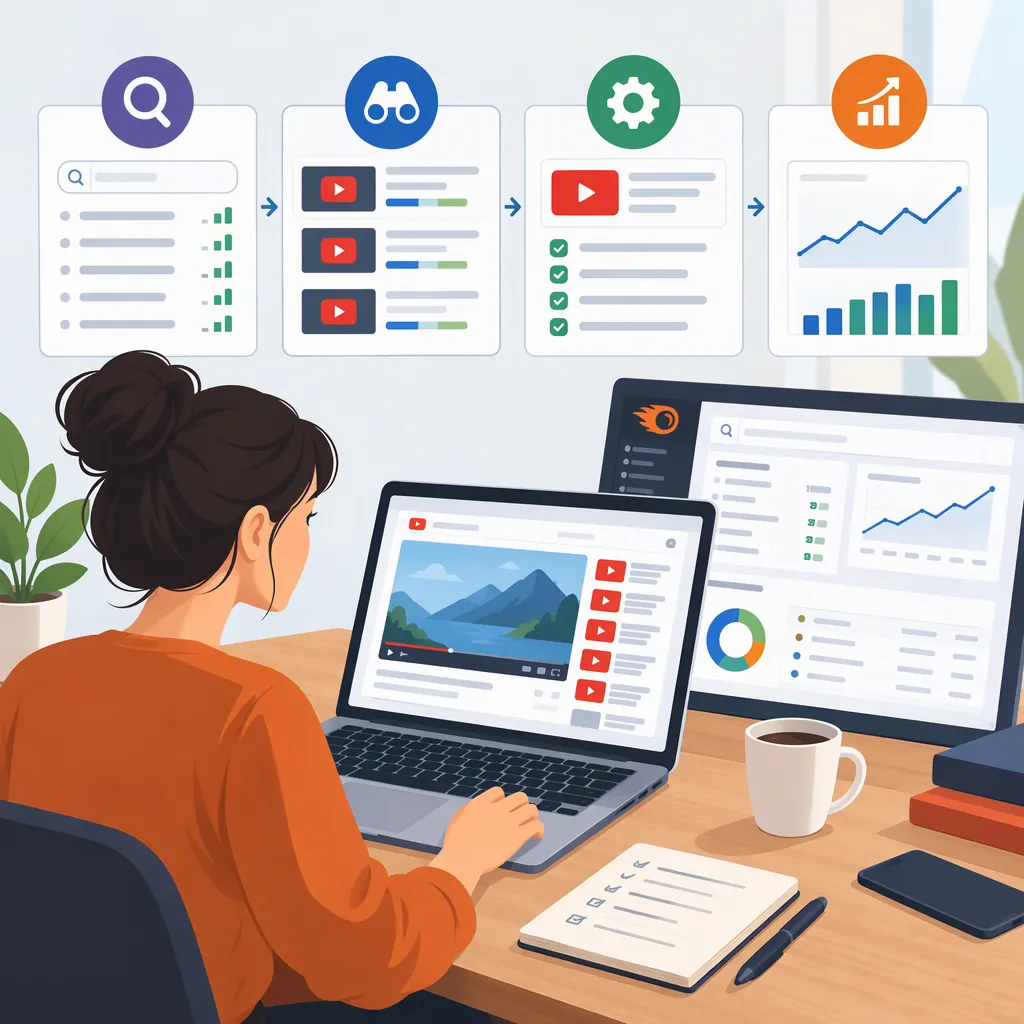
To research YouTube topics with Semrush, start with a viewer question, build a keyword shortlist, inspect relevant public YouTube results, and turn the best-fitting query into a video brief. Keep Google keyword research separate from YouTube research, then use ranking observations to support—not replace—your review of the published video.
HasThemes describes three tools for this workflow: Keyword Analytics for YouTube for candidate-query research, Keyword Magic Tool for Google video-result research, and Rank Tracker for YouTube for ranking observations. [src_1] The steps below explain how to connect those tasks without treating keyword figures or rankings as guarantees.
Source and Verification Limits
The tool names and interface paths in this article come from the HasThemes guide, which includes an affiliate-link disclosure. [src_1] It is a third-party guide, not official documentation or independent validation.
Current availability, ownership, account permissions, pricing, metric methodology, refresh frequency, and ranking limits are not established here. Confirm the interface and access conditions before following a path. Treat displayed metrics as research inputs with uncertainty, not verified exact counts.
Match Each Tool to a Research Task
The guide describes the following tool–task relationships. These are source-described workflows, not confirmation of current capabilities. [src_1]
| Tool named in the guide | Research task | Keep the interpretation limited to |
|---|---|---|
| Keyword Analytics for YouTube | Discover candidate queries and review related keywords, displayed metrics, trends, and videos | Inputs for investigating a YouTube topic |
| Keyword Magic Tool | Find queries associated with Google video-related SERP features | Google-focused keyword research, not YouTube search demand |
| Rank Tracker for YouTube | Set up keyword-based ranking observation for a channel | Reported positions in the tool’s stated context, not a complete performance assessment |
Use the tools to answer three separate questions:
- Research: Which viewer questions deserve investigation?
- Planning: What can the video answer accurately and clearly?
- Evaluation: What observations would help assess whether the published video met that need?
Build a YouTube Keyword Shortlist
1. Define the Viewer and the Task
Before opening a tool, write one sentence describing the intended viewer and outcome:
This video is for ______, who wants to ______.
A broad subject such as “meditation” is a starting point, not yet a video brief. Narrow it toward a task, explanation, comparison, or troubleshooting question you can address.
2. Follow the Source-Described Research Path
HasThemes describes this sequence for Keyword Analytics for YouTube: [src_1]
- Sign in to a Semrush account.
- Open Apps in the main menu.
- Find Keyword Analytics for YouTube and select Go to app.
- Select Get started under Keywords Research.
- Enter a broad topic.
- Select the target country and a timeframe—the guide lists the last day, week, or month.
- Review related keywords, displayed search-volume and competitive-rate figures, and associated videos.
If the app or controls differ from that description, confirm the current interface rather than assuming the guide’s route still applies.
Record the metric labels exactly as displayed, together with country, timeframe, and research date. Do not convert a labeled tool figure into an exact search count or compare figures from different contexts without noting the difference.
3. Investigate Trends and Videos Without Assuming Causation
The guide also describes Fast-Growing and Most viewed videos tabs, including reviewing growth figures, titles, view counts, channels, and video-associated keywords. [src_1]
Use those observations to generate questions:
- Is the topic timely, or would the proposed answer remain useful later?
- What viewer problem do the listed videos appear to address?
- Which demonstrations or explanations would your video need?
- Does the query fit your intended audience?
A rising figure does not establish future demand. A frequently viewed video does not prove that its title, length, or publishing schedule caused its performance.
4. Inspect Public YouTube Results and Decide
Review relevant public YouTube results for each shortlisted query. Note whether the apparent intent is a tutorial, comparison, explanation, or troubleshooting answer.
Choose by fit rather than by the largest displayed number. The evidence here does not validate universal volume or competition cutoffs for a particular channel.
Use these decision rules:
- Keep: The query matches a clear viewer task, and you can provide the necessary answer and evidence.
- Revise: The query is too broad, ambiguous, or promises more than the proposed video can deliver.
- Discard: The topic does not fit the intended audience or cannot be answered accurately.
Keyword Shortlist Worksheet
Copy this worksheet for each candidate:
- Candidate query: ______
- Intended audience: ______
- Viewer task or question: ______
- Research source and date: ______
- Country and timeframe shown: ______
- Metric labels and displayed values: ______
- Apparent intent in public YouTube results: ______
- Answer the video would provide: ______
- Evidence or demonstration needed: ______
- Decision—keep, revise, or discard: ______
- Reason: ______
Keep Google and Website Research Separate
For Google-focused research, HasThemes describes opening Keyword Magic Tool, entering a target keyword, and using Advanced filters → SERP Features to select Video, Featured video, and Video carousel. [src_1]
Use that route, if currently available, to investigate Google video-result opportunities. Do not label its output as YouTube search volume or YouTube rankings.
The guide also proposes finding a competitor’s public website, entering it in Domain Overview, reviewing organic keywords, and comparing those topics with the competitor’s public YouTube content. [src_1] This is adjacent topic research—not access to the competitor’s channel analytics.
Maintain separate notes:
| Research surface | What to record | What not to infer |
|---|---|---|
| YouTube | Queries, relevant public videos, apparent viewer questions | Exact demand or private channel performance |
| Queries and Google-focused video-result observations | YouTube ranking or search demand | |
| Competitor website | Public topics and website keyword observations | The competitor’s YouTube analytics |
Overlap can suggest a topic worth investigating, but it does not establish a ranking opportunity or predict traffic.
Turn the Shortlist into a Video Brief
HasThemes recommends applying research to titles, descriptions, thumbnails, and ongoing ranking review. [src_1] Use these categories as planning prompts, not a formula for visibility.
Write a title that accurately describes the answer. Make the opening description useful on its own, using relevant terminology naturally. Ensure the thumbnail’s promise matches what the video actually demonstrates.
Teaching Example: From Query to Brief
This is a hypothetical planning example, not a tool report or a record of observed search results. No keyword metrics or performance results are assumed.
| Worksheet field | Example |
|---|---|
| Initial candidate | “phone camera tips” |
| Intended audience | Beginners recording indoor YouTube videos with a phone |
| Viewer task | Set up a phone shot beside a window |
| Results to inspect | Public tutorials addressing indoor phone-video setup; check whether the query instead points toward still photography |
| Evidence needed | A visible setup demonstration and labeled before-and-after footage under stated conditions |
| Decision | Revise |
| Reason | The initial phrase is broad and may not communicate a video-recording task |
| Revised candidate to investigate | “phone video setup for beginners indoors” |
That decision becomes a brief:
- Primary viewer question: How can I set up a phone to record an indoor video beside a window?
- Working title: “Indoor Phone Video Setup for Beginners: A Window-Light Walkthrough”
- Answer promise: Demonstrate phone placement, framing, and a repeatable recording setup.
- Opening description: Explain what the walkthrough covers and the conditions used.
- Thumbnail concept: Show the actual phone-and-window arrangement.
- Required evidence: Show the setup and resulting footage rather than claiming universally better results.
The revised query still needs research. The example demonstrates a decision process, not a validated keyword opportunity.
Reusable Video Brief
- Primary viewer question: ______
- Intended query: ______
- Answer the video will demonstrate: ______
- Working title: ______
- Opening description: ______
- Thumbnail promise: ______
- Evidence and examples required: ______
Set up Ranking Observation and a Change Log
HasThemes describes accessing Rank Tracker for YouTube through Semrush Apps, adding a channel URL, and entering target keywords. [src_1] If that workflow is available to you, confirm the report’s settings and limitations before interpreting its results.
Before publishing, save the intended query and the initial title, description, and thumbnail. During review, record the reporting source, date, and any available query or location context.
For your own channel, review ranking observations alongside performance data you are authorized to access. A ranking change does not, by itself, explain a change in views.
When practical, change one element at a time and record why. An improvement after an edit is an observation—not proof that the edit caused it.
Review Log
- Review date: ______
- Reporting source and context: ______
- Observation: ______
- Possible explanation, not yet proven: ______
- Change made, if any: ______
- Reason for change: ______
- Next review date: ______
FAQ
Does Semrush Have YouTube-Specific Tools?
HasThemes names Keyword Analytics for YouTube and Rank Tracker for YouTube in its Semrush workflow. [src_1] Check current app listings and account access before relying on those names or the described interface paths; this article does not establish current availability or ownership.
Are the YouTube Keyword Figures Exact?
Do not treat them as verified exact counts. HasThemes makes accuracy claims, but the reference does not provide official methodology or independent validation. [src_1] Preserve each displayed label, country, timeframe, and research date, and use the figures as uncertain research inputs.
Can Keyword Magic Tool Replace YouTube Keyword Research?
Keep the tasks separate. The guide’s Keyword Magic Tool workflow uses Google video-related SERP-feature filters. [src_1] Those observations can supplement topic planning, but they should not be presented as evidence of YouTube search demand.
Can I Use Semrush to Research YouTube Competitors?
The guide describes a website-based workaround: investigate a competitor’s website keywords and compare them with public YouTube content. [src_1] Use it for topic hypotheses, not as a substitute for private channel analytics or proof of why a competitor’s videos perform well.
What Does Access to These Tools Cost?
Current pricing and subscription requirements are not established here. HasThemes lists prices and access assertions, but those should not be treated as verified current terms. [src_1] Confirm the applicable app listing, permissions, and billing conditions before using the workflow.