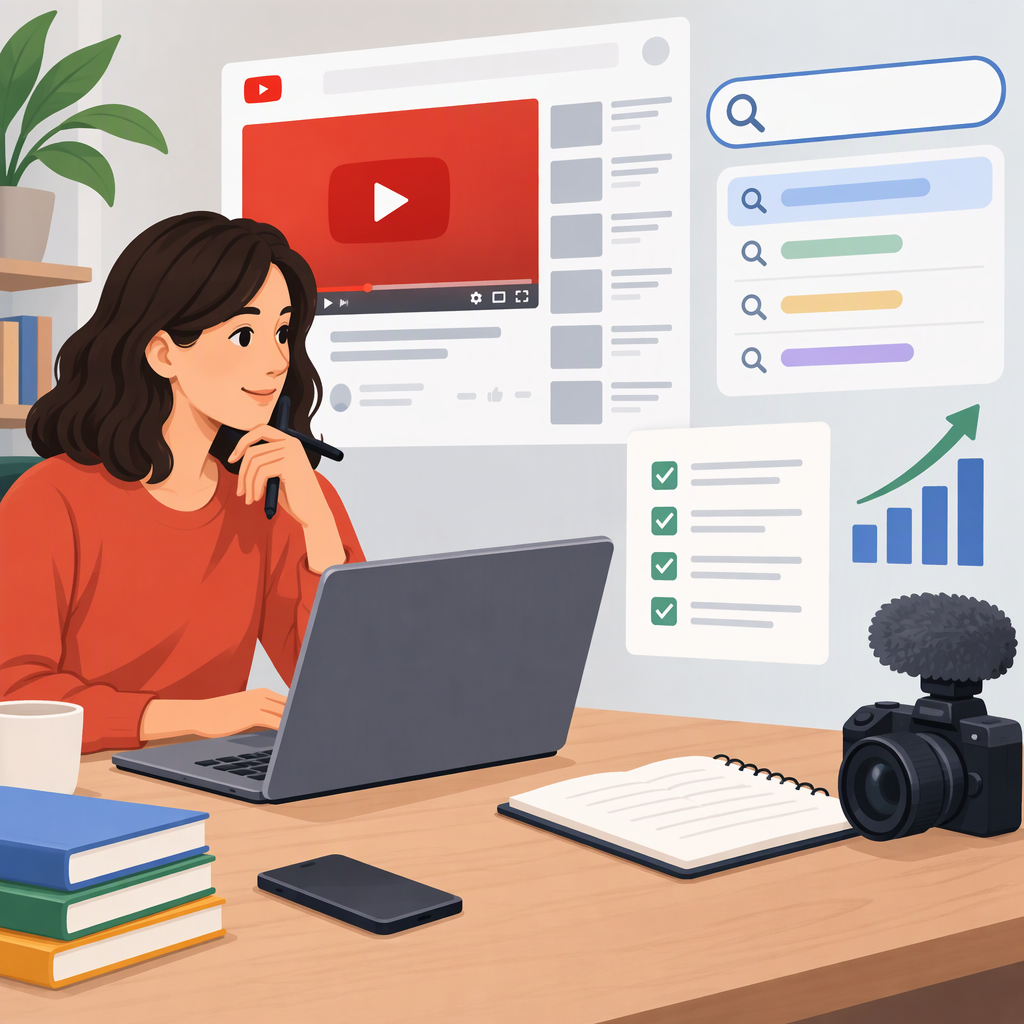
YouTube Keyword Optimization: A Practical Guide for Creators
YouTube keyword optimization means making a video’s topic and packaging clear to the viewers who are looking for it—not repeating a phrase until it ranks. Choose a phrase that matches the video and a plausible viewer question, use it naturally in the title and description, and make sure the video actually delivers what those fields promise. Then review YouTube Search traffic and other relevant Analytics signals. None of these steps guarantees a ranking or a particular number of views.
YouTube says Search considers relevance, engagement, and quality. Relevance may include how well the title, tags, description, and video content match a search query; engagement can include watch time for a particular query. Those are parts of a system, not a public formula creators can control. (support.google.com)
1. Choose a Phrase That Fits the Viewer and the Video
Start with the video you can genuinely make—not with a popular-sounding term in isolation. Use this process:
- State the video’s specific subject. What will a viewer be able to understand or do after watching?
- Name the intended viewer. Is this for a beginner, someone troubleshooting a specific problem, or someone comparing options?
- Write the question that viewer might search. Keep it close to the video’s actual answer.
- Choose one primary phrase that expresses that question clearly. Keep related questions or terms as supporting ideas rather than forcing every variation into the metadata.
- Check the fit: Could the video answer the question as phrased? Would the title set an accurate expectation? If not, narrow or change the phrase—or change the video plan.
Hypothetical example: Suppose you plan a tutorial showing how to clean a reusable water bottle’s silicone straw. “How to clean a reusable water bottle straw” could be a suitable primary phrase if the video demonstrates those steps. “How to remove mold from every type of water bottle” would overstate the video if it only covers one straw and routine cleaning. These phrases are examples, not measured search terms; no search volume or ranking result is implied.
There is no need to claim that a phrase has a particular search volume or competition level unless you have reliable evidence for that claim. YouTube’s own description of Search supports matching the viewer’s query; it does not prescribe a universal phrase-length rule, a volume threshold, or a keyword formula. (support.google.com)
2. Use the Phrase Accurately in the Video and Metadata
Title: Make the Topic Clear
Write a title that tells the intended viewer what the video covers. Include the primary phrase when it fits naturally, but prioritize an accurate, readable title over an awkward exact-match insertion. Do not imply that the video answers a broader or different question than it does.
For example, if the demonstration covers one kind of bottle straw, a title such as “How to Clean a Reusable Water Bottle Straw” is more precise than “The Complete Guide to Cleaning Every Water Bottle.” The title is a description of the video, not a promise of a search position.
Description: Explain What Viewers Will Find
Use the opening lines to summarize the video’s real subject and what it covers. A naturally worded phrase or close variation can help viewers understand the topic. Add details that are useful for the viewer—such as which steps, materials, or questions are covered—rather than a list of repeated search terms. YouTube’s description guidance says that writing descriptions with keywords can help viewers find videos through Search, while also offering guidance on writing descriptions for viewers. (support.google.com)
Video Content: Deliver What the Packaging Says
Make the promised answer clear in the video itself. YouTube says its Search relevance assessment can take the video content into account alongside the title, tags, and description. A well-matched phrase in the metadata cannot make an unrelated or incomplete video satisfy the viewer’s query. (support.google.com)
Tags: Usually a Low Priority
YouTube says tags generally play a minimal role in discovery; they may be useful when a video’s subject is commonly misspelled. YouTube also says the title, thumbnail, and description are more important pieces of discovery metadata. So, add a relevant common misspelling if it applies, but do not spend more effort stuffing tags than making the video and its main packaging clear. Do not put excessive tags in the description. (support.google.com)
3. Separate Useful Choices from Ranking Outcomes
Creators can choose a relevant topic, make an accurate title and description, and deliver the video they describe. They cannot set YouTube’s results or guarantee that a video will appear in a particular position.
That distinction matters because YouTube Search is not the same as every discovery surface. YouTube describes Search in terms of relevance, engagement, and quality, and says results may also be personalized. Recommendations, including Home and Suggested videos, are personalized through different signals and viewing contexts. A Search-focused metadata edit should not be treated as a universal lever for Browse or recommendations. (support.google.com)
Avoid interpreting one outcome—such as a rise in views—as proof that a keyword caused it. Viewers’ interests, other traffic sources, timing, the topic, and the video’s appeal can all affect performance. Treat keyword optimization as a way to make the video’s subject and intended audience clearer, not as a ranking guarantee.
4. Review Results and Choose One Next Step
Use a simple review loop:
- Decide what you are evaluating. If the question is whether viewers found the video through YouTube Search, inspect Search traffic—not just total views.
- Open the video’s Reach report in YouTube Studio. YouTube’s Reach reporting includes a traffic-source view and a YouTube Search terms report showing terms viewers searched when they found the video. Some reports may not be available on every device. (support.google.com)
- Look at the search terms in context. Do they fit the video? If a term reflects a question the video does not answer, consider whether the title or description sets the wrong expectation, or whether the video needs a clearer answer. If few Search terms appear, that alone does not establish the reason.
- Choose one specific next action. For example, clarify a vague title so it better matches the video, or revise an inaccurate description. Avoid changing several things at once if you want to learn from the comparison.
- Compare cautiously. Give the video an appropriate observation period, compare relevant periods or similar videos when useful, and account for differences in topic and audience. A before-and-after change can inform your next decision, but it does not isolate the effect of a keyword edit.
YouTube Analytics also provides views, impressions, and click-through rate (CTR). These can help you understand reach and whether viewers chose a video after an eligible thumbnail impression, but CTR and impressions should be interpreted in context rather than alone. They do not, by themselves, show that a keyword caused a change. (support.google.com)
Pre-Publish Checklist
- Can I state the viewer question this video answers?
- Does my primary phrase accurately describe that question and the video?
- Does the title make the subject clear without overstating the content?
- Does the description explain what viewers will actually find?
- Does the video deliver on the title and description?
- Are tags limited to useful details, such as a common misspelling?
- Do I know which Analytics report or outcome I will review—and what it cannot prove?
The practical goal is alignment: the viewer’s question, the search phrase, the metadata, and the video should describe the same thing. That gives viewers a clearer expectation and gives you a sensible basis for reviewing what happens next, without mistaking optimization for control over YouTube’s rankings.