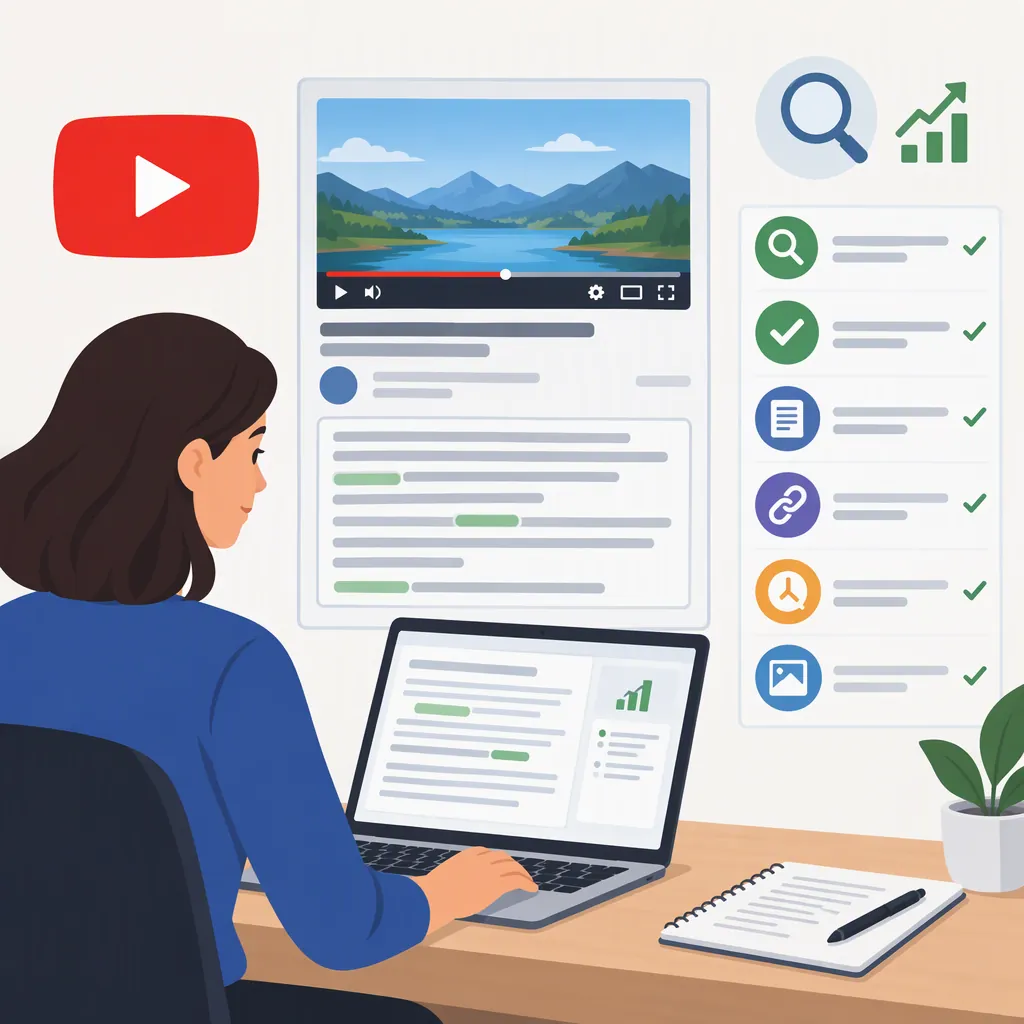
How to Optimize a YouTube Description for SEO
To optimize a YouTube description, explain the video's topic and value in the opening lines, use relevant keywords naturally, and add accurate timestamps and clearly labeled resources where helpful. Write for the viewer rather than filling space with repeated search terms. The provided guides recommend these practices, but they do not establish a guaranteed ranking improvement. [c1] [c2]
Match the Description to the Video's Purpose
Start by identifying the question the video actually answers. Use that question to choose a primary search phrase, then describe the specific information viewers will find.
Kuno Creative recommends relevant keywords in titles and descriptions, including more specific, long-tail phrases rather than only broad topics. Navigate Video likewise recommends naturally incorporating terms relevant to the content. [c1] [c2]
For example, a video about growing basil on an apartment windowsill needs a more precise description than one that simply says “gardening tips.” Mention the setting, plant, and techniques only if the video covers them.
A practical drafting sequence is:
- Write the viewer's main question in plain language.
- Choose a phrase that accurately describes the answer.
- Draft a summary using that phrase where it reads naturally.
- Remove related terms that imply coverage the video does not provide.
Treat keywords as descriptive language, not a repetition target.
Put the Most Useful Information First
Navigate Video notes that the first couple of description lines appear before viewers expand the description and recommends a specific opening that explains the video's value. [c2]
Use the opening to answer two questions: What is this video about, and what will the viewer learn? Keep general channel information below the video-specific summary.
Illustrative opening for a hypothetical tutorial:
“Learn how to grow basil indoors on a sunny windowsill. This tutorial covers pot selection, watering, and pruning for a small apartment setup.”
This example is a writing model, not a claim about an existing video. Use it only if those topics are actually covered.
Do not treat a particular character count as a guaranteed display cutoff. The provided material is third-party guidance, not a current YouTube interface specification. Make the opening understandable on its own and check the published presentation.
Opening-Line Worksheet
Video topic: {specific subject}
Viewer question: {question answered}
Main phrase: {relevant search phrase}
Opening draft: Learn how to {task} in {relevant context}. This video covers {actual topic one}, {actual topic two}, and {actual topic three}.
Accuracy check: Does the video deliver every element named in this opening?
Add Timestamps and Relevant Resources
Both guides recommend timestamps for segmented videos. Kuno Creative describes timestamps as a way to help viewers reach particular topics, while Navigate Video recommends them for tutorials and other structured content. [c1] [c2]
Review the final video and record the actual start time of each meaningful section. Use short labels that describe what happens there. Do not invent timecodes from an outline before checking the finished edit.
Navigate Video also recommends clearly labeling description links so readers know what to expect. [c2] As an editorial practice, include resources that support the specific video before general channel information. Verify each destination and remove irrelevant or outdated entries.
A short channel note can provide context, but it should not replace the video's unique summary. Hashtags are optional: Navigate Video recommends a small, closely related selection rather than an overloaded list. That recommendation is not evidence of an optimal count for every video. [c2]
The template below is a drafting structure, not a platform-validated chapter configuration. Replace every placeholder and omit blocks that are not useful.
Reusable Description Structure
{Video-specific opening that names the topic and viewer benefit}

Covered in this video:
- {Actual topic one}
- {Actual topic two}
- {Actual topic three}

Timestamps:
{Verified timecode} — {Specific segment label}
{Verified timecode} — {Specific segment label}

Resources:
{Clear resource label}: {Verified destination}

Channel context:
{Optional brief, accurate explanation of the channel's subject}

{Optional closely relevant hashtags}
Avoid Unsupported Length and Ranking Rules
Kuno Creative recommends a description of at least 250 words and suggests including a transcript. Those are recommendations in its article, not established YouTube requirements in the supplied evidence. [c1]
For this workflow, let the video's information needs determine the length. A short demonstration may need only a clear summary and a resource list; a detailed tutorial may justify more explanation and navigation. Avoid adding text solely to reach a word count.
If using transcript material, edit it for accuracy and relevance. Keep the summary easy to find rather than burying it beneath a long block of dialogue.
The sources discuss descriptions alongside other elements, including titles, thumbnails, and captions. Description editing should therefore be treated as one part of video presentation—not a standalone promise of search traffic. [c1] Neither provided guide is an official YouTube specification or controlled evidence isolating the effect of description changes.
Review the Description Before Measuring Results
Use a consistent review process so the description stays accurate and useful. The checklist below translates the guides' recommendations on relevance, opening lines, timestamps, and links into an editing workflow. [c1] [c2]
If evaluating a revision, record what changed and when. Where analytics are available, compare search-related traffic over a consistent period and note other changes, such as a new title or thumbnail. Treat observed differences as signals to investigate, not proof that the description caused them.
Prioritize correcting misleading summaries, broken resources, and inaccurate timestamps even when there is no measurable ranking change. The description should accurately represent the video regardless of performance.
Pre-Publication Checklist
- The opening explains the actual topic and viewer benefit.
- The main phrase fits naturally into the summary.
- Every promised topic appears in the video.
- The description is specific to this upload.
- Each timestamp matches the final edit.
- Each resource has a clear label and a verified destination.
- Optional channel information and hashtags remain relevant.
- No unsupported ranking promise or filler word-count target remains.
- The published description has been checked for readability.
- Any later revision is logged with its date and purpose.
FAQ
How Long Should a YouTube Description Be?
Use enough space to explain the video and provide useful navigation or resources. Kuno Creative recommends at least 250 words, but the supplied evidence does not establish a mandatory minimum or an ideal length for every video. Do not pad a description just to reach that number. [c1]
Where Should Keywords Go in the Description?
Include the main topic naturally in the video-specific summary, preferably where it helps the opening explain the content. Use related terms only when they describe something actually covered. The guides support relevant keyword use and a clear opening, not a fixed keyword-density formula. [c1] [c2]
Will Updating the Description Guarantee Better Rankings?
No guarantee is established by the provided references. They recommend descriptions as part of broader optimization, but do not isolate description edits as the cause of ranking changes. Use the guidance to improve accuracy and usefulness, then evaluate results cautiously. [c1] [c2]