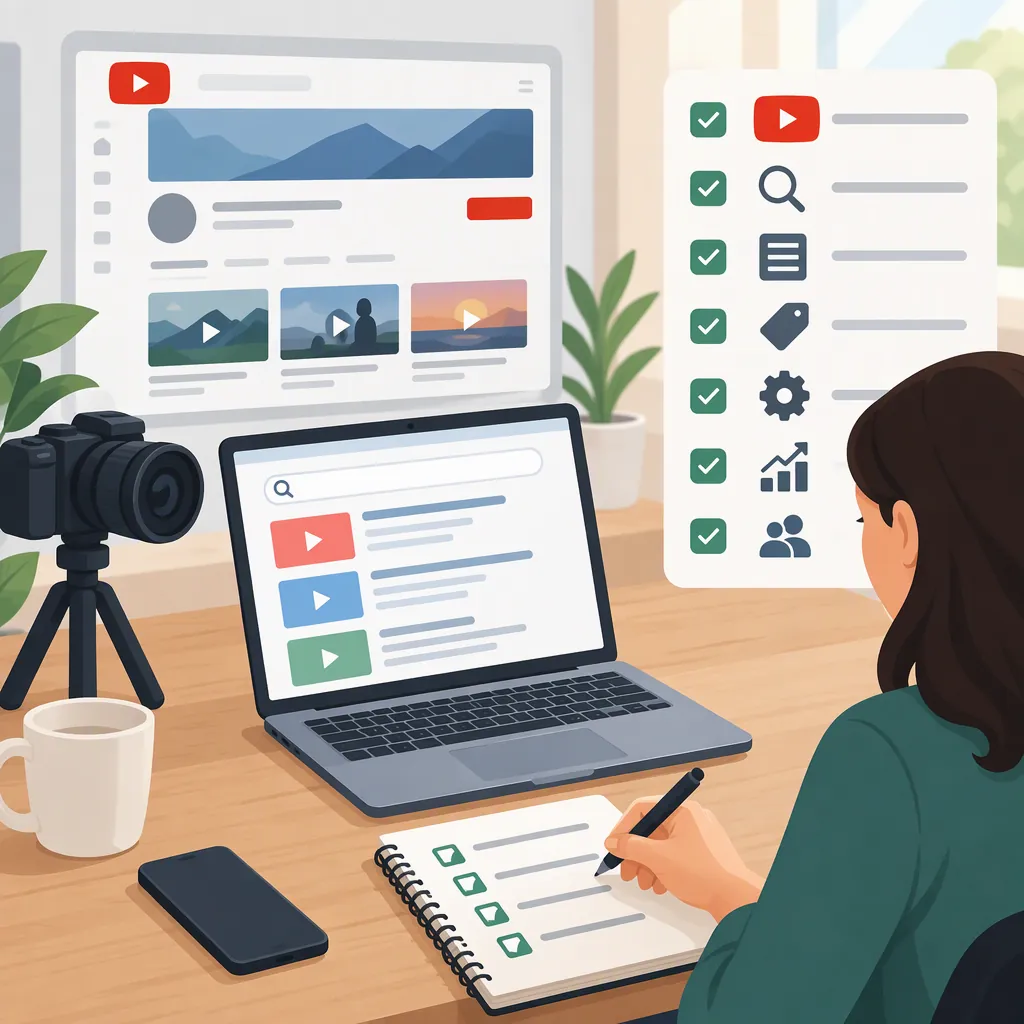
SEO for Your YouTube Channel: A Setup Checklist and Workflow
SEO for a YouTube channel starts with a clear topic and audience, focused playlists, and videos whose titles, descriptions, thumbnails, and content answer the same viewer need. Add accurate captions and useful chapters, then review search terms and audience retention. Treat channel setup as organization—not a ranking switch: YouTube discovery also depends on viewer engagement, satisfaction, and personalization. [sej] [hootsuite]
Start with the channel-level checklist below, then apply the video review workflow to your library and future uploads.
Scope note: This guide draws on third-party educational articles, including guides published in 2024. It does not verify current YouTube menu paths, feature eligibility, or the exact weight of ranking signals. The channel-profile recommendations are editorial guidance for clarity, not established ranking factors.
Set up a Clear Channel Foundation
Define who the channel serves and what questions its videos answer before choosing keywords. Search Engine Journal emphasizes audience research first because YouTube discovery considers viewers’ interests and behavior, not just metadata. [sej]
Write a one-sentence purpose statement, such as: “This channel helps beginners choose watercolor supplies and learn basic painting techniques.” Use that statement to review the channel’s existing presentation.
Channel-Level Setup Checklist
The completion standards below are practical review criteria, not YouTube ranking requirements.
| Item | What to check | Fill or retain principle | Completion standard | Role and limit |
|---|---|---|---|---|
| Channel name | Check whether it identifies the creator or channel clearly. | Keep a recognizable name; do not replace it with a string of search terms. | The name is understandable and consistent with the channel’s identity. | Supports recognition; a name change is not a demonstrated ranking shortcut. |
| Channel description | Compare the description with the audience, subjects, and video series actually covered. | Explain who the channel serves and what viewers can learn in natural language. Remove repetition and outdated promises. | Each statement accurately describes available or genuinely planned content. | Explains the channel’s purpose; keyword repetition is not a substitute for relevant videos. |
| Profile image and banner | Check whether the visuals and any text match the channel’s current subjects. | Keep a consistent presentation without implying content or outcomes the library does not offer. | Images and wording agree with the channel name, description, and videos. | Supports clarity and recognition, not a verified direct ranking benefit. |
| Playlists | Check whether related videos are grouped around distinct viewer goals. | Use descriptive titles, short summaries, and a logical order where sequence matters. | Each included video contributes to the playlist’s stated goal. | Helps viewers navigate related content; no structure guarantees higher rankings. [hootsuite] [patel] |
| Channel keywords field, if available | Review existing entries for relevance, duplication, and unrelated terms. | Retain accurate terms. If you choose to fill it, use concise phrases describing the channel’s real subjects; remove irrelevant or repetitive entries. | Every retained term maps to a subject the channel actually covers. Do not keep expanding the list as an ongoing SEO project. | This is a relevance check, not an evidence-backed ranking tactic. The cited guides do not establish a benefit from this specific field. |
After making changes, review the public-facing channel description, visuals, and playlists together. A new viewer should be able to understand what the channel covers without seeing contradictory descriptions or promises.
Channel Description Worksheet
Complete these sentences, then combine them into a short paragraph:
- This channel covers: ____.
- The intended audience is: ____.
- Viewers can learn how to: ____.
- The main video series are: ____.
Illustrative description for a fictional watercolor channel:
Watercolor Basics is for beginners learning to paint with watercolor. The videos explain how to choose supplies, practice brush techniques, and complete simple painting exercises. Series include Watercolor Supplies for Beginners and Watercolor Brush Techniques.
The example shows how audience, topics, and series can fit together naturally. Adapt the structure only to content your channel actually offers; it is not a tested ranking formula.
Choose Search Topics Before Editing Metadata
Use YouTube’s search suggestions to collect possible query wording, then examine relevant results to understand what viewers are likely seeking. Hootsuite recommends the search bar as a keyword-research input. Search Engine Journal distinguishes research for search-focused videos from research for recommendation-driven discovery. [hootsuite] [sej]
For each proposed video, identify one primary question and the answer the video will deliver. “Beginner watercolor supplies” suggests a different video from “how to clean watercolor brushes,” even though both belong on the same channel.
Treat search suggestions as topic ideas, not verified search-volume figures. A successful competing video is an example to study, not proof that copying its wording will produce similar results. Look for unanswered questions, unclear explanations, or opportunities to demonstrate a task more directly.
Search Intent Planning Card
- Candidate query: ____.
- Viewer’s task or question: ____.
- What relevant results currently explain: ____.
- What this video will explain differently or more clearly: ____.
- Evidence or demonstration needed: ____.
- Working title: ____.
Decision rule: Proceed only if the planned video can deliver the answer promised by the title.
Organize Related Videos into Playlists
Group videos by a specific viewer goal rather than placing the entire library in one broad playlist. Hootsuite and Neil Patel’s guide recommend focused playlists with descriptive titles and discuss their role in helping viewers navigate related content. [hootsuite] [patel]
For the fictional watercolor channel, two useful collections could be:
- Watercolor Supplies for Beginners: Videos explaining paper, brushes, paints, and a basic starter setup.
- Watercolor Brush Techniques: Videos demonstrating washes, controlled strokes, and brush handling.
Write a short description explaining what each collection covers. For a sequential tutorial, arrange videos in the order a learner would need them.
Review membership against the playlist’s promise. A video belongs because it helps with the stated topic—not merely because it contains the same keyword. Keep playlist organization focused on navigation rather than expecting a guaranteed ranking increase.
Prioritize Video Titles, Descriptions, and Thumbnails
Channel setup creates a coherent home for the library, but each video still needs to communicate and deliver its own answer. Search Engine Journal explains that titles and descriptions help communicate relevance, while titles and thumbnails shape expectations and viewer responses. Metadata cannot compensate for content that fails to deliver. [sej]
Review each video in this order:
- Title: State the actual subject and useful outcome. Include the relevant search phrase where it reads naturally.
- Thumbnail: Represent the topic clearly without implying a result or demonstration the video does not contain.
- Description: Begin with a concise summary, then add useful context and references actually discussed in the video.
- Video opening: Begin answering the promised question without an unrelated introduction.
- Video tags: Keep them relevant, but do not make them the main optimization project.
For example, a video that demonstrates brush cleaning could use the title “How to Clean Watercolor Brushes.” Its thumbnail, description, and opening should all support that task—not suggest a supplies comparison or a painting lesson.
How Much Attention Should Tags Receive?
Video tags are separate from the channel keywords field. The sources differ in their wording about tags: Search Engine Journal strongly downplays them, while Neil Patel’s guide describes them as no longer a major ranking factor. Prioritize accurate presentation and useful content over expanding tag lists. [sej] [patel]
Video Metadata Review Checklist
- The title names the actual topic or task.
- The thumbnail accurately represents the video.
- The opening begins delivering the title’s promise.
- The description explains what viewers will learn.
- Search phrases appear naturally rather than repetitively.
- Resource references are accurate and relevant.
- Tags, if used, stay closely related to the content.
Add Accurate Captions and Useful Navigation
Review automatic captions or provide a checked transcript. Accurate captions support accessibility and content understanding, but automatic transcription can contain mistakes. Captions should reflect the spoken content; do not insert unrelated keywords. [hootsuite] [patel]
As a practical review, compare captions with the audio and check names, technical terms, omitted words, and wording that changes the meaning of an instruction.
For videos with distinct steps, add descriptive timestamps in the description. Search Engine Journal explains that chapter titles and timestamps help viewers navigate and may support Google’s key moments presentation. Their inclusion does not guarantee that Google will display that feature. [sej]
Choose chapter labels that describe the actual section, such as “Rinsing paint from the bristles,” rather than generic labels such as “Part 2.”
Where available, use cards and end screens to point to a genuinely relevant next video or playlist. For example, a supplies introduction could lead to a beginner practice lesson. Check eligibility in the current interface before relying on a particular feature. [patel]
Review Search Performance and Viewer Retention
Use YouTube Analytics to examine available search terms, watch time, average view duration, and audience retention. Hootsuite discusses search-term insights; Search Engine Journal explains how retention data can reveal where a video loses viewers. [hootsuite] [sej]
Separate traffic sources before diagnosing performance. YouTube Search, homepage recommendations, and suggested videos are different discovery systems. A channel-wide total can hide differences in how viewers find and respond to a video. [sej]
Where the relevant reports provide them, consider impressions, impression click-through rate, and viewing performance together. Click-through rate concerns responses to impressions, whereas a low click total alone does not show whether viewers rejected the presentation.
Use the following as diagnostic possibilities, not certain explanations:
| Observation | What to inspect | What not to conclude |
|---|---|---|
| Clicks followed by weak viewing | Check whether the title and thumbnail promise something the opening or content does not deliver. | Do not assume every early exit has the same cause. |
| Strong viewing, enough relevant impressions to assess, but relatively low click-through rate | Check whether the title and thumbnail communicate the topic clearly to that audience and traffic source. | Do not apply a universal click-through-rate threshold across all videos or sources. |
| Limited impressions and few clicks | Review the traffic source, topic fit, and amount of available data before changing presentation. | Do not infer a title or thumbnail problem from click totals alone. |
| Unexpected search terms | Check whether the video genuinely answers those queries before editing metadata. | Do not add a phrase simply because it appeared in a report. |
| A repeated retention drop | Review the corresponding segment for confusion, repetition, or an abrupt topic change. | Do not treat the graph as proof of a single explanation. |
This approach follows the sources’ emphasis on viewer responses, click-through behavior, and retention rather than metadata alone. [sej] [patel]
Record the date and reason for each edit, and compare similar reporting periods and traffic sources where possible. Avoid declaring a change successful from a few views or a single manual search position: search results can be personalized, and performance can change for reasons unrelated to your edit. [sej]
Optimization Change Log
- Video: ____.
- Review date: ____.
- Traffic source reviewed: ____.
- Observed issue: ____.
- Available impressions, click-through rate, and viewing metrics: ____.
- Relevant search terms or retention segment: ____.
- Proposed explanation: ____.
- Single change made: ____.
- Comparison periods: ____.
- Result and remaining uncertainty: ____.
Keep observations separate from assumptions. A performance change after an edit does not, by itself, establish that the edit caused it.
FAQ
Should I Start with the Channel Keywords Field?
No—not as the main project. If the field is available, review it for accuracy: retain terms that describe your real subjects, remove unrelated or repetitive entries, and avoid continually expanding the list. That is an editorial cleanup principle, not a demonstrated ranking tactic.
Prioritize audience needs, focused playlists, accurate titles and descriptions, and videos that satisfy the expectations they create. [sej] [hootsuite]
How Do I Know the Channel Setup Is Complete?
For this checklist, setup is complete when the name, description, visuals, and playlists communicate a consistent purpose, and any retained channel keywords accurately describe the channel. This is a practical completion standard—not certification that the channel will rank.
Continue reviewing individual videos and viewer responses; discovery depends on more than channel organization. [sej] [hootsuite]
Do I Need Paid Tools for YouTube SEO?
You can begin with YouTube search suggestions and available YouTube Analytics reports. Hootsuite describes both as research inputs. Third-party tools may provide additional ideas, but distinguish YouTube-specific data from broader web-search data. [hootsuite]
Should Low Click Totals Make Me Change Every Thumbnail?
No. First distinguish limited impressions from a low click-through rate after relevant impressions, and separate search traffic from recommendation traffic. Titles and thumbnails influence viewer responses, but click totals alone do not identify the problem. Review presentation alongside viewing performance and retention. [sej]
Will Better Channel Settings Guarantee Higher Rankings?
No. Metadata and organization can help communicate topics, but discovery also depends on viewer responses, satisfaction, and personalization. Search Engine Journal explains that changing a title or thumbnail affects how viewers react, rather than acting as an automatic ranking reset. [sej]