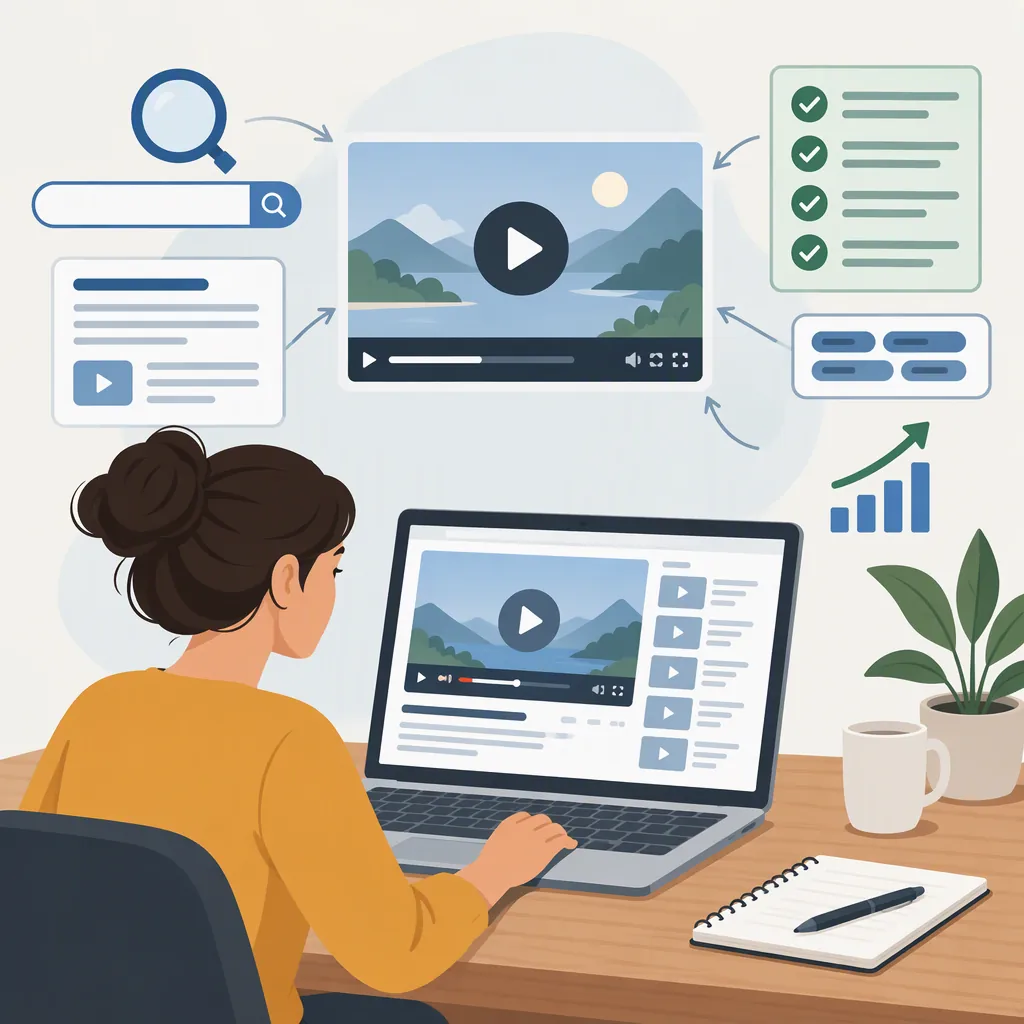
How to Optimize Videos for YouTube and Google Search
To SEO videos, choose a specific viewer question, make the video answer it clearly, and describe that answer accurately in the title and description. Add a relevant thumbnail and corrected captions. For videos on your website, make the video prominent and support discovery with video structured data and a video sitemap. Review search traffic and viewer retention to guide improvements. These steps support discovery; they do not guarantee rankings. [c1] [c2]
1. Choose One Search Intent
Start with the question the video will answer, rather than a list of keywords to insert later. A focused tutorial, demonstration, or explanation gives you a clearer basis for the script and metadata.
Explore YouTube autocomplete, Google results, related searches, and the search terms already bringing viewers to your videos. These are useful sources of topic ideas, not promises of traffic. AIOSEO recommends autocomplete and search-result research; Reflect Digital recommends reviewing YouTube traffic-source reports. [c2] [c3]
Before recording, inspect the results for your target question. Note what viewers appear to need: a walkthrough, a comparison, or a quick explanation. Choose a scope you can answer fully without padding.
Video Search Brief
Complete before scripting:
- Viewer question: ____
- Primary search phrase: ____
- Viewer’s starting knowledge: ____
- Answer or outcome the video will deliver: ____
- Demonstration needed to explain it: ____
- Topics outside this video’s scope: ____
2. Align the Title, Description, and Thumbnail
Write a title that identifies the topic and the result viewers can expect. Include the primary search phrase where it reads naturally. Avoid promising an answer the video does not deliver. Both provided beginner guides recommend clear, relevant titles and descriptions. [c1] [c2]
Use the opening of the description to summarize the video. Follow with useful details, such as the steps covered, prerequisites, or timestamps for distinct sections. Do not repeat keywords merely to reach a count.
Design a thumbnail that represents the actual content. Use a clear focal point, readable contrast, and limited text. The references recommend relevant custom thumbnails and testing alternatives. Treat these as presentation practices, not a guaranteed ranking technique. [c1] [c3]
The sources propose different title and description lengths. This guide therefore does not treat a particular character count, word count, or keyword frequency as a universal requirement.
Illustrative Metadata Draft
Example topic: adjusting a bicycle saddle.

Title: How to Adjust Bicycle Saddle Height
Description opening: This video demonstrates how to adjust bicycle saddle height and check the position afterward.
Description details: List only the tools, steps, and checks actually shown.
Thumbnail concept: A close-up of the saddle adjustment, with a short label such as “Saddle Height.”
Review: Does every promise match the finished video?
3. Deliver the Answer and Correct the Captions
Make the opening explain what the viewer will learn, then move into the answer. Use the search phrase naturally when it names the subject; do not force repetitions into the script.
Reflect Digital and AIOSEO recommend clear structure and reviewing audience retention to understand where viewers stop watching. Use that advice to remove unnecessary introductions or confusing transitions, rather than stretching a video to match a competitor’s runtime. [c2] [c3]
Review automated captions against the recording. Correct names, technical terms, numbers, and punctuation. Captions support accessibility, while a transcript provides a text version of the spoken content. The references recommend both as video SEO practices. [c1] [c2]
For a website watch page, include a readable transcript when useful. Label any separate summary as a summary rather than presenting it as a verbatim transcript.
Caption Quality Checklist
- Compare captions with the audio.
- Correct names, numbers, units, and specialist vocabulary.
- Check timing and sentence breaks.
- Confirm captions are enabled on the published video.
- If publishing a transcript, confirm it matches the final edit.
4. Complete the YouTube Setup
For a YouTube upload, check the title, description, thumbnail, captions, and relevant category together. Add only tags that describe the content; do not substitute tag lists for a useful title or accurate description.
Reflect Digital describes tags as a relatively limited part of optimization and emphasizes content quality, watch time, and retention instead. Its advice supports treating tags as supplementary context, not the main task. [c3]
Organize related videos into playlists where that helps viewers navigate a topic. Review the channel description for clarity about the subjects covered. Reflect Digital recommends both channel descriptions and playlist organization. [c3]
YouTube Publishing Review
- Title accurately describes the answer.
- Description explains the actual content.
- Thumbnail remains understandable at a small size.
- Captions have been reviewed.
- Category and tags are relevant.
- Any playlist placement helps viewers find related material.
5. Optimize the Website Watch Page
If you also want a page on your website to be discoverable, treat it as a separate publishing task. The host choice and the quality of the watch page are related, but they are not the same decision.
Give the main video a prominent position, with a descriptive page heading and supporting text. Lemonlight recommends dedicated pages for important videos and advises against burying the player in a sidebar, footer, or inaccessible interface. [c1]
Review VideoObject structured data and a video sitemap. The references describe these as ways to communicate video information and help search engines discover the content. Use actual video details, including its name, description, thumbnail, upload date, and duration; do not invent missing values. [c1] [c2]
Check playback on different screen sizes and verify that the player and relevant assets are accessible. Structured data and sitemap submission do not guarantee indexing or a thumbnail-rich search result. [c1]
Watch Page Implementation Checklist
- Place the main video prominently.
- Add a descriptive heading and useful supporting text.
- Test playback on desktop and mobile.
- Review access to the player, thumbnail, and video assets.
- Check VideoObject values against the published video.
- Include appropriate video details in the video sitemap.
- Review the page and video discovery status in Google Search Console.
6. Measure Results Without Assuming a Ranking Formula
Review traffic sources, click-through rate, watch time, and audience retention where those reports are available. The references recommend using performance data to refine titles, thumbnails, and content. [c1] [c3]
Use patterns to form hypotheses. If viewers click but leave early, inspect whether the opening delivers the title’s promise. If a search phrase brings viewers who stay, consider whether a related question deserves its own video. Change one element at a time where practical and keep a record; a before-and-after difference alone does not establish its cause.
Evidence limitation: This article draws on the supplied commercial educational guides, not primary platform documentation or an independently verified ranking study. Their recommendations are useful starting points, but exact ranking weights, guaranteed timelines, and universal performance benchmarks are not established here.
Video Optimization Log
Video: ____
Review period: ____
Observed pattern: ____
Hypothesis: ____
Single change made: ____
Date changed: ____
Metrics reviewed afterward: ____
Other changes or events that could affect results: ____
Conclusion and remaining uncertainty: ____
FAQ
What Is Video SEO?
Video SEO is the work of making videos and their hosting pages easier to discover and understand in search. It includes topic research, metadata, thumbnails, captions, and website technical setup where applicable. [c1] [c2]
Should I Publish on YouTube or My Website?
Choose according to the publishing goal. Lemonlight describes YouTube as offering built-in discovery and website hosting as offering more control over the page experience. Using both is possible, but the website watch page still needs its own optimization. Neither choice guarantees rankings. [c1]
Are Tags the Most Important Video SEO Task?
No. Reflect Digital describes tags as having limited impact compared with the broader work of improving content and viewer experience. Use relevant tags, but prioritize an accurate title, useful description, representative thumbnail, and a clear answer. [c3]
Do Captions Help with Video SEO?
The supplied guides recommend captions and transcripts because they support accessibility and provide text describing the video’s spoken content. Review automated captions for accuracy rather than assuming the generated text is correct. Captions alone do not guarantee a ranking improvement. [c1] [c2]
Does Video Schema Guarantee a Google Thumbnail?
No. Lemonlight recommends prominent video placement, accurate VideoObject structured data, a video sitemap, and accessible video assets as part of preparing for video search features. It also explicitly notes that Google does not guarantee a particular feature. [c1]