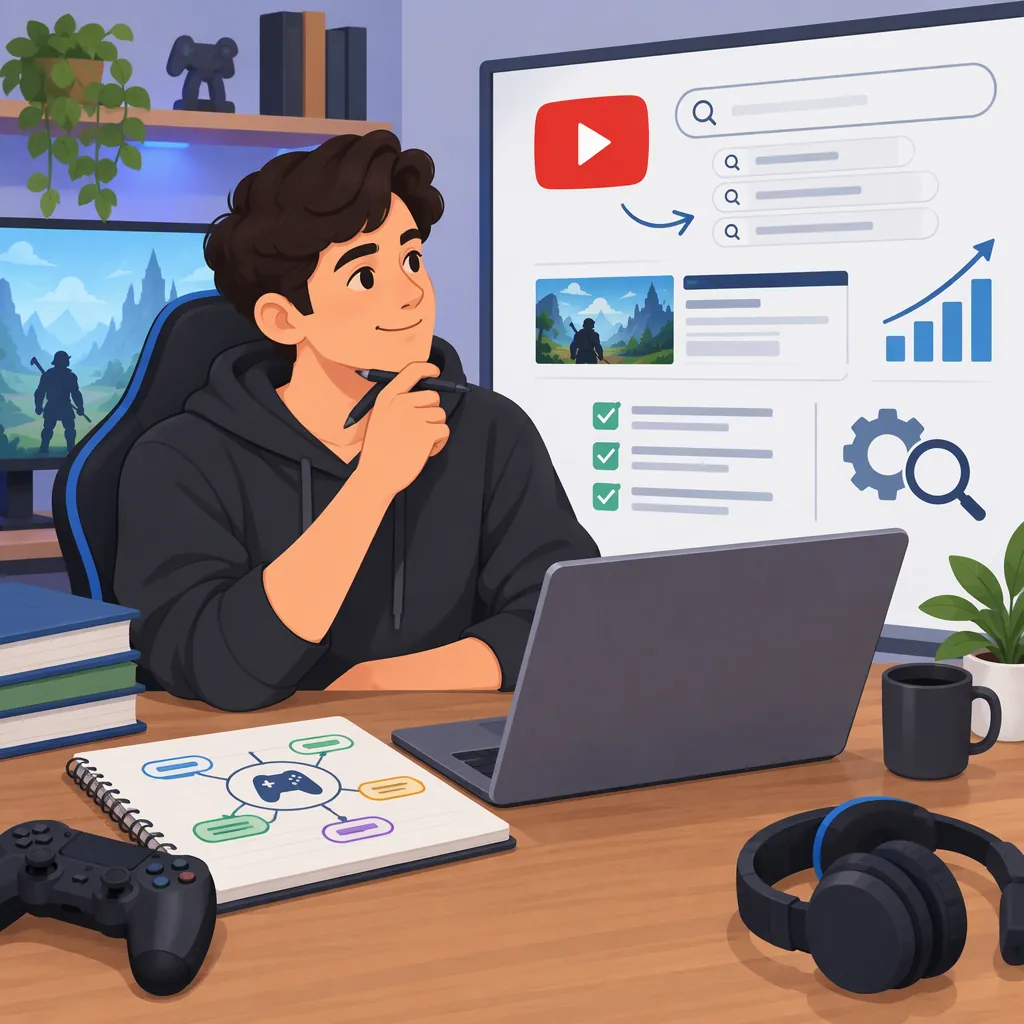
Gaming Channel SEO: Plan Clear, Search-Focused Videos
Gaming channel SEO starts with a specific viewer question, a video that answers it, and titles and descriptions that accurately identify the game, task, and relevant context. Organize related videos so viewers can navigate the channel, then review available search data without treating every change in views as an SEO result.
The workflow below covers finding candidate questions, planning demonstrable answers, packaging videos, organizing a channel, and evaluating revisions. It is editorial planning guidance—not a proven video-ranking formula.
Evidence and Scope
1Digital Agency’s gaming SEO page describes keyword research as identifying search terms and creating content that meets user intent. Its primary subject is gaming websites and businesses, and it is a commercial services page—not official documentation for a video platform’s search or recommendation systems. Applying its search-intent concept to video planning is an editorial adaptation. [c1]
This guide does not endorse the source’s promotional claims or establish ranking weights, ideal keyword density, title length, tag count, upload frequency, or guaranteed growth.
Find and Define the Viewer Question Before Recording
Choose one main question for each video. A viewer seeking a boss walkthrough needs a different answer from someone comparing graphics settings or looking for entertaining gameplay.
Collect and Screen Candidate Questions
Use this short research process:
- Start with a game and a task. Draft a few phrases that describe what a viewer might need, such as “[game] beginner boss walkthrough” or “[game] controller settings.”
- Inspect public search suggestions and results. Where available, note suggested wording and review relevant results. Record the platform and date so you know where each observation came from.
- Read public viewer questions. Look for questions in public comments or discussions. Keep the topic wording; there is no need to collect personal details.
- Compare the intent. Separate requests for instructions, troubleshooting, comparisons, reviews, and entertainment. Similar words do not always mean the same need.
- Check existing coverage. Review both your channel and relevant public results. Identify whether a candidate repeats an existing answer, needs a clearer explanation, or concerns a different version or platform.
- Check what you can demonstrate. Keep questions you can answer accurately with footage. Narrow or defer questions that require testing you cannot perform.
Search suggestions, visible results, and public questions are starting points for topic discovery. They do not directly establish search volume, competition difficulty, or likely ranking performance. Do not label a topic “high volume” or “low competition” without supporting data.
Video Intent Brief
Complete this brief before recording:
- Game or topic: [Name]
- Viewer question: [One specific question]
- Question observed in: [Public suggestion, result, discussion, or your own draft; date]
- Format: [Walkthrough / comparison / troubleshooting / review / entertainment]
- Relevant context: [Platform, mode, difficulty, or version]
- Answer demonstrated: [What the footage will establish]
- Existing coverage: [What related videos already cover]
- Outside this video’s scope: [What it will not cover]
Prefer a narrow question you can answer fully over a broad game name that leaves the viewer’s need unclear.
Hypothetical Completed Brief
The following example uses an invented game and task; it is not a claim about actual gameplay or search demand.
- Game: Harbor Quest
- Viewer question: How do I open the lighthouse gate in the beginner mission?
- Question origin: An illustrative planning question, not observed search data
- Format: Walkthrough
- Relevant context: PC, version 1.2, beginner mission
- Answer demonstrated: Footage showing the required switches, their activation order, and the gate opening
- Existing coverage to check: Whether another channel video already explains this mission
- Outside scope: Console controls, other versions, later lighthouse missions, and speedrun techniques
The recording plan should capture the full sequence and its result. If the footage does not establish the promised answer, revise the brief before writing the title.
Write Titles and Descriptions That Match the Video
Use the viewer question as a drafting aid, not as a phrase to repeat everywhere. A useful title identifies the subject and distinguishes the answer.
An illustrative pattern is [Game]: How to [Task] in [Relevant Context]. Include platform, mode, or version details when they affect the answer. Avoid “best,” “fastest,” or “guaranteed” unless the video can substantiate the claim and explain its limits.
In the description:
- Summarize what the video demonstrates.
- State the relevant platform, mode, difficulty, or version.
- Identify important exclusions or conditions.
- Add timestamps only after checking them against the finished upload.
- Avoid unrelated game names and repeated keyword blocks.
Keep the thumbnail consistent with the title and footage. A troubleshooting video should depict the relevant problem or setting rather than an unrelated dramatic scene. Treat these choices as accuracy and usability practices, not ranking guarantees.
Title and Description Draft
- Title: [Game]: How to [Specific Task] in [Relevant Context]
- Description opening: This video demonstrates [answer] in [game/platform/version]. It covers [scope] and does not cover [important exclusion].
- Checked timestamps: [Time — section label]
- Known limitations: [Conditions under which the answer may differ]
- Correction note, if needed: [What changed and when]
Hypothetical Completed Packaging
Using the Harbor Quest brief above:
Title: Harbor Quest: How to Open the Lighthouse Gate — PC v1.2
Description opening: This walkthrough shows the switch locations and activation order for opening the lighthouse gate in Harbor Quest’s beginner mission on PC, version 1.2. The footage shows the sequence through to the gate opening. It does not cover console controls, other versions, or later lighthouse missions.
Thumbnail concept: The lighthouse gate and the relevant switch area, using footage consistent with the walkthrough.
Timestamp handling: Add section times after the final edit; do not guess them from the recording plan.
This packaging is more specific than “Harbor Quest” or “Episode 7” because it names the task and applicability. That specificity clarifies the promise; it does not establish a ranking benefit.
Give the Channel a Clear Editorial Structure
Write a channel description that explains what viewers can expect: the games covered, the types of videos, and the intended audience. Avoid claiming to cover every gaming topic if the published library is narrower.
Group related videos into clearly named playlists where the platform supports them. Possible labels include “Beginner Walkthroughs,” “PC Settings Guides,” or a specific game’s name. Choose groupings that reflect the actual library rather than creating many nearly empty categories.
For a series, make episode relationships understandable while keeping each title descriptive. An episode number can accompany a task-based title, but should not replace the subject.
For the hypothetical Harbor Quest video, a “Harbor Quest Beginner Walkthroughs” playlist would fit only if its contents actually serve that need. Playlist organization is a navigation choice, not evidence that the videos will rank higher.
Channel Organization Checklist
- State the channel’s actual games, formats, and intended audience.
- Remove description promises the library does not fulfill.
- Group existing videos by a clear viewer need or game.
- Check that playlist names accurately describe their contents.
- Give series episodes distinct, descriptive titles.
- Identify outdated guides that need a visible qualification.
- Check that viewers can distinguish introductory guides from advanced material.
Review Search Performance Without Overclaiming
Use the analytics your platform actually provides. Where available, record search traffic separately from recommendation, external, or other traffic. A change in total views alone does not establish that a title edit improved search performance.
Keep a change log with the date, original wording, revised wording, and reason for the edit. Compare similar observation periods and note relevant context, such as a game update or a new upload. Avoid changing several packaging elements at once if your goal is to understand one revision.
A before-and-after comparison can inform future work, but it does not by itself establish causation. 1Digital Agency lists organic traffic, rankings, conversions, and engagement as website SEO measures; those are not video-channel benchmarks or a prescribed testing interval. [c1]
SEO Review Log
- Video: [Title or identifier]
- Viewer question: [Intended query]
- Change date: [Date]
- Element changed: [Title / description / thumbnail / organization]
- Before: [Original]
- After: [Revision]
- Reason: [Specific accuracy or clarity issue]
- Observation periods: [Dates]
- Available search metrics: [Record or mark unavailable]
- Other relevant changes: [Updates, uploads, or events]
- Conclusion: [Observation and uncertainty]
- Next action: [Keep, correct, investigate, or defer; explain why]
Turn Observations into Next Steps
| Observation | Cautious interpretation | Next action |
|---|---|---|
| Search data is unavailable after a playlist reorganization. | Search impact cannot be assessed from the available data. | Evaluate whether labels and navigation accurately represent the library; do not claim search growth. |
| Search traffic changes during a major game update. | The update is a possible confounding factor. | Record it, check whether the guide still applies, and avoid attributing the change solely to a title revision. |
| The title promises an answer the footage does not provide. | The packaging is inaccurate regardless of view counts. | Correct the promise or replace the content rather than adding more keywords. |
Prioritize accuracy corrections even when they make a performance comparison less tidy. A clean experiment is not a reason to leave a misleading title in place.
FAQ
Is Gaming Channel SEO the Same as Gaming Website SEO?
No. Gaming channel SEO concerns video topics, packaging, channel organization, and available discovery data. The cited 1Digital Agency page primarily addresses websites, stores, and business search visibility; it does not establish how a video platform ranks channels or uploads. [c1]
How Can I Find Gaming Video Keyword Ideas?
Start with a game and a viewer task. Where available, inspect public search suggestions, relevant results, and public viewer questions. Group candidates by intent, check existing coverage, and keep questions you can demonstrate accurately. These observations are topic-discovery signals, not proof of search volume or low competition.
Where Should I Put Gaming Keywords?
Use the game name and relevant task naturally in the title and description when they accurately describe the video. Include platform, mode, or version details when necessary. Avoid unrelated terms and repeated keyword blocks. This is clarity guidance, not a verified keyword-placement formula.
Should I Update Older Gaming Guides?
Review older guides when their instructions or context may no longer apply. Correct inaccurate descriptions, identify the version demonstrated, and add a clear limitation where needed. If the footage no longer supports the promised answer, revise the promise or produce a replacement rather than only changing keywords.
Can This Workflow Guarantee More Views or Subscribers?
No. It provides a way to plan answers, check packaging, organize a library, and document revisions. It does not establish guaranteed rankings, view increases, or subscriber growth. Evaluate the data available to you and preserve uncertainty about what caused any change.