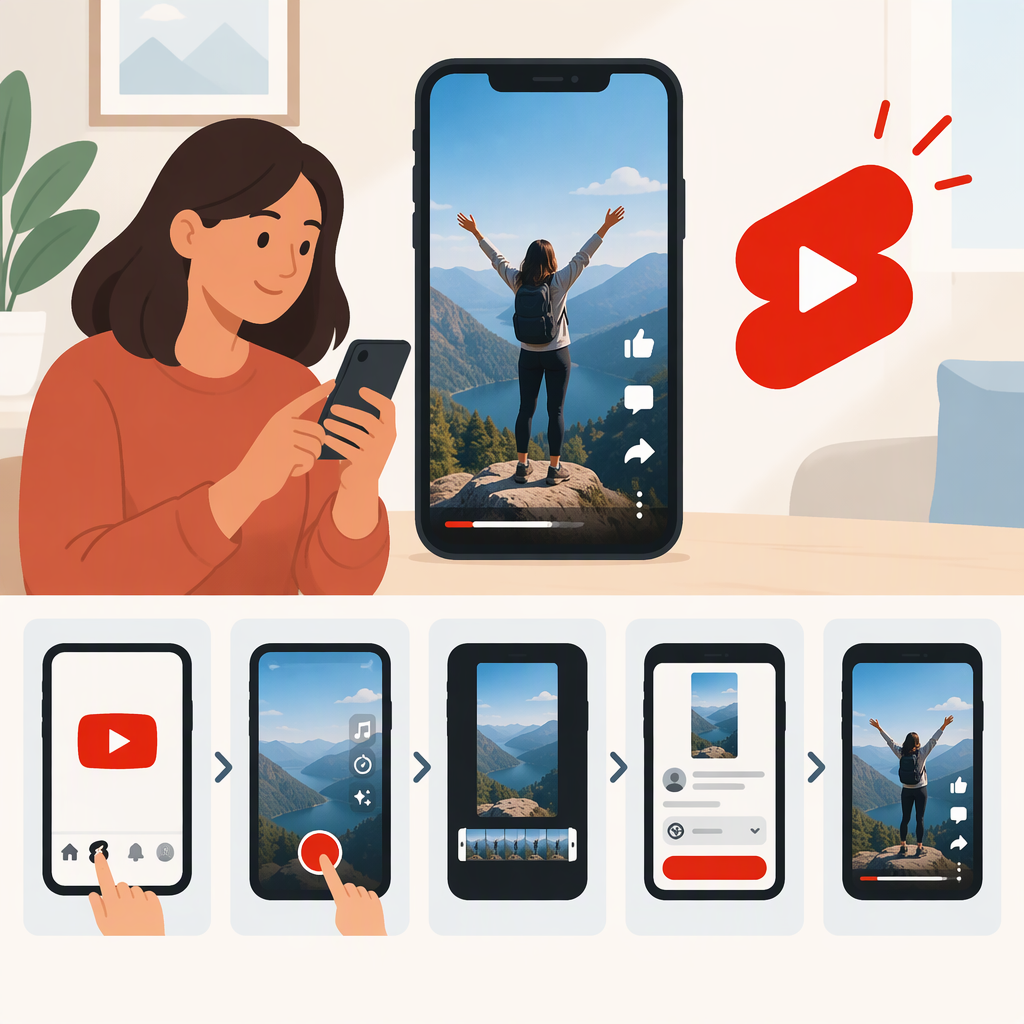
YouTube Reels: What the Term Means and How to Make a YouTube Short
If you’re searching for “YouTube Reels,” the YouTube format you’re probably looking for is YouTube Shorts. YouTube’s official creator and Help materials call them Shorts; Instagram calls its short-form videos Reels. So “YouTube Reels” can describe what someone means in a search, but YouTube Shorts is the name to use when looking for YouTube’s format or its publishing instructions. (support.google.com)
YouTube Reels Vs. Instagram Reels
The names refer to formats on different platforms:
- YouTube: YouTube Shorts, usually shortened to Shorts.
- Instagram: Instagram Reels, often shortened to Reels.
For example, if you want to publish a short-form video on YouTube, look for instructions about creating or uploading a Short. If you mean Instagram, look for Reels. This distinction answers the naming question without assuming the two platforms have identical tools or requirements.
How to Make a YouTube Short
You can record a Short in the YouTube app or upload a video you already made. YouTube’s current Help guidance says Shorts can be up to three minutes and, for the described upload route, must have a square or vertical aspect ratio. (support.google.com)
On a phone: Open the YouTube app, sign in, and use the create option to make a Short. Record clips with the Shorts camera or select video from your phone, make any edits, then proceed through the publishing flow. YouTube’s creator guide outlines that basic sequence: set up, choose or record content, edit, and upload. (youtube.com)
On a computer: Sign in to YouTube Studio, select Create → Upload videos, and choose a square or vertical video up to three minutes long. Complete the video details before publishing. (support.google.com)
If your goal is simply to make a “YouTube Reel,” the practical takeaway is: make a YouTube Short. Use the platform’s current publishing flow, and confirm the video’s privacy and other publishing settings before you share it.