What Does Reels Mean on Instagram? a Beginner’s Guide
What Does “Reels” Mean on Instagram?
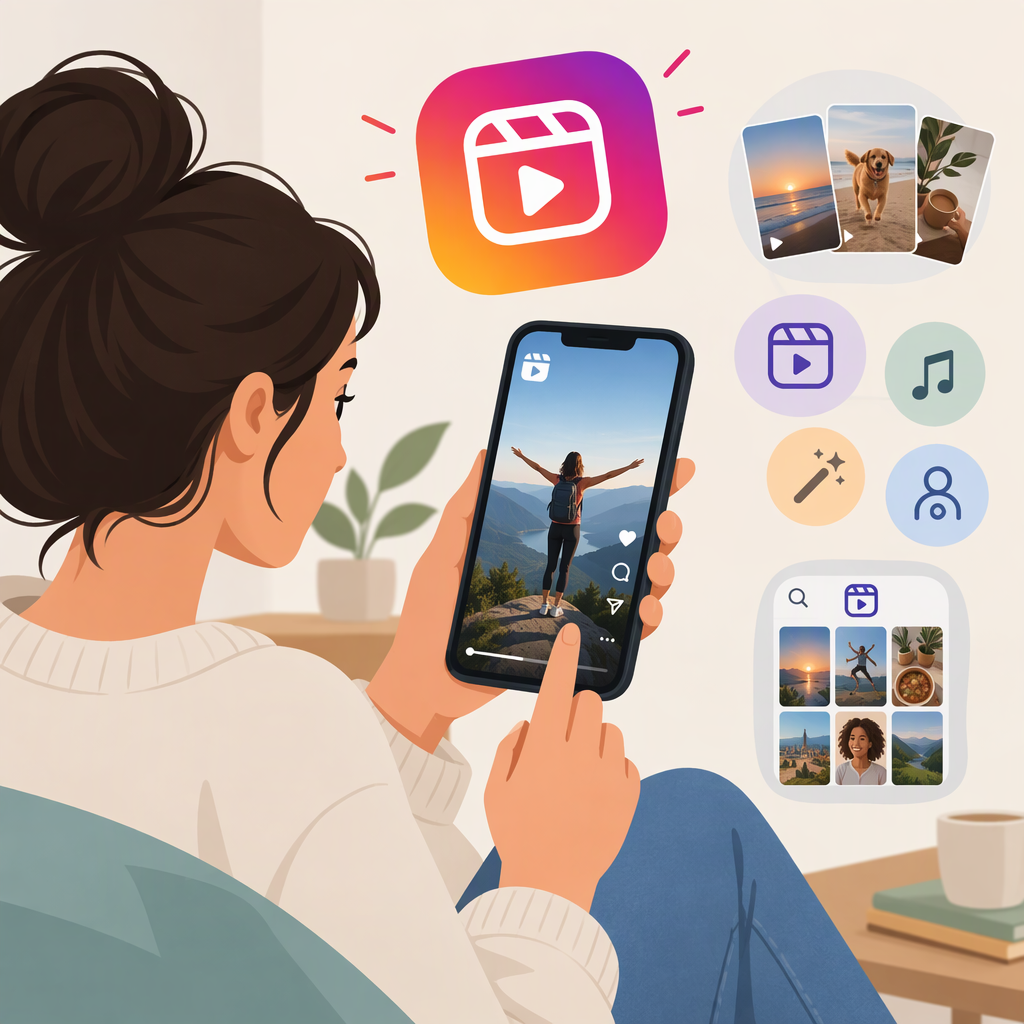
A Reel is Instagram’s format for creating, editing, and sharing short videos. You can record clips in Instagram or use video from your device, then share the finished Reel. Instagram describes Reels as a way to create and discover short videos. (about.fb.com)
When Should You Choose a Reel?
Choose a Reel when your idea is best expressed as a short video—such as a quick demonstration, a few edited clips, or a brief explanation. Instagram’s description of Reels centers on making and sharing video, with tools such as audio and effects available during creation. (about.fb.com)
A Reel and a Feed post are not necessarily opposites: Instagram has described sharing Reels with followers in Feed. If you are deciding between formats, start with the content itself: use a Reel for a short video; choose another format if your content or sharing purpose fits that format better. Do not assume a Reel will reach more people or appear in a particular place—visibility depends on Instagram’s current settings and distribution. (about.fb.com)
How to Create and Publish a Basic Reel
Instagram’s screen labels and layout may change, so look for the Reel creation option in your app. The basic process is:
- Start a Reel. Open Instagram’s Reel creation tool.
- Add video. Record a clip in the app, or select video from your device. Instagram’s published overview describes both recording clips and uploading video from the gallery. (about.fb.com)
- Edit if needed. Review the clips and make any changes you want. Audio and effects are optional creative tools, not requirements for making a Reel. (about.fb.com)
- Go to the share screen and review. Check that the video and any selected cover or caption look right. Instagram’s overview describes these as options on the share screen. (about.fb.com)
- Check the available audience or privacy choices, then share. Choose the option that fits your intended audience and confirm publishing in the app.
Example: To show how to repot a plant, record a few short clips of the steps, put them in order, and add a brief caption if useful. Preview the result before sharing. That is enough to make a basic Reel; music, effects, and elaborate editing are optional.
If a button or option appears in a different place—or is not available in your app—follow the controls currently shown on your account. Instagram’s published step-by-step overview dates from 2020, so its specific screen layout should not be treated as a guarantee of today’s interface. (about.fb.com)