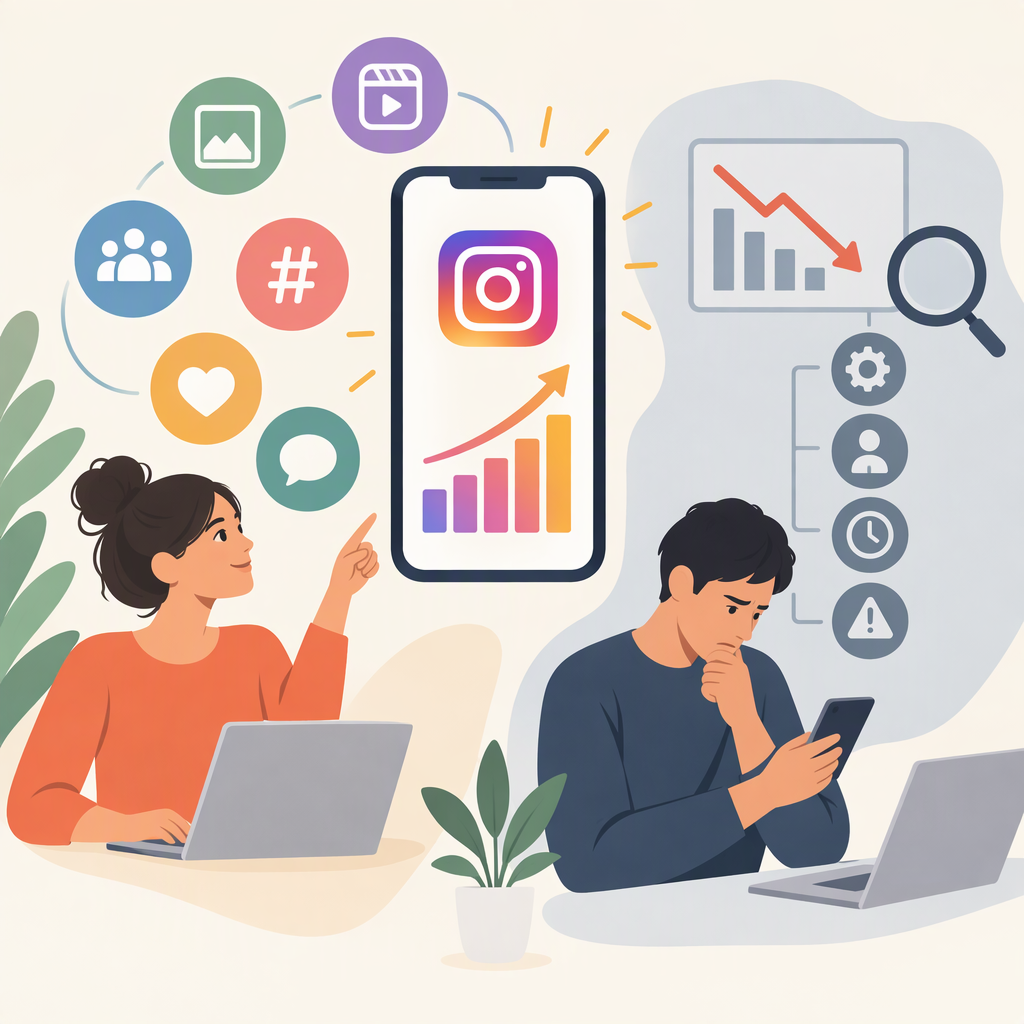
How to Increase Instagram Reach—And Troubleshoot a Drop
How to Increase Instagram Reach: Start Here
To improve Instagram reach, first review your Insights and Instagram’s own creator guidance, then make one focused change to content or format and compare the results with similar posts. If reach has dropped, check whether the change is broad or limited to certain content, and review account or recommendation status where that option is available. No tactic can guarantee a specific reach outcome.
A useful order is:
- Check the numbers: compare similar time periods and similar content, not one unusually successful post against everything that followed.
- Review Instagram’s guidance: if available on your account, open Best Practices in the Professional Dashboard. Instagram says it includes guidance on creation, engagement, reach, monetization, and guidelines, as well as personalized tips. (about.fb.com)
- Improve one content variable at a time: for example, make the topic clearer, change the opening, or try a different format. Keep the audience and purpose in mind, then compare the result with comparable content.
- If you need to check an idea with new viewers: Trial Reels are designed to show a Reel to non-followers first, but the feature may not be available to every account. (about.fb.com)
- If reach has fallen: check for account or content recommendation eligibility issues where available, then investigate changes in format, topic, and audience response. A drop alone does not establish why it happened.
What Reach Tells You—And What to Compare
Use the reach figure shown in Instagram Insights for the account, content, and time period you are analyzing. Instagram’s help instructions describe viewing insights at an aggregate or individual-content level and choosing preset or custom time periods; the available views and options may vary. (meta.com) Avoid treating reach and views as interchangeable: they are separate Insights measures, so choose the measure that matches your question and use it consistently.
For a fair comparison:
- Match the time window. Compare similar spans, such as one week with another week, rather than a short period with a longer one.
- Match like with like. Compare Reels with Reels or carousels with carousels when possible. A format or topic change may affect results, so don’t treat it as an apples-to-apples comparison.
- Use a typical baseline. Several relevant posts or periods give more context than a single viral or unusually weak post. There is no universal benchmark that can diagnose an account from one number.
- Separate total change from audience change. If your Insights show audience or follower/non-follower breakdowns, use them to see whether the change is concentrated in one segment. The exact breakdowns can vary; don’t assume every account sees the same metrics.
Example: Suppose your recent Reels appear to reach fewer accounts than your earlier Reels. Compare a group of recent Reels with a similar group from an earlier period, using the same Insights measure and comparable time since publishing. Then check whether the difference is consistent or driven by one post. This won’t prove the cause, but it tells you whether to investigate a pattern rather than react to an outlier.
Practical Actions to Try
1. Use Instagram’s In-App Best Practices Guidance
If the Best Practices section is available in your Professional Dashboard, use it as a platform-specific starting point. Instagram says the hub covers reach and other creator topics, and may offer personalized tips. Because the guidance is in-app and may change, follow what your account currently displays rather than assuming an old tip or fixed posting rule applies to everyone. (about.fb.com)
2. Make the Content’s Value Clear
Give viewers a clear reason to watch, read, save, or share the piece. For example, make the subject apparent early in a video, or make a carousel’s purpose clear on its first card. These are practical creative choices to test—not a promise that Instagram will distribute a post more widely. Compare the resulting reach and, where Insights provides them, relevant response measures.
3. Try a Different Format or Idea Deliberately
If you have a new topic or storytelling approach, test it as a distinct experiment rather than changing several things at once. Trial Reels, when available, are intended for trying a Reel with non-followers first. Instagram’s announcement describes them as a way to test ideas and see how they perform; it does not promise a reach increase or establish that the feature is available to all creators. (about.fb.com)
4. Keep Recommendations Eligibility in View
Recommendations are one way Instagram content may be distributed beyond people who already follow an account. Meta explains that recommendation eligibility is governed by Recommendations Guidelines, and that content not included in recommendations may therefore be distributed less widely. This is one possible factor to check—not an explanation for every fall in reach. (about.fb.com)
How to Investigate a Reach Drop
Use this sequence to narrow the question before changing your whole strategy:
- Confirm the comparison. Check that the date ranges are comparable and that you are looking at the same reach measure. Consider whether the newest posts have had a similar amount of time to accumulate results.
- Look for a pattern. Is the decline across most content, or just one format, topic, or post? Compare similar posts and periods before drawing a conclusion.
- Check the audience information available to you. If your Insights offer audience breakdowns, see whether the change is concentrated among followers or non-followers. Treat the breakdown as a clue, not a causal explanation.
- Review account and recommendation status if available. Instagram’s Account Status feature has been described as a place to understand account issues, and recommendation eligibility can affect whether content is included in recommendations. Menu labels and availability can change; use the current app interface and any explanation shown for your account. A status check may reveal an issue, but it does not establish that every reach drop comes from eligibility. (about.instagram.com)
- Review what changed. Note changes in topic, format, creative approach, posting pattern, or audience response. Change one plausible factor at a time where practical, then compare similar content again.
- Choose the next check based on what you found. If the decline appears across formats, keep investigating account-wide factors and broader time-period differences. If it is concentrated in one format or topic, test a focused adjustment there first.
A lower number alone does not prove a penalty, a hidden restriction, or a so-called “shadowban.” Public guidance cannot identify the cause of a specific account’s results unless the account’s own available status information or other evidence points to one.
A Simple Test-And-Review Loop
Use a repeatable process rather than chasing every fluctuation:
- Record a baseline: note the content type, topic, date range, and reach measure you will use.
- Choose one change: for instance, alter the opening of a Reel while keeping its topic broadly similar. Write down what changed.
- Compare relevant results: use comparable content and the same Insights measure. If available, review supporting measures that help interpret the result, such as audience breakdowns or interactions.
- Decide what to do next: repeat the approach if similar results recur; revise it if the evidence is mixed; stop if it does not serve your goal.
This is general testing guidance, not a guarantee of causation. One post or a small, unlike sample cannot show that a single edit caused a reach change. Avoid inventing a universal sample size, test duration, or success threshold; use enough comparable examples to see whether a pattern is emerging for your account.
What Public Guidance Can—And Cannot—Tell You
Instagram has published creator education about reach and publicly described recommendation eligibility. Those sources can help you find relevant platform guidance and account checks, but they do not reveal every factor affecting an individual post’s distribution or guarantee a result. Instagram also says its Best Practices guidance is intended to be updated, so in-app instructions may change. Treat platform statements as platform guidance, and treat your own comparisons as observations—not proof of how the ranking system works. (about.fb.com)