How to Make a TikTok Video Without a Watermark (Your Own Content)
If you want a clean copy of your own TikTok video, keep the original footage or editing project and export a master file to your device before uploading. That local file is separate from the version TikTok displays or lets you download: TikTok says a downloaded video may include its watermark and the creator’s username, depending on the creator’s settings. So, keep your clean local master rather than assuming every TikTok copy will be watermark-free. TikTok: Download content
Make and Keep a Clean Local Copy
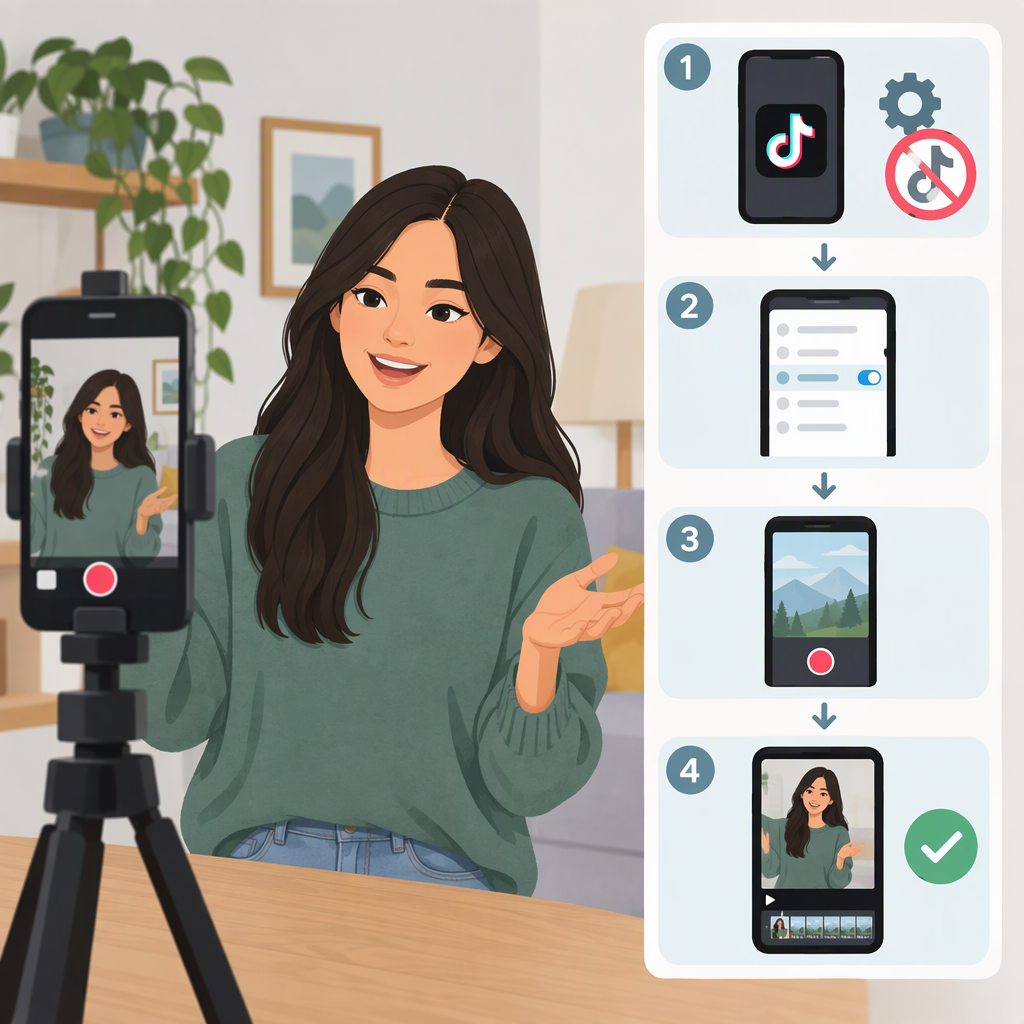
- Start with a clean source. Use your camera footage or editing project—not a copy downloaded from TikTok—if you have it.
- Edit and export locally. In your editing app, export the finished video to your device. Check the saved file itself: play it and look for a watermark before treating it as your clean master.
- Keep that master before uploading. Store the export somewhere you can find it again, such as your device’s video library or a backup. Upload a separate copy to TikTok if needed.
TikTok’s help guidance distinguishes saving a draft from saving posted content: it says a draft saved through the app is saved with a watermark by default, and that you need to post it first to save it without a watermark. TikTok also says you can save your own posted content using its download methods, but warns that downloaded videos may include a watermark and username depending on the creator’s settings. These instructions describe TikTok’s saving options; they are not a guarantee that every copy shown or downloaded from TikTok will be watermark-free. TikTok: Download content
If Your Only Copy Already Has a Watermark
First look for the original camera file, the editing project, or a backup. If you find one, use it to make a fresh local export and keep that as your master.
If the watermarked copy is all you have, you can try editing only content you own or are authorized to change. Cropping, covering, or rebuilding part of an image may also cut off or obscure picture content or reduce the usable framing; results depend on the video and edit. These approaches do not restore the original source, and there is no guaranteed clean result. If the visible mark is important to your record or presentation, keep the existing copy and look for a clean source before altering it.
TikTok’s help page describes saving your own content from drafts, before posting, or after posting. It does not establish a separate, guaranteed recovery method for a clean copy of every previously posted video. For future videos, the most dependable workflow is to preserve and inspect your own local export before uploading.