How to Get a Watermark on TikTok: Save a Video or Add Your Own Branding
Choose the Workflow You Mean
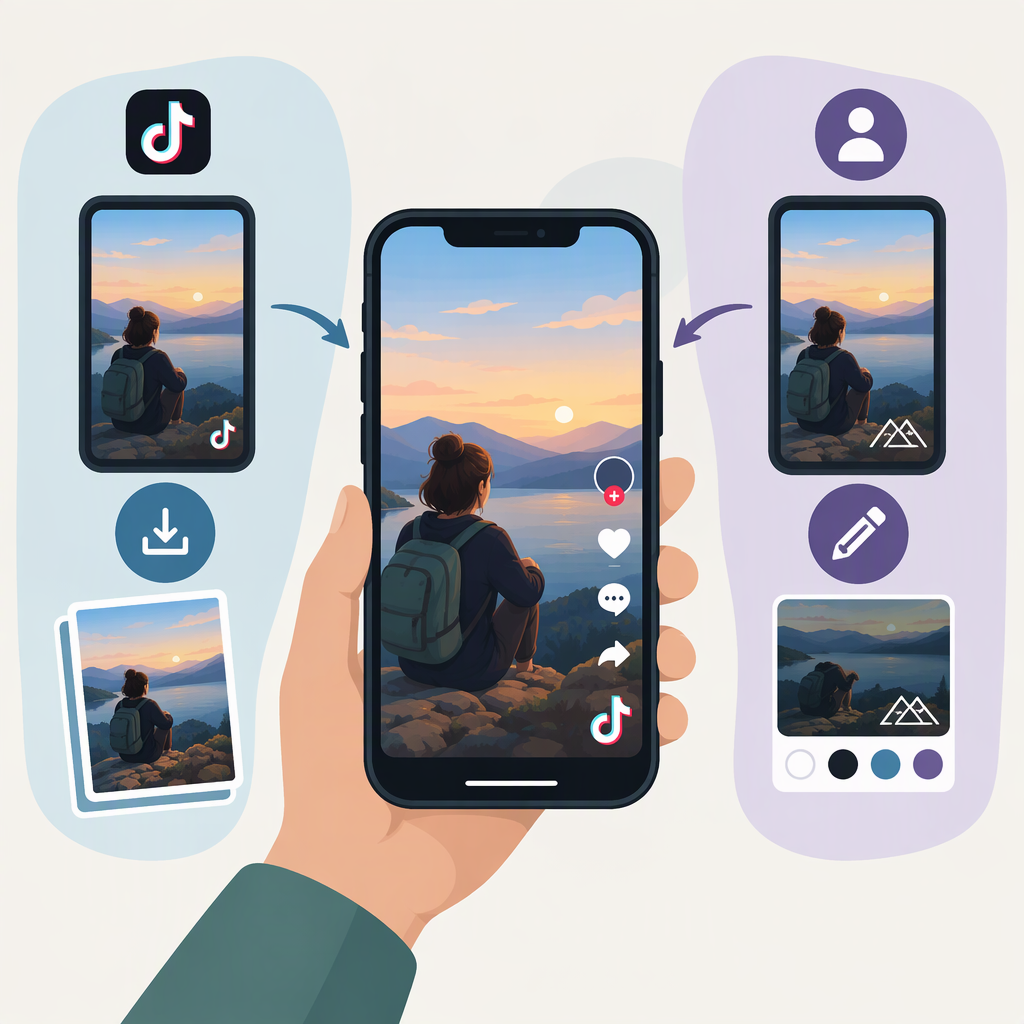
“Get a TikTok watermark” can mean two different things: download a TikTok post that may include TikTok’s watermark, or add your own text, logo, or sticker to a video before posting. TikTok’s help guidance says a downloaded video may include the TikTok watermark and creator username, depending on the creator’s settings; it does not promise that every download will have one. (support.tiktok.com)
Download a Posted TikTok Video
For a post that can be downloaded:
- Open the video in the TikTok app.
- Tap Share beside the video.
- Tap Download. The video should be saved to your device’s gallery. (support.tiktok.com)
Check the saved file: open it in your gallery and look for the TikTok watermark and creator username. Their appearance can depend on the creator’s settings, so don’t assume every downloaded file will include them. (support.tiktok.com)
If Download is missing on someone else’s post, TikTok says the creator has not allowed downloads. TikTok also says private videos can’t be downloaded. For your own post, TikTok’s help guidance recommends checking Profile → Menu ☰ → Settings and privacy → Downloads and turning on Video downloads if the option is off. (support.tiktok.com)
Save Your Own Draft with a Watermark
If you want a watermarked copy of a draft before posting, TikTok documents this route:
- Go to Profile → Drafts and open the draft.
- Tap More, then Share.
- Select Save post with watermark.
TikTok says the draft is saved to your gallery with a watermark by default. Its guidance says that to save the draft without a watermark, you need to post it first. (support.tiktok.com)
Add Your Own Branding Before Uploading
TikTok documents options for adding your own text, stickers, or emojis after recording or uploading a video in the app. On the preview screen, use Text to add and position text, or Stickers to choose and place a sticker; then save the edits. These are creator-added overlays—not TikTok’s platform watermark. (support.tiktok.com)
If you need your logo or text to be part of the video before it reaches TikTok, add it to the video file using your usual editing workflow before uploading. A logo or text overlay is still your branding, not TikTok’s watermark. TikTok’s cited guidance explains text and sticker editing, but does not establish that these overlays produce TikTok’s watermark on the source file.
If the Saved File or Option Is Missing
- No Download option on another creator’s video: the creator may have disabled downloads; private videos can’t be downloaded, according to TikTok. (support.tiktok.com)
- No Download option on your own post: check Profile → Menu ☰ → Settings and privacy → Downloads → Video downloads. TikTok says private accounts and accounts belonging to users under 16 have downloads turned off by default and can’t turn the setting on. (support.tiktok.com)
- The file isn’t in your gallery: TikTok suggests checking your device’s download folder or TikTok album. On iOS, check that TikTok has permission to access your photo library. (support.tiktok.com)