Sap Installment Payment Terms: Meaning, Examples, and What to Check
What Are Sap Installment Payment Terms?
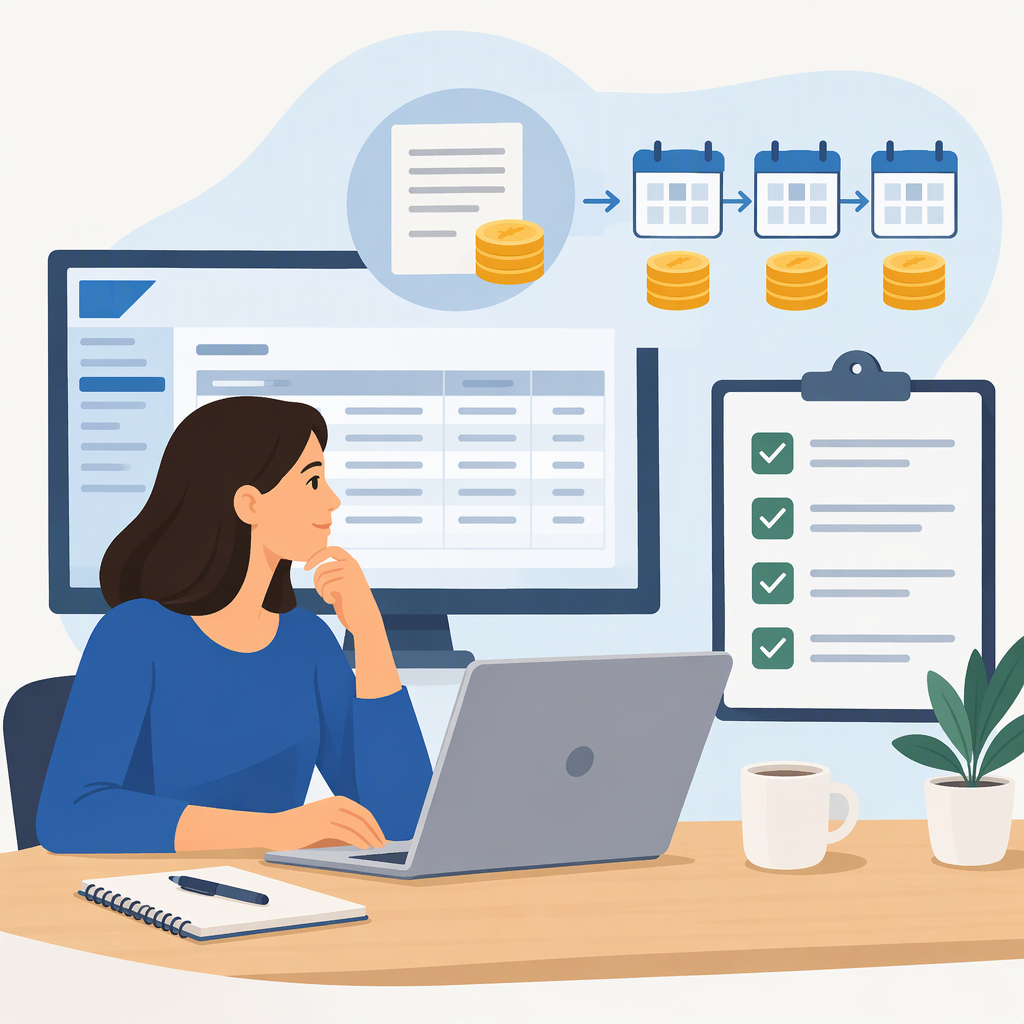
SAP installment payment terms describe a way to divide payment for a transaction into multiple amounts due at different times—but the exact meaning depends on the SAP process. In SAP S/4HANA on-premise Sales Billing documentation, an installment plan produces one invoice listing the installments, their payment dates, and amounts. In Accounts Payable documentation, installment terms consist of separate payment terms—one for each installment—and a posting can be split into individual items. These are related uses of installments, not one universal SAP workflow. (help.sap.com)
Payment terms recorded in SAP are system data; they do not, by themselves, establish what the parties agreed to. Check that the schedule in the relevant SAP document matches the applicable business agreement and your organization’s setup.
How Installments Differ from a Single Due Date
A single-payment term determines when one amount is due. An installment schedule sets multiple amounts and payment dates. In the documented S/4HANA Sales Billing context, the installments are calculated as percentages of the total invoice amount; an administrator can define the number of installments, dates, and percentages for the payment-terms key. In the documented Accounts Payable context, each installment has its own payment term. (help.sap.com)
So, when someone says “SAP installment payment terms,” first clarify which process they mean. A sales billing installment plan and Accounts Payable installment terms should not be assumed to have identical setup or accounting behavior.
How to Read an Installment Schedule
For the S/4HANA Sales Billing example documented by SAP, a $1,000 invoice is divided into a 20% down payment and six monthly installments. The down payment is $200. Each later installment is approximately 13.33% of the invoice: five are $133.33 and the last is $133.35. The final amount absorbs the rounding difference so the listed payments total $1,000. SAP gives February 1 for the down payment and March 1 through August 1 for the later payments in that example. (help.sap.com)
Those figures and dates are SAP’s documented example, not a schedule to apply to another invoice. For your case, compare the invoice total with every listed installment, confirm the payment dates, and check how any rounding difference is handled. Do not assume the same percentages, dates, or rounding treatment apply in another SAP product, release, transaction, or configuration.
In Accounts Payable, the documentation describes a different representation: when an installment payment is posted, the total is split into individual items, with each installment calculated using its relevant payment term. SAP’s example shows a $1,000 total becoming three items of $300, $400, and $300. (help.sap.com)
What to Check Before Relying on a Schedule
- Identify the process. Is this an outgoing customer invoice in Sales Billing, a vendor payment in Accounts Payable, or another SAP process? The examples above cover only the first two documented contexts.
- Confirm the product and release. The cited Sales Billing and Accounts Payable guidance is for SAP S/4HANA on-premise, version 2025 FPS02. Do not assume it describes a different SAP product or release.
- Inspect the transaction document. Compare the schedule shown on the relevant invoice or posting with the total, amounts, dates, and any remaining rounding amount. In Sales Billing, the documented plan is tied to a payment-terms key whose installment count, dates, and percentages can be defined by an administrator. (help.sap.com)
- Confirm the terms and setup with your organization. In the Sales Billing documentation, a payment-terms key may be stored as a customer default and overridden in the sales order. The actual document and local setup therefore matter; ask your SAP administrator or finance team if the displayed schedule does not match the expected agreement. (help.sap.com)
- For Accounts Payable, check the posted split. SAP’s documentation says the individual installment items appear when the posting is simulated and are shown individually after posting. Confirm the relevant payment term for each installment in your process rather than applying the Sales Billing example. (help.sap.com)
In short: SAP installment payment terms can refer to a multi-payment schedule, but the details depend on the SAP process and its configuration. Verify the product, release, transaction, and actual document before relying on amounts or due dates.