Quickbooks Net 30: What It Means and How to Check an Invoice’s Due Date
What Does Net 30 Mean in Quickbooks?
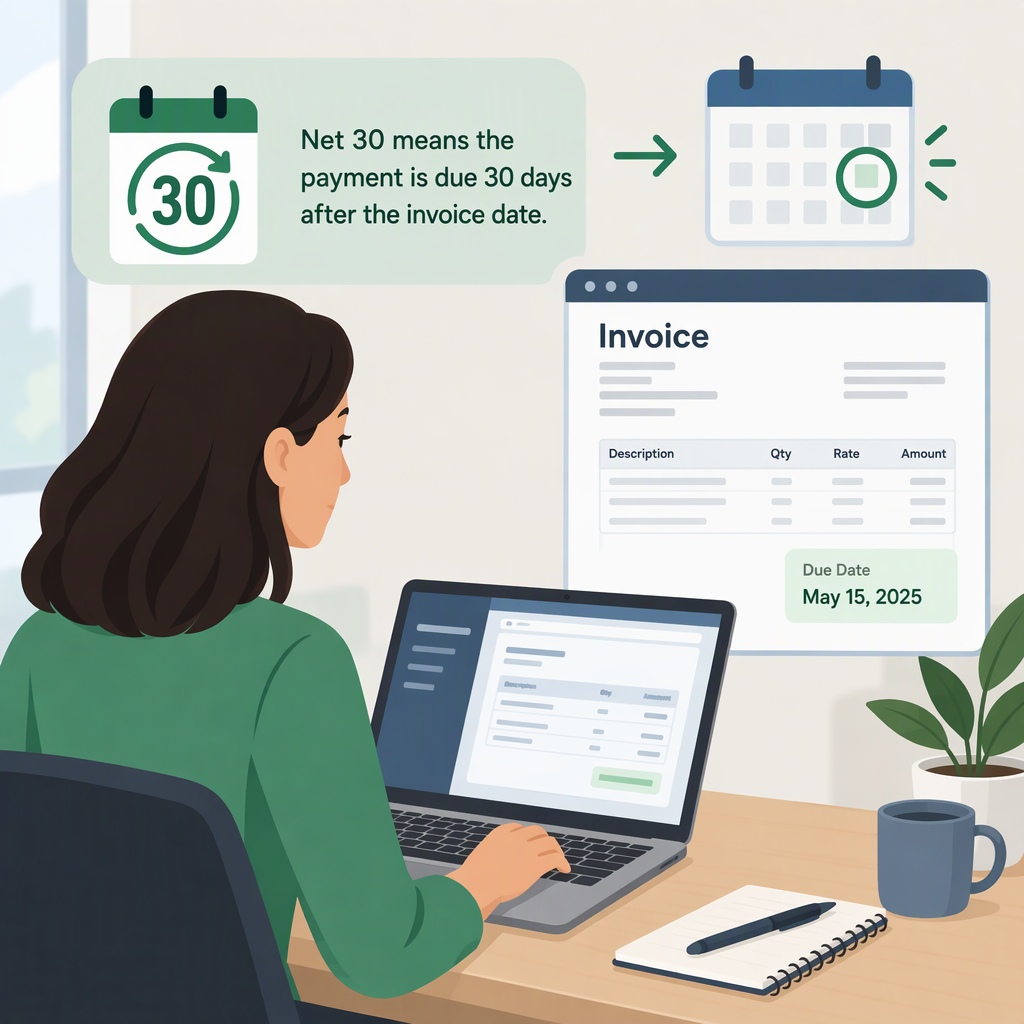
Net 30 is an invoice payment term: the full amount is generally due within 30 days of the agreed starting date, commonly the invoice date. It is not, by itself, a QuickBooks loan or financing approval. The customer’s agreement and the invoice’s stated due date matter: if they specify a different start date or payment rule, use those terms rather than assuming the invoice date controls. (corpay.com)
For example, under the common invoice-date convention, an invoice dated March 3 with Net 30 terms has a due date of April 2. Treat this as an illustration of that convention—not a universal rule for every contract or invoice. Check the due date printed on the invoice and compare it with the customer agreement if the dates differ or the starting point is unclear. (invoicesimple.com)
How to Set or Check Net 30 in Quickbooks Online
Intuit’s QuickBooks Online guidance identifies Sales settings as the place to set payment terms, and its invoice guidance describes creating an invoice and assigning invoice settings. Exact screens can vary as the interface changes, so these high-level steps do not assume a particular menu path: (quickbooks.intuit.com)
- In QuickBooks Online, find the Sales settings for payment terms. Select an existing Net 30 term or create one if that option is available in your account.
- Create or edit the customer invoice and apply the intended payment term.
- Before sending, review the invoice’s invoice date, payment terms, and due date. Confirm the due date matches the customer agreement and the date-counting rule you intend to use.
- If the calculated date is unexpected, correct the term or due date as appropriate before sending. Don’t assume that choosing “Net 30” alone resolves a disagreement about the start date or other agreed exceptions.
QuickBooks Online’s invoice guidance confirms that invoices can be created, edited, and sent, but the sources here do not establish a single current click-by-click workflow for every account or interface version. If your screen differs, use QuickBooks’ in-app search for payment terms and verify the due date on the invoice itself. (quickbooks.intuit.com)
Net 30 Terms Versus Quickbooks Financing
An invoice marked Net 30 gives the customer a payment deadline under the seller’s invoice terms. A separate financing arrangement is different. Intuit describes QuickBooks Line of Credit as a distinct product involving an application, eligibility review, and accepted financing terms; it should not be inferred from a Net 30 label. (quickbooks.intuit.com)
Practical check: Before sending or paying a Net 30 invoice, confirm the agreed starting date and the specific due date shown on the invoice. If the agreement and invoice conflict, resolve that discrepancy with the other party rather than relying on the label alone.