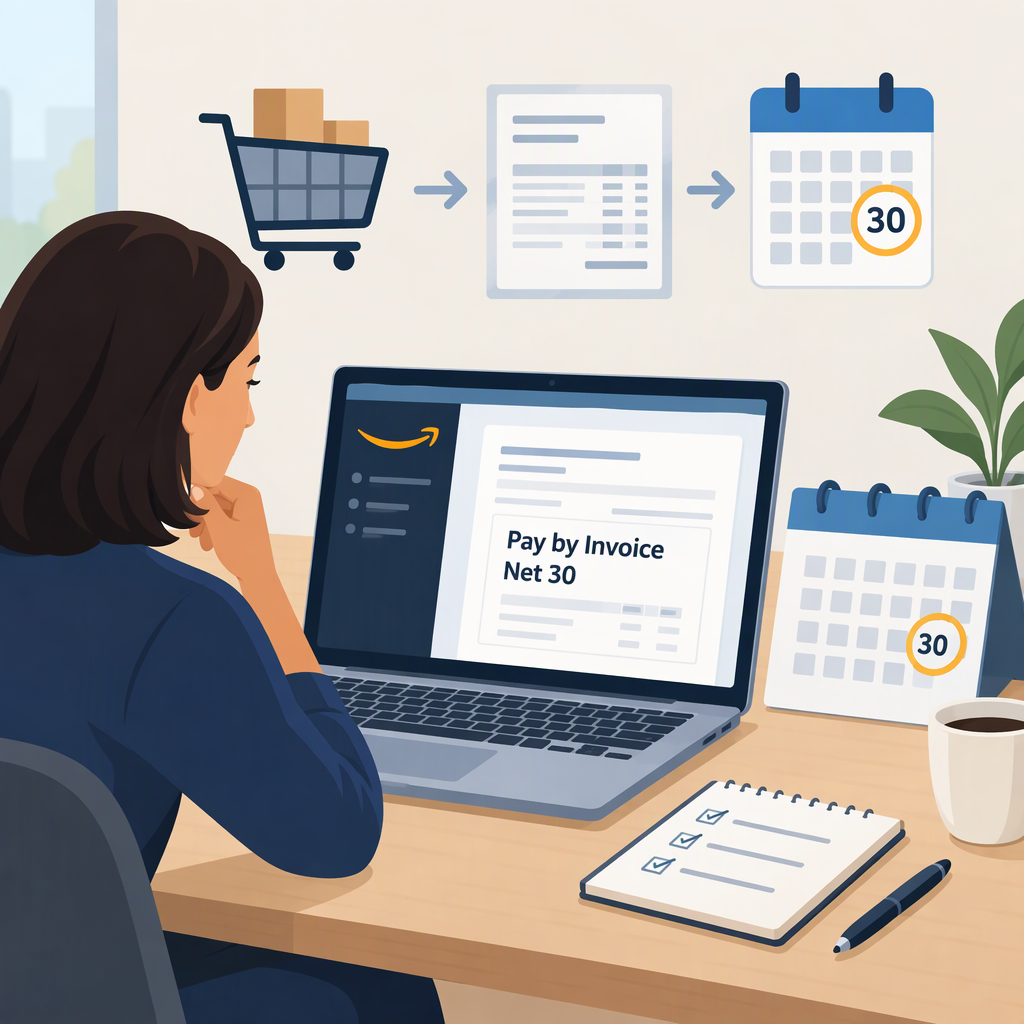
Amazon Pay by Invoice Net 30: What It Means and How to Check Your Due Date
What “Amazon Pay by Invoice Net 30” Usually Refers To
For business purchases, the phrase usually points to Amazon Business’s invoice-payment option—now called Business Credit Account. Amazon says it renamed Pay by Invoice to Business Credit Account in 2026. The account offers eligible Amazon Business customers standard 30-day payment terms, with the transaction’s invoice providing its payment terms and due-date details. (business.amazon.com)
That is different from Amazon Pay. Amazon Pay is a payment service for checkout on third-party websites and apps. Its “Pay Invoices with Amazon” feature lets customers pay a business’s invoice using a payment method saved in their Amazon account; that description does not make it the same as Amazon Business’s 30-day invoice account. (pay.amazon.com)
In plain language, 30-day terms mean payment is deferred under the account’s stated terms. Do not assume every Amazon order qualifies, or that every invoice’s deadline is calculated from the same event.
How to Determine the Due Date
Use the due date shown on the specific invoice or in the Business Credit Account portal. Amazon’s public Business Credit Account description says an invoice includes payment-term and due-date details; Amazon also describes viewing invoices and tracking due dates in the account. (business.amazon.com)
Amazon’s general public description establishes standard 30-day terms, but it does not, by itself, settle the precise date-counting convention or starting event for every account or billing arrangement. So don’t calculate a deadline from the order date, shipment date, or invoice date unless the terms for your transaction say to do so.
Example: If your invoice explicitly lists June 30 as the due date, use June 30 as the deadline rather than substituting a date calculated from when you placed the order. This is an illustration of following the invoice—not a claim about how Amazon calculates every due date.
Who Can Use the Option?
Business Credit Account is not automatically included with every Amazon Business account or Prime Business membership. Amazon describes it as an invite-only option for eligible Amazon Business customers; its payment-options page also says the account is subject to credit approval. Check your business account for an invitation or whether the account option is offered. (business.amazon.com)
Some eligible Prime Business members may be able to obtain longer terms—up to 60 days—upon approval. That is not the standard term for all customers, so confirm the term assigned to your own account. (business.amazon.com)
What to Check on Your Invoice
Before relying on a payment deadline:
- Confirm the invoice is for an Amazon Business purchase using Business Credit Account, not a third-party invoice paid through Amazon Pay.
- Check the invoice’s due date, payment terms, amount, and invoice number. If the account portal and invoice appear to differ, avoid guessing which date applies.
- Use the payment instructions for your account. Amazon’s training page says portal ACH payments can be started from Business Settings > Your Invoices > Make a Payment; for check, EFT, or wire payments, it directs customers to the remittance instructions on the invoice PDF. (business.amazon.com)
- If the deadline or terms are unclear, contact Amazon Business support through your account before relying on a self-calculated date. Amazon’s invoice-payment training page also lists an Accounts Receivable contact for questions about past-due notices, unapplied funds, and credit memos. (business.amazon.com)
Key Takeaway
“Amazon pay by invoice Net 30” most likely means Amazon Business’s Business Credit Account, formerly Pay by Invoice—not the separate Amazon Pay checkout service. The account’s standard term is 30 days for eligible customers, but use the due date and terms on your own invoice or account record; don’t treat Net 30 as a universal rule for every Amazon purchase.