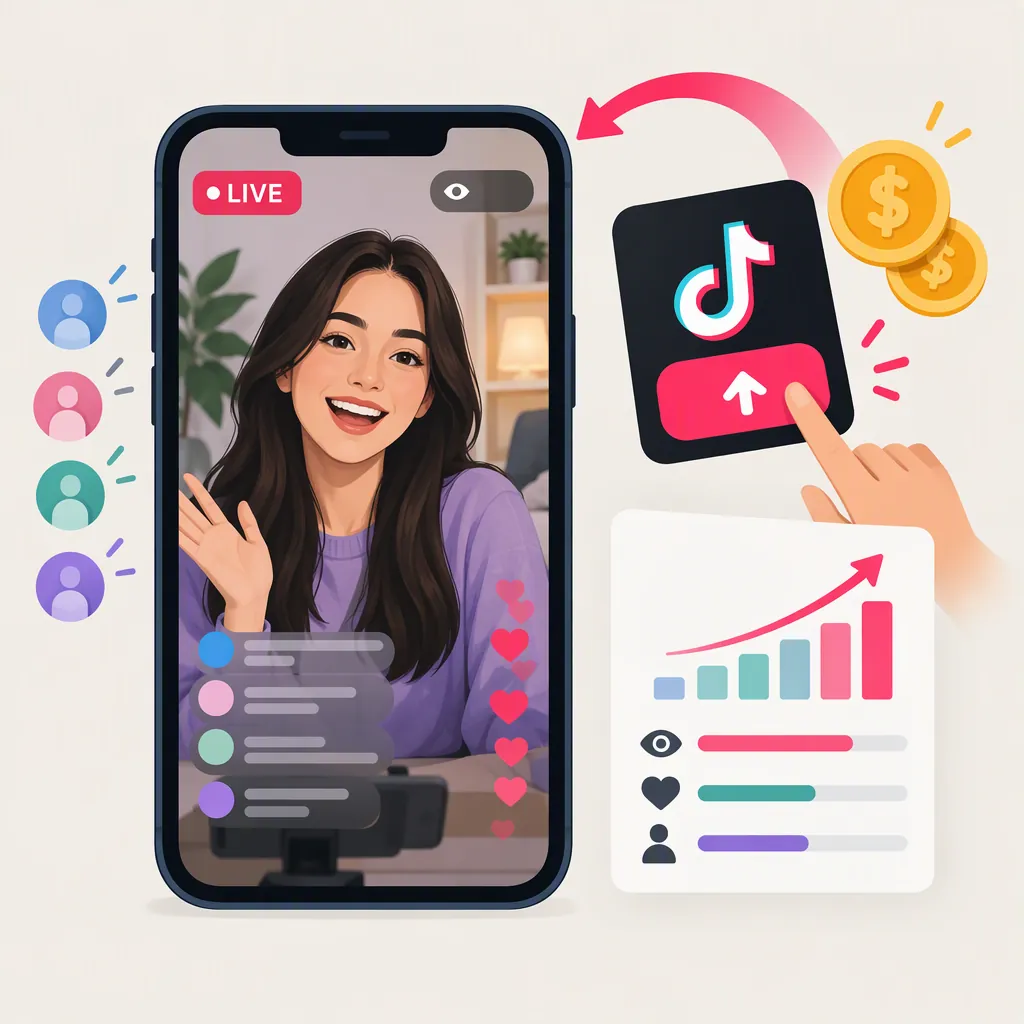
TikTok Live Boost: Promotion Planning and Paid-Promotion Checks
To plan a TikTok LIVE boost, first identify whether you are promoting a regular LIVE or a TikTok Shop LIVE. Prepare the session and its announcements, then check whether any paid option in your account sends viewers directly to that livestream. Before spending, confirm the objective, cost, and reporting, and define how you will judge the result.
What the name establishes—and what it does not: “TikTok LIVE boost” can describe a promotion goal without identifying a specific product. SiteGiant’s October 4, 2024 article discusses livestream promotion and LIVE Shopping Ads, but it does not document a standalone feature named TikTok LIVE Boost. As a third-party source, it does not establish current US availability, eligibility, pricing, minimum spend, or activation steps for that exact feature. This guide covers promotion planning, not a verified product setup workflow. [reference-1]
1. Choose the Promotion Path That Fits Your Live
Separate preparation and audience outreach from paid distribution. SiteGiant recommends content planning, teaser posts, and creator participation, and describes LIVE Shopping Ads in a TikTok Shop context. These are distinct approaches, not interchangeable names for one tool. [reference-1]
Use this decision flow before choosing an option:
- Identify the session type.
- For a regular, non-shopping LIVE, start with session preparation and announcements. Do not assume a shopping-ad option applies.
- For a TikTok Shop LIVE, shopping-specific promotion may be relevant, but availability and eligibility still need confirmation.
- Identify the exact paid feature. Record the name displayed in your account rather than relying on the word “boost.”
- Check the destination. If the promotion sends people to a video, profile, or another destination rather than the LIVE, treat it as indirect promotion—not direct livestream distribution.
- Check the objective. Does the offered objective match the result you want?
- Decide whether to test. Proceed only when eligibility, destination, cost, and usable reporting are clear. Otherwise, resolve the uncertainty or continue with unpaid preparation.
| Approach | Planning role | Boundary to keep |
|---|---|---|
| Session preparation | Give viewers a clear topic and structured experience | Preparation does not guarantee audience growth |
| Teaser posts | Announce when the LIVE will happen and what it will cover | Do not count teaser views as LIVE attendance |
| Creator participation | Plan a collaborator’s role and audience outreach | Record any costs and other promotion separately |
| Paid option leading directly to the LIVE | Test distribution to the intended session | Confirm the destination and terms before purchase |
| LIVE Shopping Ads | Consider in a TikTok Shop livestream context | Do not generalize shopping-specific descriptions to every LIVE |
The first three approaches and LIVE Shopping Ads are discussed by SiteGiant; the decision checks are a planning framework, not claims about available account features. [reference-1]
2. Prepare the Live Before Paying for Distribution
SiteGiant recommends planning content with clear pacing and transitions, posting teasers for upcoming sessions, and considering creator participation to introduce the LIVE to additional audiences. These recommendations are not guarantees of increased viewership. [reference-1]
Turn them into a practical checklist:
- Topic: State what the LIVE will cover and why someone might watch.
- Run of show: Outline the opening, main segments, transitions, and closing.
- Participation: Prepare relevant questions or discussion prompts.
- Teaser: Explain when the session will happen and what viewers can expect.
- Collaborator plan, if relevant: Agree on the topic, role, timing, and any promotional commitments.
Keep the teaser’s promise consistent with the session. For later evaluation, record when announcements were posted and whether collaborators also promoted the LIVE.
3. Check the Paid Option Before Spending
SiteGiant describes TikTok LIVE Shopping Ads as placing a livestream in areas such as the For You page. It also describes a Shop Activity Audience for reaching people who have visited a TikTok Shop. These are the article’s descriptions, not verification of current availability in your account. [reference-1]
For any paid option, complete these checks:
| Item | What to establish |
|---|---|
| Exact name | Which feature are you purchasing? |
| Eligibility | Can your account and this particular LIVE participate? |
| Destination | Will viewers reach the intended livestream? |
| Objective | Does the offered goal fit your session’s purpose? |
| Budget and charging terms | What spend, duration, and charges are displayed? |
| Reporting | Which results can you review afterward? |
| Controls | What terms govern ending or changing the promotion? |
A destination mismatch changes the test. Promoting a teaser video may support awareness, but it should not be evaluated as though every reported video view represents a livestream entry.
If the destination, eligibility, or charges remain unclear, do not use instructions for a differently named feature to fill the gap.
4. Set a Budget and Define Success
Choose a primary goal before the test: attracting viewers, encouraging participation, or supporting a shopping session. These are planning goals; select a measurable result that the available reporting can actually support.
Set three limits:
- Budget cap: Your maximum test spend, not an assumed platform minimum.
- Primary target: One reported outcome and the threshold you want to reach.
- Stopping rule: A condition for declining further spend or ending the test, subject to the controls available.
If viewing quality matters to your goal, also define a quality target using a relevant measure you can access. Without that measure, your conclusion will need to remain narrower.
Paid Live Promotion Test Worksheet
| Field | Your plan or record |
|---|---|
| Exact feature name | ____ |
| Session type, topic, and scheduled time | ____ |
| Promotion destination | ____ |
| Objective shown by the feature | ____ |
| Maximum planned spend | ____ |
| Primary result and target | ____ |
| Quality measure and target, if available | ____ |
| Stopping rule and available controls | ____ |
| Other promotion and associated costs | ____ |
| Actual spend and recorded results | ____ |
| Differences from the comparison session | ____ |
| Decision and remaining uncertainties | ____ |
Hypothetical Example: Low Entry Cost, Unclear Viewing Quality
These numbers illustrate a decision method—not typical prices, expected performance, or confirmed LIVE Boost reporting features.
Suppose you set:
- A $20 budget cap.
- A target of at least 100 promotion-attributed LIVE entries, if that measure is reported.
- A maximum cost of $0.20 per reported entry.
- A separate, predefined viewing-quality target, if suitable data is available.
If the report shows $20 spent and 100 attributed entries:
Cost per reported entry = $20 ÷ 100 = $0.20
The next decision depends on quality, not just entry volume:
| Result | Interpretation and next step |
|---|---|
| Entry-cost target and quality target both met | Consider another controlled test; one session is not proof of repeatable performance |
| Entry-cost target met, but quality target missed | Review the session content and whether the promotion matched the intended audience before deciding to retest |
| Entry-cost target met, but no quality measure is available | Conclude only that the reported entry-cost target was met—not that viewers stayed or engaged |
| Entry-cost target missed | Review the result and changed conditions before revising or declining another test |
If attributed entries are not reported, choose another observable result before testing. Do not relabel total session viewers as paid-attributed viewers.
5. Review Results Without Overstating the Effect
Record actual spend and available results. Keep paid distribution costs separate from other costs, including any paid creator participation.
When comparing sessions:
- Distinguish total session activity from promotion-attributed results.
- Compare the primary result with the target selected before spending.
- Review available quality or shopping measures separately.
- Note differences in topic, timing, duration, teaser activity, and collaborators.
- Record uncertainties alongside the decision to repeat, revise, or stop.
A higher viewer count does not by itself show that viewers stayed, participated, or completed an intended action. Likewise, a difference between sessions does not isolate the effect of paid promotion if other conditions changed.
Use the test to make a bounded next decision, rather than treating it as proof that promotion always works—or never works.
FAQ
Is TikTok Live Boost the Same as Live Shopping Ads?
The available source does not establish that they are the same. SiteGiant describes LIVE Shopping Ads in a TikTok Shop context but does not document a separate TikTok LIVE Boost feature. Use the exact account-displayed name and terms to distinguish them. [reference-1]
How Do I Activate TikTok Live Boost, and What Does It Cost?
SiteGiant’s article does not establish an activation workflow or price for that exact feature. [reference-1] Before purchasing an available option, check its eligibility, destination, budget, duration, charging terms, and reporting. If it does not lead to the LIVE, do not treat it as direct livestream promotion.
What Can I Prepare Without Paying?
Prepare a clear topic, a paced run of show, and teaser content explaining when the LIVE will happen and what viewers can expect. Creator participation may also be worth planning where relevant. SiteGiant discusses these approaches without establishing guaranteed results. [reference-1]
What If Entry Costs Look Good but Viewers Do Not Stay?
If an available quality measure misses your predefined target, review content pacing, the teaser’s promise, and promotion fit before repeating the test. If quality data is unavailable, limit your conclusion to the reported entry cost; you cannot infer retention from entry counts alone.
Does Paid Promotion Guarantee Engagement or Sales?
No guaranteed outcome is established by the source. SiteGiant discusses promotion tactics, not evidence that paying ensures engagement or sales. [reference-1] Judge the test against your own goal, budget, and available measurements.
Sources
- [reference-1] 5 Practical Ways to Get More Views on TikTok LIVE