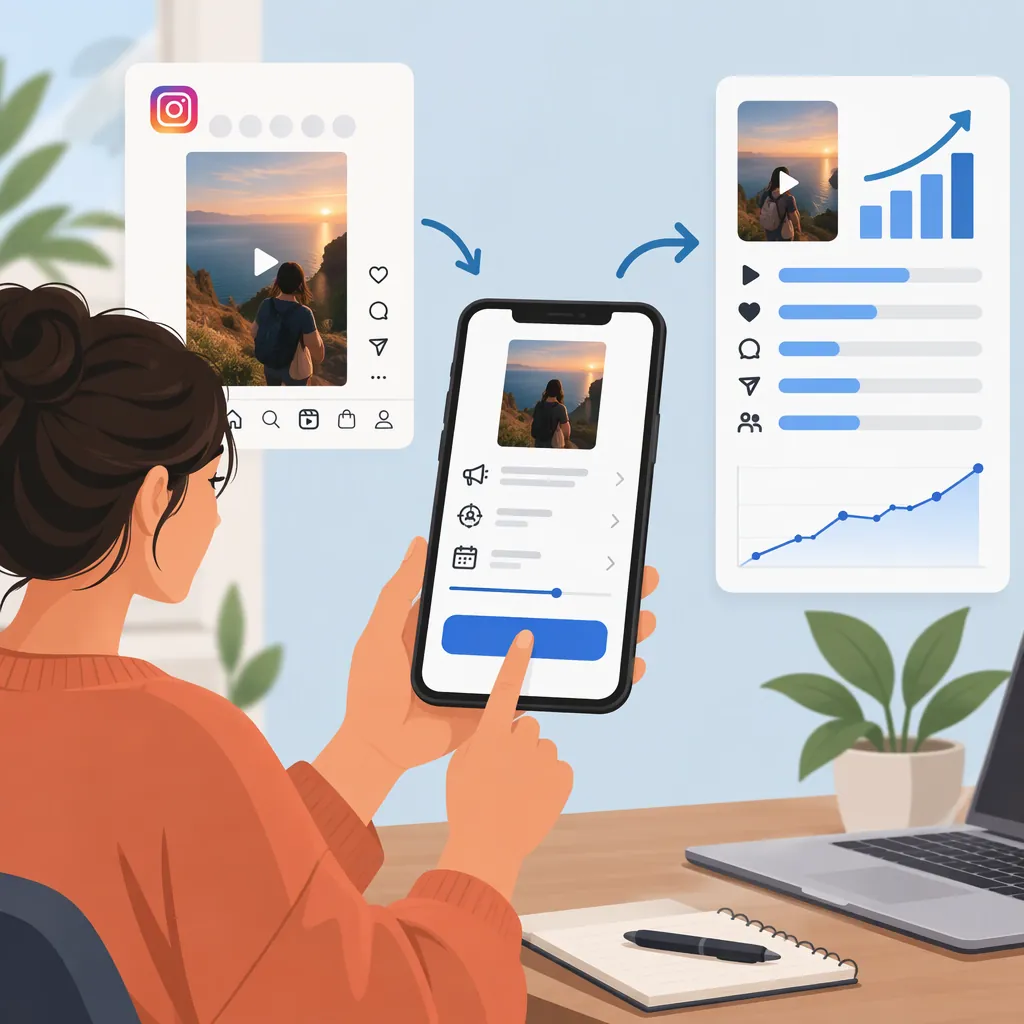
Boosting Reels on Instagram: How to Set up and Evaluate a Paid Promotion
Boosting a Reel on Instagram turns an existing Reel into a paid ad. The basic process is to open the Reel, select Boost, choose a goal and audience, set a budget and duration, preview the ad, and submit it for review. Before spending, check account eligibility, audio rights, and the total charge. [citation-1]
The platform instructions below are based on Social Cascade’s third-party guide, not an official Instagram reference. Rules, labels, and available options may change, so confirm the requirements and charges shown in your account. The planning and evaluation suggestions are methods for running a bounded test, not promises of results.
Decide What the Boost Should Accomplish
The guide describes boost goals such as profile visits, website visits, and messages. Boosting happens through Instagram or Meta tools after content is published; it is separate from publishing through Social Cascade. [citation-1]
Before choosing a goal, write down the action you want someone to take after watching the Reel:
| Intended outcome | Planning check |
|---|---|
| Profile visits | Does your profile clearly explain what viewers will find there? |
| Website visits | Is the destination relevant to the Reel and the action you want? |
| Messages | Does the Reel give someone a clear reason to contact you? |
Treat the boost as a bounded experiment. Choose one primary outcome, a maximum total spend, and a review date before launching. More views alone do not establish whether the promotion was worthwhile.
Reel Promotion Planning Worksheet
- Reel to promote: ____
- Intended audience: ____
- Primary action: ____
- Selected boost goal: ____
- Destination or message purpose: ____
- Maximum total charge, including any fees: ____
- Test duration: ____
- Result that would justify another test: ____
- Review date: ____
Check the Account and Reel Before Spending
Social Cascade’s guide lists a Professional account—Business or Creator—and a valid payment method as prerequisites. It also describes linking the Instagram account to a personal Facebook account through Meta Accounts Center. Follow the connection requirements actually shown in your account rather than assuming every account has the same setup flow. [citation-1]
Check the Reel’s audio and content before allocating a budget. The guide identifies these eligibility restrictions:
- Audio: Copyrighted music from Instagram’s music library cannot be used for boosting. The guide identifies original audio or royalty-free music from Meta’s Sound Collection as eligible options.
- Content elements: Product tags and camera or face effects are listed as restrictions.
- Duration: The guide lists a maximum Reel length of 15 minutes. [citation-1]
These are third-party eligibility details, not a definitive current checklist. Confirm the specific Reel’s eligibility in your account. A visible Boost option does not mean the ad is already approved; submission is followed by ad review. [citation-1]
Set up the Reel Boost
Use the following sequence as a guide, checking labels and available options against your current interface. [citation-1]
- Open the published Reel from your Instagram profile.
- Select Boost. Complete any account-connection prompts presented.
- Choose a goal that matches the primary action in your plan.
- Select an audience. Review the available options and their settings before continuing.
- Set the budget and duration. For an initial test, consider a fixed end date and a total spend you can afford to lose. Check whether the displayed budget is daily or total.
- Choose an available action button that fits the goal.
- Preview the ad. Check its presentation, wording, action button, and destination.
- Review the charge and submit for ad review. [citation-1]
Choose an Audience Deliberately
The guide describes three audience options: [citation-1]
| Option | What it means |
|---|---|
| Automatic | Meta finds people similar to your existing followers. |
| Local | Targets people in a specified geographic area. |
| Create Your Own | Lets you manually set age, gender, location, and interests. |
As a planning recommendation, consider Automatic when people similar to your current followers fit the intended audience. Consider Local when the desired action is relevant only within a particular area. Consider Create Your Own when you have a clear audience definition to test.
None of these choices guarantees better performance. Record the settings so you can interpret the result and compare a later test.
The guide also describes boosting through Instagram on desktop or through the Content section of Meta Business Suite. Use an available route that lets you clearly inspect the settings and costs. [citation-1]
Check Costs and Handle Review Problems
Social Cascade’s guide reports a 30% Apple service fee when boosting through the Instagram iOS app and describes desktop boosting as a way to avoid it. Confirm any applicable fee and the final total in the payment flow before submitting; do not assume the ad budget is the complete charge. [citation-1]
Avoid treating a suggested daily budget as a universal minimum or a guarantee of meaningful results. Set your spending limit based on the outcome you are testing and the uncertainty you can accept.
If setup or review fails, start with the explanation shown in your account:
| Problem | What to check |
|---|---|
| Boost is missing | Whether the account is Professional rather than personal. |
| The Reel cannot be boosted | Audio, unsupported content elements, and advertising-policy eligibility. |
| An account connection is requested | The Accounts Center setup prompts. |
| The ad is rejected | The stated reason; the guide describes editing the content or requesting a review through Account Quality. |
These troubleshooting routes are described in the third-party guide. Confirm the available options in your account, and avoid making a time-sensitive plan dependent on immediate approval. [citation-1]
Evaluate the Result Against the Original Goal
At the planned review date, collect results for the specific promotion, not just the Reel’s overall performance or your account’s totals. The following is an evaluation checklist, not a verified menu path; use the result labels and explanations available in your interface.
- Identify the correct promotion. Check the Reel, promotion dates, selected goal, and audience settings.
- Check the reporting period. Record the date range displayed and whether the promotion is still running or has ended.
- Record actual spend. Use the reported spend rather than the planned budget, and track additional fees separately.
- Record the goal-related actions. Copy the metric name as displayed. A profile visit, website visit, message, and useful conversation are not interchangeable outcomes.
- Check the reporting scope. Look for labels or explanations that distinguish promotion-attributed results from organic Reel activity or account-wide results. If the scope is unclear, record that limitation rather than treating the total as paid-only.
- Keep organic performance separate. If you record the Reel’s overall results or account activity for context, label them separately. Do not assume all activity during the test came from the boost.
Calculate Cost per Relevant Action
For actions reported for the promotion:
Cost per action = recorded ad spend ÷ relevant actions
To include additional fees:
Total cost per action = (recorded ad spend + additional fees) ÷ relevant actions
If there are no relevant actions, record zero actions and leave cost per action undefined. If the action count cannot be separated from organic or account-wide activity, do not present the calculation as a paid-only result.
Compare the result with the threshold you set before launch. For another test, consider changing one major variable at a time, such as the Reel or audience, while keeping the goal consistent. This makes comparisons easier, but it does not prove that the boost caused every observed result.
Social Cascade’s guide provides setup instructions, not performance evidence or account-specific benchmarks. [citation-1]
Post-Boost Review Template
- Reel and promotion identifier: ____
- Promotion dates: ____
- Reporting date range: ____
- Status—running or ended: ____
- Goal: ____
- Audience settings: ____
- Recorded ad spend: ____
- Additional fees: ____
- Exact result metric name: ____
- Relevant actions recorded: ____
- Reporting scope—promotion-attributed, overall, or unclear: ____
- Cost per action, if appropriate: ____
- Total cost per action, including fees, if appropriate: ____
- Organic or account-wide results recorded separately: ____
- Did the result meet the planned threshold? ____
- Interpretation limits: ____
- Next decision—stop, repeat, or change one variable: ____
FAQ
Can You Boost a Reel on Instagram?
Yes. Social Cascade’s guide describes boosting eligible Reels through Instagram, subject to account, audio, and content requirements, followed by ad review. Confirm eligibility for the specific Reel in your current account. [citation-1]
Can You Boost a Reel with Music?
Social Cascade’s guide says copyrighted music from Instagram’s music library is not eligible for boosting. It identifies original audio and royalty-free music from Meta’s Sound Collection as eligible options. Check both the audio and the Reel’s current eligibility before submitting. [citation-1]
Which Audience Should You Choose for a Reel Boost?
The guide describes Automatic as finding people similar to your followers, Local as targeting a geographic area, and Create Your Own as allowing manual age, gender, location, and interest settings. [citation-1]
Choose according to the audience you intend to reach, and record the settings as part of your test. There is no supported basis here for promising that one option will outperform another.
How Much Should You Spend on a Reel Boost?
There is no account-specific budget supported by Social Cascade’s guide. Choose a capped test budget based on your goal and acceptable loss, then check the total charge before submitting. The guide reports an additional Apple service fee for iOS in-app boosting, so the purchase route deserves attention. [citation-1]
Why Is the Boost Option Missing or Unavailable?
The guide identifies a personal account, restricted audio, unsupported content elements, and advertising-policy issues as possible causes. Start by checking account type and Reel eligibility, then use the explanation shown in the interface to narrow down the problem. [citation-1]
How Do You Know Whether a Reel Boost Was Worthwhile?
Compare the specific promotion’s reported spend and goal-related actions with the threshold you set before launch. Check the reporting dates and whether the metrics are promotion-attributed, overall Reel results, or account-wide totals. Do not count all activity during the promotion as paid results.
This is an evaluation method, not a performance guarantee. Social Cascade’s guide does not establish expected outcomes or benchmarks for your account. [citation-1]