How to Use YouTube Studio's Search Terms Report to Find Proven Topics (Without SEO Ranking Tools)
You don't need expensive third-party tools to find high-performing video ideas.
The best keyword data comes straight from your own YouTube Studio Analytics—for free.
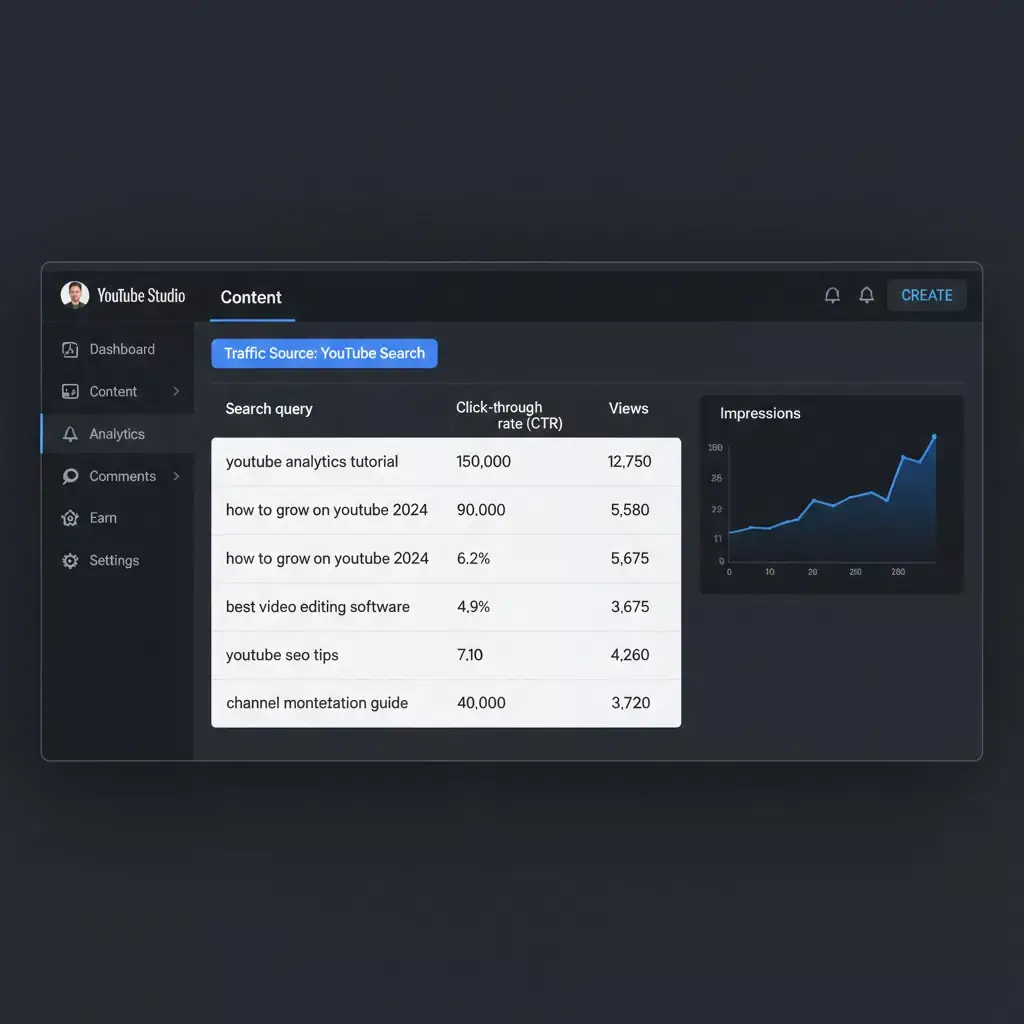
By analyzing the YouTube Search terms report, you can see the exact phrases real viewers use to find your content. This data reveals unmet search intent, content gaps, and clear opportunities to update your titles and thumbnails for more views.
Here is what you need to know to find proven topics using native YouTube data:
- Access raw search queries: Navigate to YouTube Analytics > Traffic Source > YouTube Search to see terms driving your impressions.
- Spot topic gaps: Identify high-impression queries that only get partial answers in your current videos.
- Optimize packaging: Align video titles and thumbnails with real search phrasing to boost click-through rates.
- Validate demand: Check audience retention curves on search traffic to make sure viewers stick around.
Here is how to analyze your search data step-by-step to pick your next winning topic.
Accessing and Reading the YouTube Search Terms Report
You do not need to pay monthly subscription fees for third-party tools to find high-demand topic ideas. YouTube already tracks the exact phrases viewers type before finding your content.
This data lives right inside your YouTube Studio dashboard. When you look at your channel's search traffic, you are viewing first-party search data straight from real viewers.
Locating Search Traffic Data in YouTube Analytics
Finding this report takes just a few clicks inside YouTube Studio:
- Log in to YouTube Studio and click Analytics in the left navigation menu.
- Select the Content tab at the top of the screen.
- Scroll down to the card labeled How viewers find your videos.
- Click on YouTube Search.
This opens a detailed view showing every query that triggered your video thumbnails. You can change the date range to 28 days or 90 days to see broader trends across your channel.
Filtering High-Intent Search Queries from Irrelevant Traffic
Not every search term in your report deserves a new video. Some terms are accidental clicks or broad, single-word searches.
To find real opportunities, look for terms with clear search intent. High-intent terms usually contain specific questions or active phrases like "how to set up," "vs," or "best for beginners."
For instance, if you publish tech reviews, a search query like "microphone" is too broad. But a phrase like "best microphone for untreated room" shows someone actively trying to solve a specific problem.
Sort your report by impression volume. Focus on search terms that generate steady impressions over 30 to 90 days rather than sudden, one-day spikes.
Diagnosing Topic Gaps in Existing Video Performance
Once you pull your search query list, your next step is finding content gaps. A content gap happens when YouTube surfaces your current video for a specific query, but your video only partially answers the searcher's question.
Finding High-Impression Search Terms with Low Click-Through Rates
Pay close attention to search terms that deliver thousands of impressions but very few clicks. This mismatch indicates a high-value content opportunity.
When a query earns high impressions, YouTube's algorithm believes your channel has authority on that topic. But if your impression click-through rate (CTR) on that query is low (for example, below 2%), viewers scrolling search results feel your current video title and thumbnail do not directly address what they searched for.
Let's look at a concrete diagnostic example from a hypothetical photo editing channel:
| Search Query | Impressions | Clicks | CTR | Primary Video Ranked | Diagnostic Verdict |
|---|---|---|---|---|---|
| "lightroom color grading tutorial" | 12,500 | 1,125 | 9.0% | Lightroom Basics for Beginners | Strong alignment; keep title as-is. |
| "how to edit cinematic green tones" | 8,400 | 118 | 1.4% | Lightroom Basics for Beginners | Content Gap; needs standalone video. |
| "best camera settings for moody portrait" | 5,100 | 85 | 1.7% | Lightroom Basics for Beginners | Content Gap; packaging does not match query. |
In this scenario, 8,400 viewers searched specifically for editing green tones. YouTube showed them a general beginner video, so most skipped it. Creating a dedicated video titled "How to Edit Cinematic Green Tones in Lightroom" directly captures that unmet demand.
Identifying Unmet Viewer Intent in Adjacent Questions
Search queries rarely happen in isolation. Viewers usually ask a series of connected questions.
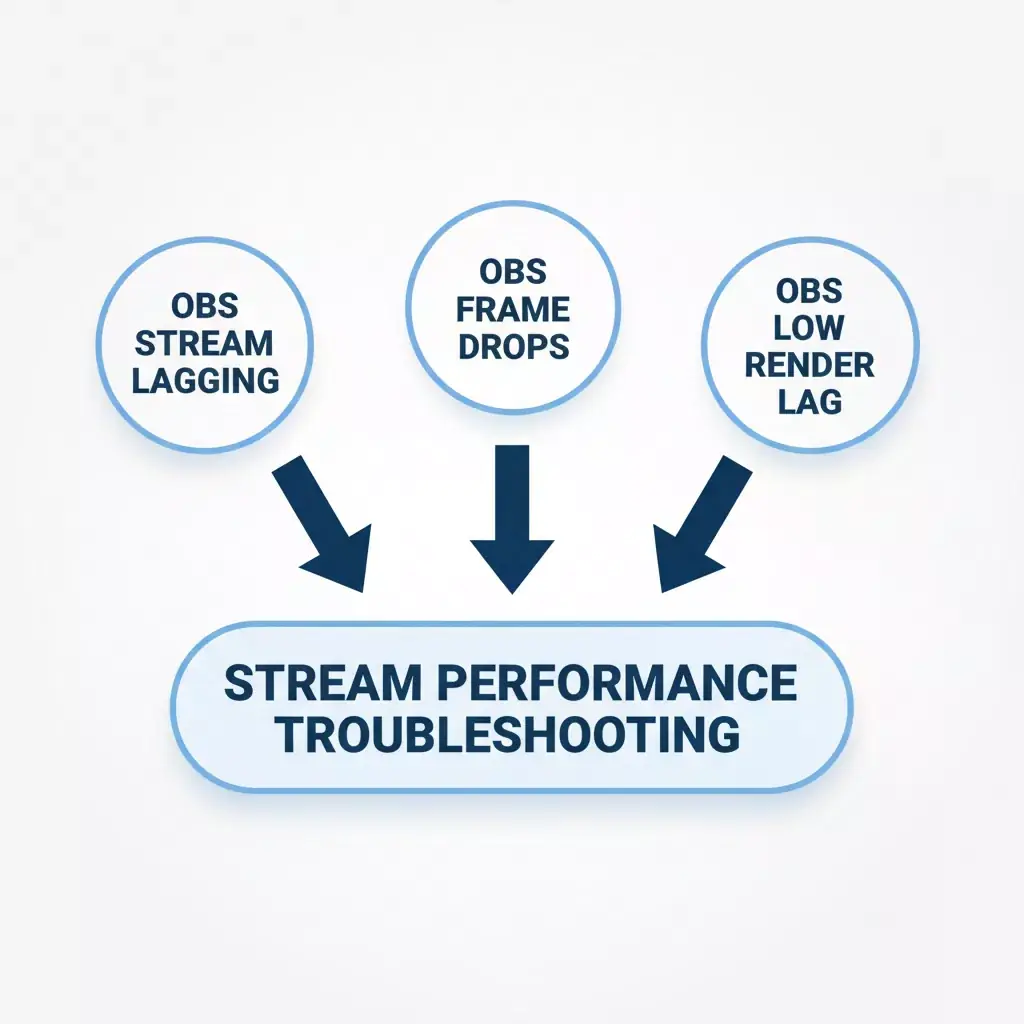
Group your search data into topic clusters. If you see search terms like "obs stream lagging," "obs frame drops," and "obs low render lag," do not treat them as separate topics. Group them into one primary problem: stream performance troubleshooting.
Look for adjacent questions that show what viewers want to do after watching your current video. If your video is about "How to Set Up a Sony A6400," and your search report shows searches for "best lenses for Sony A6400 video," your audience is telling you what video to film next.
Optimizing Video Packaging Using Native Search Keywords
Finding topics is only half the battle. You also need to adjust your video's packaging—its title, description, and visual hooks—so searchers actually click.
Updating Video Titles with Verified Search Phrases
Avoid guessing what title phrasing works best. Use the exact words real searchers type into YouTube.
Place the core search phrase near the front of your title. This makes it instantly visible on mobile screens where long titles get cut off.
Example Packaging Update: Original Title: Editing Tips I Wish I Knew Earlier Optimized Title: How to Edit Cinematic Green Tones in Lightroom (Step-by-Step)
This approach maintains a natural human tone while assuring searchers they found the exact answer they wanted.
Matching Thumbnail Visual Hooks to Search Intent
Your thumbnail text should reinforce your search query rather than just repeating your title word-for-word.
If someone searches for "fix audio delay OBS," they are frustrated and want a quick fix. An effective thumbnail might show a close-up of the OBS audio properties menu with a bold text callout like "FIXED IN 2 MINS".
Match your visual elements to the viewer's immediate goal:
- For tutorials: Show the finished result or the specific software interface.
- For comparisons: Feature both products side-by-side with clear visual contrast.
- For troubleshooting: Highlight the error icon alongside a green checkmark indicating the solution.
Validating New Video Ideas Using Viewer Retention
Before spending hours scripting and filming a new topic, validate demand using your existing video's watch time data.
Checking Audience Retention Curves for Search Traffic
Filter your video retention report specifically by the YouTube Search traffic source. This isolates search viewers from your subscriber feed or recommended video traffic.
Look at your audience retention curve. Pay attention to peaks and flat lines during moments where you discuss the search term in question.
If watch time stays flat or spikes during a specific 45-second segment where you explain a sub-topic, viewers are actively seeking that information. If retention drops off dramatically, interest in that topic may be weak, or your explanation did not satisfy their search intent.
Key Takeaways for YouTube Search Topic Discovery
Using native search data lets you build a content strategy backed by real viewer behavior rather than educated guesses.
Here is the quick diagnostic workflow to follow:
- Pull search terms: Go to YouTube Studio > Analytics > Content > Traffic Source: YouTube Search.
- Find high impression / low CTR queries: Identify terms with high impressions but CTR below 2%.
- Group related terms: Cluster adjacent search phrases to reveal a unified topic idea.
- Refine title and thumbnail: Match video packaging directly to exact search intent.
- Validate retention: Confirm search viewers watch specific segments before filming standalone videos.
For related Shorts research, see YouTube Shorts Keyword Research.
FAQ
How Many Impressions Does a Search Query Need Before I Create a New Video for It?
Focus on queries that generate steady impressions over a 30- to 90-day window rather than short-term spikes. If a specific phrase earns thousands of impressions on an existing video but yields a low click-through rate, it signals enough demand for a dedicated video.
Should I Change the Title of an Existing Video If It Ranks for a Search Term?
If an existing video gets high search impressions for a specific query but has a click-through rate under 2%, updating the title and thumbnail to match that exact phrase can increase clicks without changing the video itself.