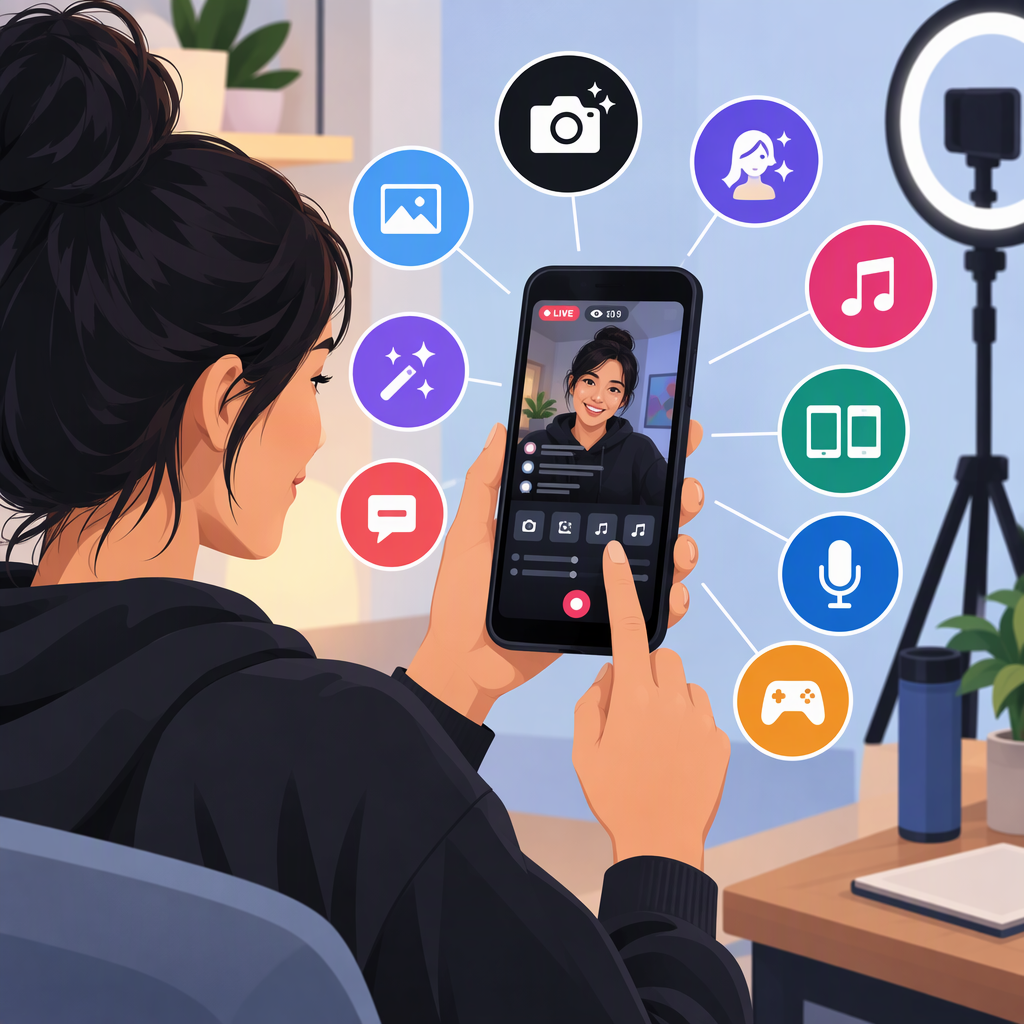
TikTok Live Studio for Android: What You Can Use on Your Phone
If you’re looking for TikTok LIVE Studio for Android, TikTok’s official help says LIVE Studio supports Windows and macOS computers—it does not list an Android version. That’s different from going LIVE in the TikTok app on your Android phone, which TikTok documents as a mobile option for eligible accounts. (tiktok.com)
Go Live from the TikTok App on Android
For a regular phone-based LIVE, TikTok’s documented steps are:
- Open TikTok and tap Add post (+).
- Swipe through the options at the bottom if needed, then tap LIVE.
- Add a title and adjust the available LIVE tools or settings.
- Tap Go LIVE. (tiktok.com)
TikTok says creators must be at least 18 and generally need 1,000 followers to go LIVE; it notes that the follower requirement may vary by region. LIVE and Gift features are not available everywhere. If LIVE doesn’t appear, your account may not have access under the rules that apply to your region or account. (tiktok.com)
Live Studio and Mobile Live Are Different Options
| If you want to… | TikTok option | What TikTok documents |
|---|---|---|
| Broadcast directly from your Android phone | TikTok app | Start from Add post (+) → LIVE if the option is available to your account. (tiktok.com) |
| Set up a desktop-style broadcast | LIVE Studio | Install it on a Windows or macOS computer, sign in, and configure the broadcast there. LIVE Studio access may require a separate application or approval. (tiktok.com) |
TikTok’s LIVE Studio setup guidance describes connecting cameras and microphones to the computer, but the official guidance reviewed here does not establish an Android phone as a supported Studio camera or screen input. Don’t assume that connecting a phone—or using a third-party workaround—makes it an officially supported LIVE Studio setup. (tiktok.com)
In short: use the TikTok app’s LIVE feature if you want to stream from an Android phone alone. If you want LIVE Studio, use a compatible computer and check Studio access for your account. TikTok’s mobile LIVE and LIVE Studio access rules are distinct; availability and requirements can vary by region or account. (tiktok.com)