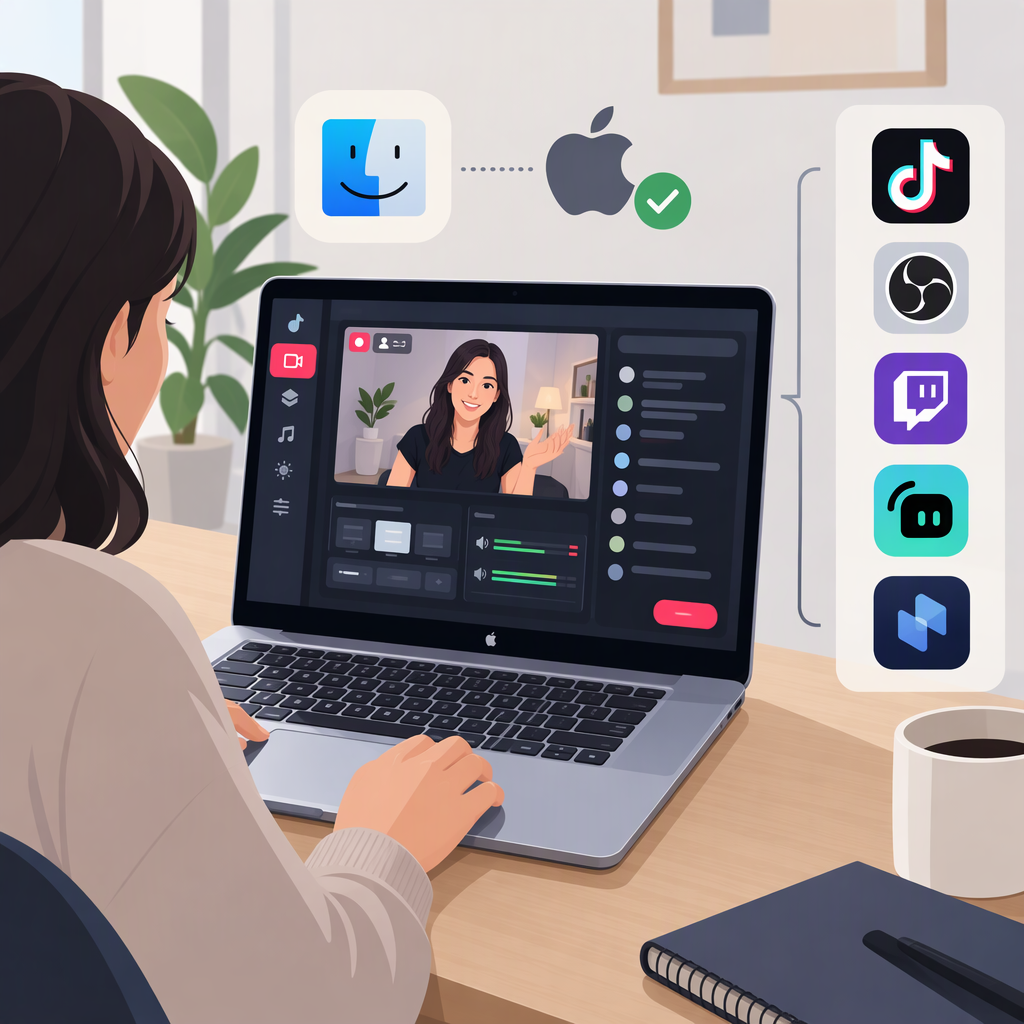
TikTok Live Studio for Mac: Availability and Alternatives
Yes—TikTok’s LIVE Studio Help Center says LIVE Studio is available for macOS as well as Windows. That means Mac creators can investigate LIVE Studio directly; the practical questions are whether their Mac meets TikTok’s listed requirements and whether their account has access to go LIVE. Software compatibility does not itself grant LIVE access. (tiktok.com)
Can You Use TikTok Live Studio on a Mac?
TikTok’s FAQ lists these Mac configurations: (tiktok.com)
| Mac configuration | TikTok’s listed requirement |
|---|---|
| Minimum, Apple silicon | M1 and 8 GB memory |
| Minimum, Intel | iMac or Mac mini with an i7 or i9 CPU, from 2019 or later, and 16 GB memory |
| Recommended | Apple M2 Pro or higher and 16 GB memory |
These are the specifications in TikTok’s LIVE Studio FAQ; the page does not list a specific macOS release number. Check the current official download and help pages for any changes before installing. TikTok’s setup instructions say to download LIVE Studio from its official website, install it, and sign in with your TikTok account. (tiktok.com)
Meeting the Mac requirements is not the same as having permission to stream. TikTok says creators need LIVE access, and its installation guide notes that someone who is not already a LIVE creator on the TikTok mobile app may need to apply for LIVE access through LIVE Studio. (tiktok.com)
Ways Mac Creators Can Go Live on TikTok
- Use LIVE Studio on the Mac. This is the documented desktop route for a compatible Mac. Sign in and check whether LIVE access is available to your account; if the app presents an application option, follow the account-specific steps shown there. TikTok’s setup guide describes configuring content, camera, microphone, and stream quality after installation. (tiktok.com)
- Use the TikTok mobile app, if your account can go LIVE. TikTok’s support guidance says only creators who meet its eligibility requirements can go LIVE. If LIVE Studio access is unavailable, check whether the LIVE option is available in your TikTok app. Eligibility and access should be confirmed in your account rather than assumed from your Mac model. (support.tiktok.com)
- Treat other desktop or browser workflows as unconfirmed unless TikTok documents them for your account. The sources cited here establish macOS support for LIVE Studio and mobile-app LIVE access, but do not establish that a browser, TikTok Studio’s web tools, or a particular third-party streaming connection is an available route for every creator. A streaming app being compatible with macOS would not, by itself, establish that TikTok accepts its connection method.
What to Check Before Choosing a Setup
- LIVE eligibility: Check whether your TikTok account can start a LIVE in the app. TikTok says eligibility is required, but the cited support page does not give a universal threshold to apply to every account or region. (support.tiktok.com)
- LIVE Studio access: Sign in to the official Mac app and check whether the account can go LIVE there or is offered an application path. Access to TikTok LIVE and access to a particular desktop workflow are related but should not be treated as identical. (tiktok.com)
- Mac specifications: Compare your processor and memory with TikTok’s listed minimum or recommended Mac configuration. If your Mac is below the listed minimum, the cited FAQ does not establish that LIVE Studio will run adequately on it. (tiktok.com)
- Your actual setup: During setup, TikTok asks creators to configure their camera and microphone and adjust LIVE quality based on internet speed and hardware performance. Those checks help assess the setup, but they do not replace account access. (tiktok.com)
Bottom Line
TikTok’s help documentation confirms a macOS version of LIVE Studio and lists Mac minimum and recommended configurations. Start with the official Mac download if your computer meets those requirements, then verify LIVE access by signing in. If desktop access is not available, check the TikTok app for an eligible mobile LIVE route; don’t assume that a browser or third-party streaming workflow will connect to TikTok without documentation for that method. (tiktok.com)