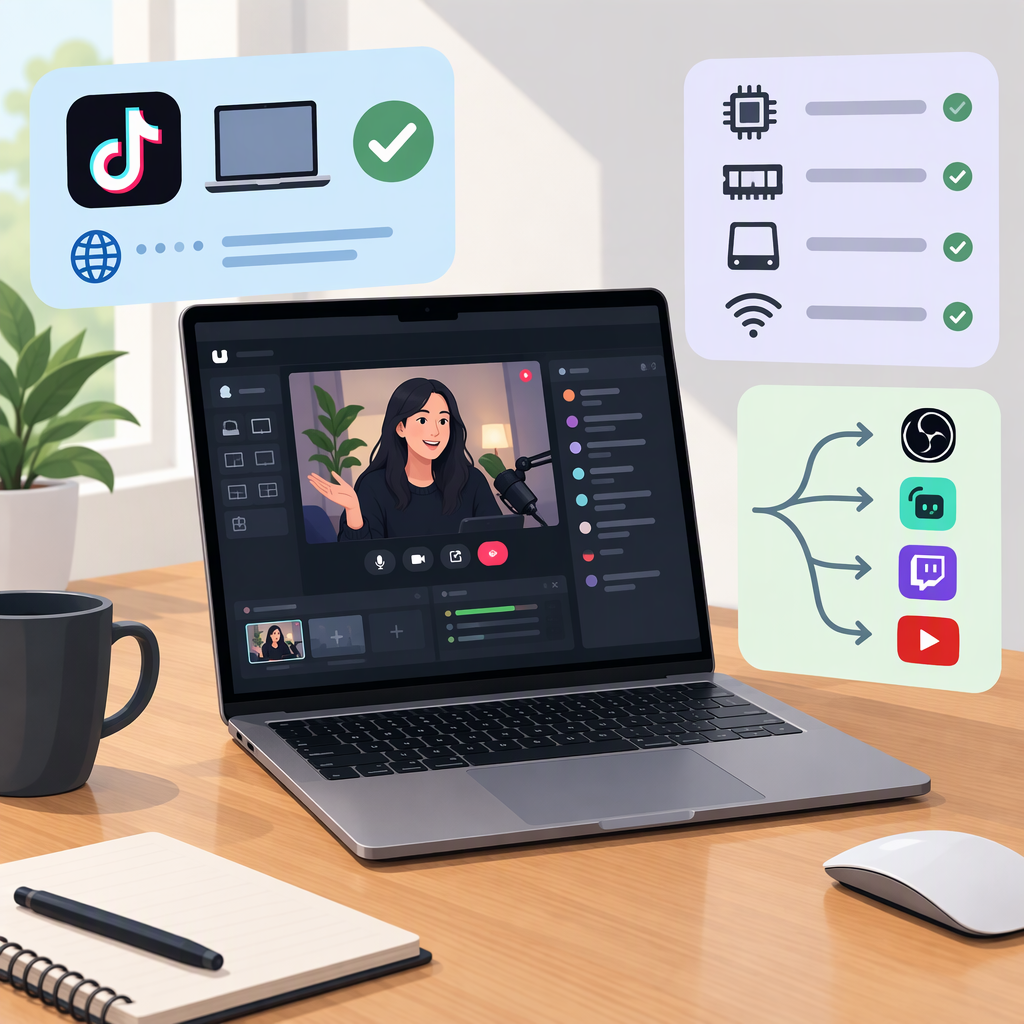
TikTok Live Studio on Macbook: Availability, Requirements, and Alternatives
Yes—TikTok says LIVE Studio is available for macOS as well as Windows. The practical caveat is that the listed Mac hardware requirements don’t clearly cover every MacBook: TikTok lists Apple silicon starting with M1, but its Intel Mac entry specifies iMac or Mac mini—not MacBook. You also need LIVE Studio access on your TikTok account. (tiktok.com)
Can You Use TikTok Live Studio on a Macbook?
TikTok’s LIVE Studio FAQ, marked updated August 19, 2026, answers yes to whether a macOS version exists. It lists these Mac specifications:
- Minimum: Apple silicon M1 with 8 GB memory. For Intel, the listed minimum is an iMac or Mac mini with an i7 or i9 processor, model year 2019 or later, and 16 GB memory.
- Recommended: Apple M2 Pro or higher with 16 GB memory.
Those are the specifications in TikTok’s published table—not a guarantee that every MacBook, configuration, or workload will perform the same. In particular, TikTok’s table does not list an Intel MacBook as meeting its minimum. If you have one, check the latest official download and compatibility information or TikTok support before relying on it. (tiktok.com)
To try the official route, get the latest LIVE Studio version from TikTok’s download entry, install and open it, then sign in to your TikTok account. TikTok’s FAQ says access and download are reached through the profile list. (tiktok.com)
Choose a Route Based on Your Setup
| Your situation | Practical next step | What to know |
|---|---|---|
| Your MacBook meets TikTok’s listed macOS requirements and LIVE Studio shows you have access | Use TikTok LIVE Studio on the MacBook | This is TikTok’s own desktop broadcasting app; account access is still required. (tiktok.com) |
| You can’t use LIVE Studio, or your Mac model isn’t covered by the listed requirements | Try going LIVE in the TikTok mobile app on a supported phone, if LIVE is available on your account | This is a TikTok route, but it streams from the phone rather than turning the MacBook into the broadcast device. TikTok’s in-app flow is Add post (+) → LIVE. (support.tiktok.com) |
| You want to broadcast from OBS or another third-party encoder | First confirm that TikTok provides the required access for your account | TikTok’s mention of OBS in its FAQ does not establish that every account has access to external streaming. Don’t assume an online tutorial, stream-key walkthrough, or workaround will work for your account. (tiktok.com) |
For many Apple-silicon MacBook users, the first check is straightforward: compare the device with TikTok’s published minimum, then open LIVE Studio and check account access. If access isn’t available, the TikTok mobile app is the clearest documented fallback; it does not provide the same Mac-based desktop workflow.
Check Account Access Before Setting Up
Hardware compatibility is only one part of the decision. TikTok says creators must be 18 or older to go LIVE, and it may ask them to confirm their age. TikTok also says LIVE requires meeting follower requirements; the number is not stated in the cited Help Center excerpt, so don’t assume a universal threshold from an unofficial guide. (support.tiktok.com)
Desktop access has an additional check. TikTok’s LIVE Creator Networks guidance says availability can depend on account activity, region, and platform policies. In LIVE Studio, select Your LIVE access to see your status and any application options. TikTok describes criteria for some active LIVE creators that include account history, recent LIVE activity, follower requirements, and good account standing, but does not give one universal set of thresholds in that guidance. (tiktok.com)
Before planning a stream, check:
- Age and LIVE eligibility: Your account meets TikTok’s age and follower requirements, and any requested age confirmation is complete. (support.tiktok.com)
- LIVE Studio permission: Open the app and check Your LIVE access; follow any application option TikTok shows. (tiktok.com)
- Mac model and memory: Compare your device against TikTok’s Mac specifications, especially if it is an Intel MacBook, which the published minimum table does not specifically list. (tiktok.com)
If Live Studio Doesn’t Show Access
First check Your LIVE access inside LIVE Studio for your status and any application path. If you believe you meet TikTok’s eligibility requirements but still can’t go LIVE, TikTok advises reporting the issue through the app. Access can depend on the account and region, so a missing option does not by itself establish that your Mac is incompatible. (tiktok.com)
Bottom line: TikTok now documents a macOS version of LIVE Studio, so a MacBook can be a viable option when its hardware fits the published requirements and TikTok grants the account desktop LIVE access. If either condition is uncertain, check access in LIVE Studio or use TikTok’s mobile LIVE flow rather than assuming a third-party desktop workaround is supported.