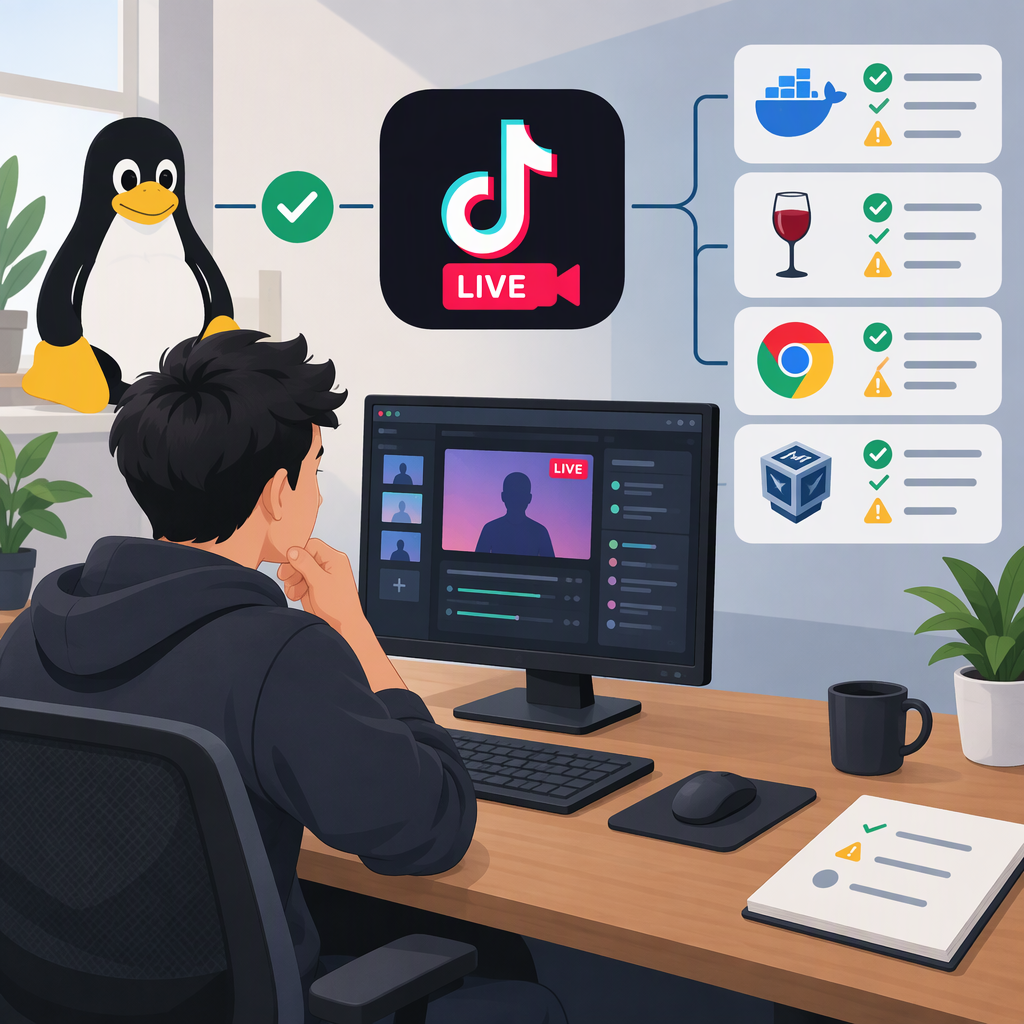
Can You Use TikTok Live Studio on Linux? Supported Options and Trade-Offs
Can You Use TikTok Live Studio on Linux?
TikTok’s published LIVE Studio setup guide says the app currently supports macOS and Windows; it does not list Linux. So Linux is not a documented supported platform in that guide. That is different from TikTok explicitly saying the app is incompatible with Linux: the material checked does not make that explicit exclusion. (tiktok.com)
This platform information is from TikTok’s install guide, updated March 3, 2026, and its LIVE Studio FAQ, updated August 19, 2026. The pages were checked for this article on November 14, 2026. The FAQ’s system-requirements table gives Windows and macOS specifications, but does not provide Linux requirements or name a supported LIVE Studio version. (tiktok.com)
Practical takeaway: If you need a setup TikTok documents for LIVE Studio, use a compatible Windows or macOS computer. If you want to keep your main computer on Linux, consider only a different LIVE route that TikTok documents and that your account can access; do not assume LIVE Studio itself is supported on Linux.
TikTok Live Options to Check from a Linux-Based Setup
A TikTok-published guide describes mobile LIVE and three desktop approaches: LIVE Studio, OBS with TikTok-provided server information and stream key, and going LIVE through TikTok on the web. It does not establish that each route is available to every account or in every region. (tiktok.com)
| Route | What TikTok’s material describes | What to check |
|---|---|---|
| TikTok mobile app | Start in the app: tap Create (+), choose LIVE, configure the available settings, then tap Go LIVE. This uses a phone rather than running LIVE Studio on Linux. | Whether the LIVE option is available to your account. TikTok says creators must meet LIVE eligibility requirements; follower thresholds can vary by region. (tiktok.com) |
| OBS on a desktop | TikTok’s guide describes creating a scene, adding video and audio sources, and entering a Server URL and Stream Key provided by TikTok. | Whether TikTok provides those credentials to your account. The guide describes the route, but this does not mean every creator has access to it. (tiktok.com) |
| TikTok in a desktop browser | The guide includes a web route that starts by opening TikTok in a desktop browser and logging in. | Whether the LIVE option is available in your logged-in browser account. A browser route is not the same as a Linux version of LIVE Studio. (tiktok.com) |
| LIVE Studio on another computer | TikTok’s install guide documents Windows and macOS support and says to log in with a TikTok account. | Check the computer’s operating system and requirements, then confirm your account has LIVE Studio access. (tiktok.com) |
TikTok’s general LIVE guidance says creators must be at least 18 and have the required follower count, which may vary by region. Its LIVE Studio setup guide also notes that having access to LIVE in the mobile app does not necessarily mean you have LIVE Studio access; the guide directs creators to apply for that access. Check the requirements shown for your own account rather than treating a follower number from another region or a separate LIVE route as a guarantee. (tiktok.com)
What to Verify Before Choosing a Setup
- Is the route documented for your device? TikTok names Windows and macOS for LIVE Studio. It does not give Linux installation steps or Linux system requirements in the pages checked. (tiktok.com)
- Does your TikTok account have the needed access? Check whether the LIVE option appears in the mobile app or browser, whether LIVE Studio access is available, or whether TikTok has provided the server URL and stream key needed for the OBS workflow. (tiktok.com)
- Does the route fit the device you can use? If you can go LIVE from a phone, the mobile route avoids relying on a Linux desktop app. If you need a desktop production setup, the TikTok-published guide describes OBS and browser options, but access to those routes still needs to be confirmed for your account. (tiktok.com)
- Check eligibility separately from software compatibility. TikTok’s guide says age and follower requirements apply to LIVE, with follower thresholds varying by region. LIVE Studio may have a separate access step. (tiktok.com)
Bottom line: TikTok’s current published LIVE Studio materials list Windows and macOS—not Linux—so Linux support is unconfirmed, rather than explicitly ruled out by the sources cited here. If you want to stream while keeping a Linux-based setup, first verify that your account can use the documented mobile, browser, or OBS route. A third-party workaround or compatibility layer is not established as a TikTok-supported, reliable, or permitted method by these sources.