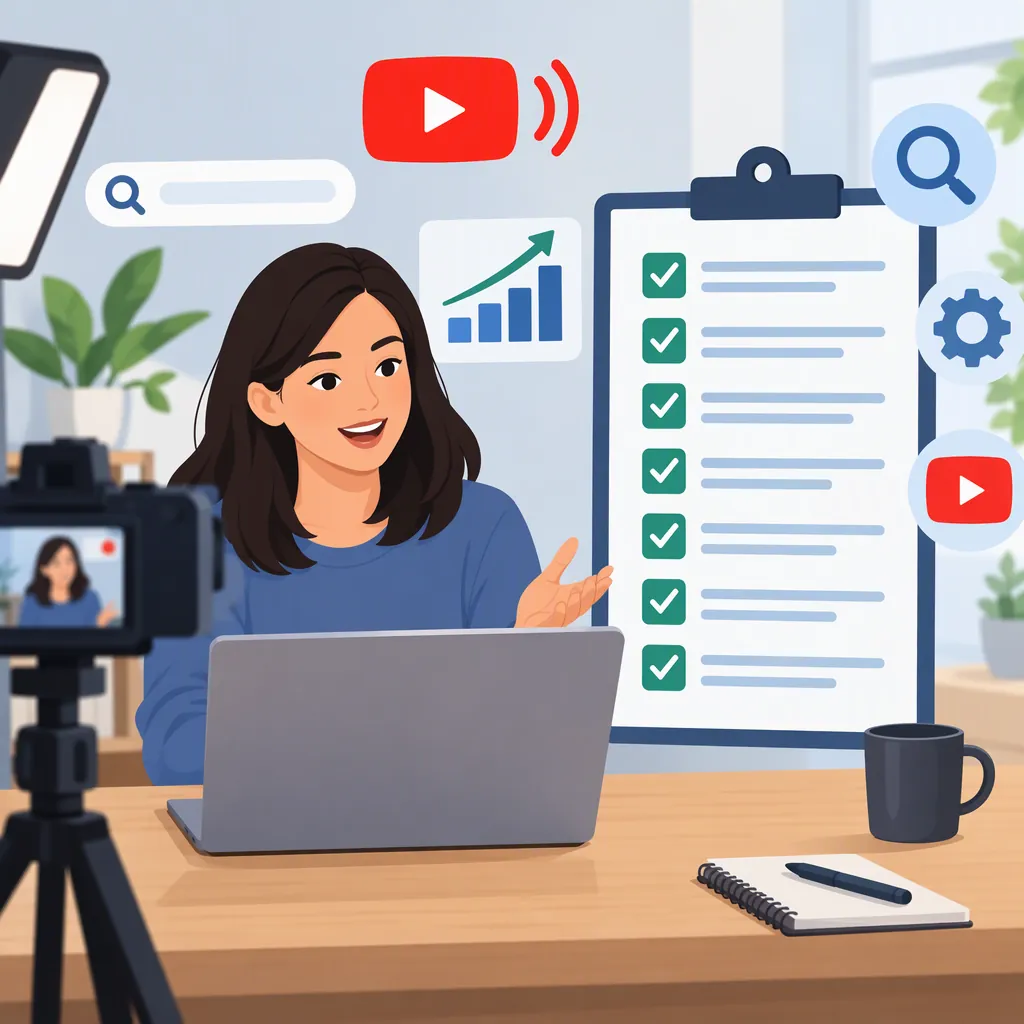
YouTube Live Stream SEO Before, During, and After Broadcast
YouTube live stream SEO means making a broadcast and its replay understandable to people searching for the topic. Choose a specific viewer question, write an accurate title and description, and prepare a useful replay with reviewed captions and timestamps. These recommendations adapt general YouTube SEO guidance to live production; they do not guarantee rankings. YouTube also offers live discovery through channel pages and, for vertical streams, the Shorts feed, which is distinct from search optimization. [c1] [c2]
Separate Search Optimization from Live Discovery
Start with two different goals: helping someone find an answer through search, and helping someone discover a broadcast while it is happening.
BrightEdge describes YouTube SEO as optimizing videos, descriptions, metadata, playlists, and channel pages. Its guidance covers general video optimization rather than a verified live-specific ranking formula. [c1]
YouTube's creator guide describes other discovery routes: the channel's Live tab, Notify Me alerts, live rings, and vertical live streams appearing in the Shorts feed. These features should not be treated as evidence of higher search rankings. [c2]
Use the workflow below as an editorial and production checklist. The supplied sources do not establish exact ranking weights, a required keyword density, or a guaranteed benefit from broadcasting live instead of publishing a recorded video.
Two-Goal Planning Note
Search goal: Answer [specific viewer question].
Live discovery goal: Make the topic and broadcast timing clear to interested viewers.
Replay goal: Preserve a useful answer for viewers who arrive after the event.
Evidence limit: Do not promise a ranking improvement from the live format alone.
Choose One Clear Search Intent
Before writing metadata, define what the viewer needs to learn. A broad topic such as “camera setup” can become a focused session such as “how to set webcam exposure for an indoor live stream.” This is an illustrative topic, not a claim about measured search demand.
BrightEdge recommends keyword research and natural use of relevant terms in titles, descriptions, and other video text. [c1] Apply that guidance by choosing one primary question and a small set of related terms that genuinely belong in the session.
As an editorial check, inspect relevant search results and note the questions they answer. Do not assume the phrases you find have a particular search volume. Build an agenda that delivers the answer promised by the title, rather than adding unrelated topics to accommodate more keywords.
Search Intent Brief
Viewer question: [One question the broadcast will answer.]
Audience context: [Beginner, experienced operator, or another defined audience.]
Primary phrase: [Natural wording for the topic.]
Related terms: [Only terms covered in the session.]
Demonstration: [What viewers will see explained or tested.]
Boundary: [What this broadcast will not cover.]
Prepare Accurate Titles, Descriptions, and Thumbnails
Write the topic first, then add the live format or session detail when it helps distinguish the broadcast. Avoid letting an episode number or vague event label carry the entire title.
For example, “Webcam Exposure for Indoor Live Streams: Live Walkthrough” describes the subject more clearly than “Going Live Again — Episode 12.” These are writing examples, not tested ranking outcomes.
Use the opening description to explain the question, intended audience, and planned coverage. Keep any schedule information clearly labeled, including the time zone. Choose thumbnail text and imagery that represent what viewers will actually see.
BrightEdge recommends optimizing descriptions, using relevant keywords naturally, and creating thumbnails that accurately represent the content. [c1] Treat these as clarity practices, not a reason to repeat the same phrase in every field.
Pre-Broadcast Metadata Template
Title: [Specific topic] — Live [Walkthrough / Discussion / Q&A]

Description opening:
This live session explains [viewer question] for [audience]. Planned coverage includes [topic one], [topic two], and [topic three].

Schedule:
[Date, time, and time zone.]

Scope:
[Relevant prerequisites and exclusions.]

Thumbnail check:
Does the image accurately represent the session, and is its text understandable at a small size?
Deliver the Promised Answer During the Broadcast
Metadata preparation is separate from streaming readiness. YouTube advises checking live eligibility, verifying the channel, and testing the setup and network before broadcasting. Mobile streaming has additional requirements. [c2]
As a production recommendation, begin by stating the question and agenda, then move into the explanation without an unnecessarily long countdown. Briefly restate the context when changing topics so that late arrivals can follow the discussion.
YouTube lists live chat, polls, Q&A, and moderation tools as ways to support interaction. [c2] Use them to collect relevant questions and manage the conversation, not as a presumed search-ranking shortcut.
Keep a simple log of topic changes during the stream. Check those notes against the actual replay before publishing timestamps.
Broadcast Run Sheet
- Confirm live eligibility and channel verification.
- Test the microphone, picture, and network.
- State the viewer question and session scope.
- Explain or demonstrate the main answer.
- Collect relevant questions through the available interaction tools.
- Record approximate topic-change times.
- Summarize the answer and note any unresolved questions.
Review the Replay as a Separate Viewing Experience
After the broadcast, check whether the archive is available and publicly viewable if public discovery is the goal. YouTube describes live archives, longform videos, and Shorts as ways to reuse live material. [c2] The supplied creator guide does not establish that every broadcast will produce an available archive.
Revise the description to summarize what actually happened, rather than leaving it as a future-tense event announcement. Review captions for names, technical terms, and errors that change the meaning. Add accurate timestamps for substantive sections where appropriate; do not invent segments to fit keywords.
BrightEdge recommends captions, transcripts, and timestamps as part of general video optimization. [c1] Search Engine Journal's 2018 article also recommends post-stream titles, descriptions, and transcription. Its older platform and ranking claims should not be treated as current guarantees. [c3]
Replay Review Checklist
- Check archive availability and intended visibility.
- Confirm the title still matches the recorded content.
- Replace planned coverage with an accurate summary.
- Remove or clearly label outdated event information.
- Review available captions for accuracy.
- Verify each timestamp against the recording.
- Note unanswered questions or corrections.
- If extracting shorter videos, give each one a title that matches its own content.
Evaluate Changes Without Claiming Causation
Keep a record of metadata revisions and compare live viewing with replay viewing rather than treating them as a single outcome. As an evaluation practice, separate search traffic from other discovery sources wherever the available reporting allows.
Record the reporting window, topic, title changes, and any differences in format or timing. If several things changed together, a rise or fall in views cannot identify which change caused it. A single search-position check is also insufficient evidence of a lasting improvement.
The practical standard is whether viewers can understand the topic, whether the broadcast delivers its promise, and whether the replay remains useful. None of the provided references establishes a controlled, live-specific SEO test or a reliable ranking uplift for this checklist.
Optimization Review Log
Broadcast topic: [Topic.]
Review window: [Start and end dates.]
Changes made: [Title, description, captions, or timestamps.]
Live observations: [Available results and viewer questions.]
Replay observations: [Available results and viewer questions.]
Traffic-source distinction: [Search versus other sources, if available.]
Confounding factors: [Timing, topic, format, or other simultaneous changes.]
Conclusion: [Observed pattern, uncertainty, and next editorial adjustment.]
FAQ
Does Going Live Automatically Improve YouTube Search Rankings?
The provided sources do not establish an automatic search-ranking advantage for live broadcasts. YouTube describes live discovery features, but those are not a live-specific search-ranking formula. Focus on a clear topic, accurate metadata, and a useful replay. [c1] [c2]
Where Should the Main Keyword Appear?
Use the topic phrase naturally in the title and description when it accurately describes the session. BrightEdge also discusses relevant terms in transcripts and other video text. Do not add words to captions that were not spoken or repeat keywords at the expense of readability. [c1]
Is Vertical Live Streaming an SEO Shortcut?
YouTube says vertical live streams can be discovered in the Shorts feed. That is a discovery opportunity, not evidence of better search rankings. Choose the format for the content and viewing experience rather than assuming it provides an SEO advantage. [c2]
What Should Be Updated After the Stream Ends?
Check the replay's availability and visibility, make the title and description reflect the recorded session, review captions, and verify any timestamps. General YouTube SEO guidance supports captions and timestamps; the older Search Engine Journal article also recommends post-stream metadata and transcription work. [c1] [c3]