Can’t Go Live on TikTok? Check Eligibility and Troubleshoot Access
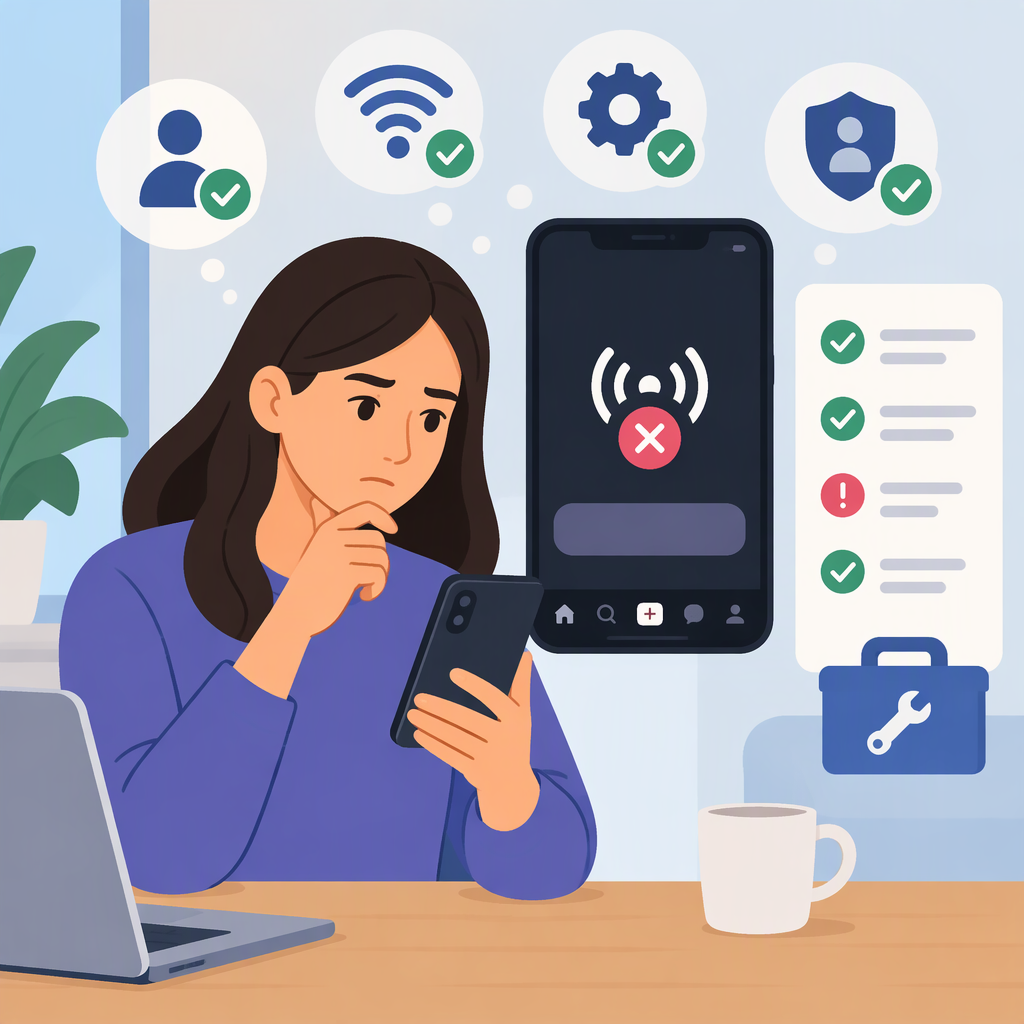
If you can’t go LIVE on TikTok, check eligibility before troubleshooting your phone. TikTok’s Help Center lists 18 or older and 1,000 followers as requirements, while noting that the follower threshold may vary by region. LIVE is also not available everywhere. If you appear to meet the requirements, identify whether the LIVE option is missing or the broadcast fails to start, then try TikTok’s documented app checks. If the issue persists, report it to TikTok. (support.tiktok.com)
1. Check Whether You’re Eligible to Host a Live
TikTok’s Help Center says a creator must be at least 18 to go LIVE and have 1,000 followers, with the follower requirement potentially varying by region. TikTok also notes that LIVE features aren’t available everywhere. So treat 1,000 as TikTok’s published benchmark—not a guarantee that the same threshold or access applies to every region or account. (support.tiktok.com)
TikTok may ask you to confirm your age before you can go LIVE. If it can’t confirm you’re 18 or older, it says you won’t be able to go LIVE. Follow the age-confirmation instructions shown in the app; available methods depend on location. (support.tiktok.com)
Quick check:
- Under 18? You don’t meet TikTok’s stated age requirement for hosting a LIVE.
- At least 18, but below the follower threshold shown for your circumstances? Eligibility may be the reason the feature is unavailable.
- At least 18 and apparently above the follower threshold? Check for an age-confirmation prompt or account notice, then continue with the symptom-specific checks below. TikTok’s help page advises eligible creators who still have trouble to report the issue; it does not promise that meeting these requirements alone guarantees access. (support.tiktok.com)
2. Identify What’s Happening
TikTok’s standard instructions for starting a LIVE are to tap Add post (+), select LIVE at the bottom (you may need to scroll), set up the LIVE, and tap Go LIVE. Menu labels can differ by app version or language. (support.tiktok.com)
- The LIVE option is missing: Recheck age, followers, and any age-confirmation or account notification first. A network or cache check won’t change an eligibility decision.
- You can open LIVE, but it won’t start: Note the exact error message. If it refers to eligibility, age confirmation, or an account restriction, follow the instructions in that notice. If it looks like an app or connection problem, try the checks below.
- You’re eligible but still can’t access or start LIVE: TikTok’s LIVE troubleshooting page says eligible creators who continue to have an issue can report it. (support.tiktok.com)
3. Try TikTok’s Documented App Checks
For app problems, TikTok recommends making sure both the TikTok app and your device’s operating system are up to date. Its troubleshooting guidance also suggests switching between Wi-Fi and mobile data to check whether the connection is involved, and clearing the app cache if connectivity is not the problem. These are general app checks—not confirmed fixes for every LIVE-access issue. (support.tiktok.com)
Try them in this order:
- Update TikTok and your device’s operating system.
- If LIVE fails while starting, switch between Wi-Fi and mobile data, then try again.
- If the issue continues, clear TikTok’s cache using the app’s current settings.
- If LIVE remains unavailable, report the issue rather than repeatedly changing settings or trying to bypass an eligibility restriction.
4. Report an Unresolved Live-Access Issue
TikTok’s Help Center gives this in-app route for reporting a technical problem: Profile → Menu (☰) → Settings and privacy → Help Center → Chat with us. Follow the prompts. TikTok may ask you to attach relevant screenshots or files. If the labels differ in your app, use TikTok’s Help Center or online reporting form to find the available reporting route. (support.tiktok.com)
Include the account you tried to use, what happened when you selected LIVE, the exact error wording, and which checks you already tried. Keep the report factual; don’t include passwords or verification codes. TikTok says its Support team handles these requests, but its cited guidance does not state a response time or guarantee that access will be restored. (support.tiktok.com)
If TikTok specifically removed LIVE access because of an age decision and you believe it was a mistake, its age-requirements guidance says to open the in-app notification and tap Appeal. TikTok says you have 180 days from the date that age-restricted access was removed to appeal. That process applies to the described age-related decision; it is not a general appeal deadline for every LIVE error. (support.tiktok.com)
A Simple Way to Choose Your Next Step
Hypothetical example: An adult creator with more than 1,000 followers can’t find LIVE. First, they look for an age-confirmation prompt or account notice because TikTok lists age and follower eligibility and says follower requirements may vary by region. If there’s no relevant notice, they update the app and device software, then check the connection if LIVE fails during startup. If access still doesn’t work, they report what they saw through TikTok Support. This sequence narrows down the issue; it does not predict that any particular check will restore access. (support.tiktok.com)