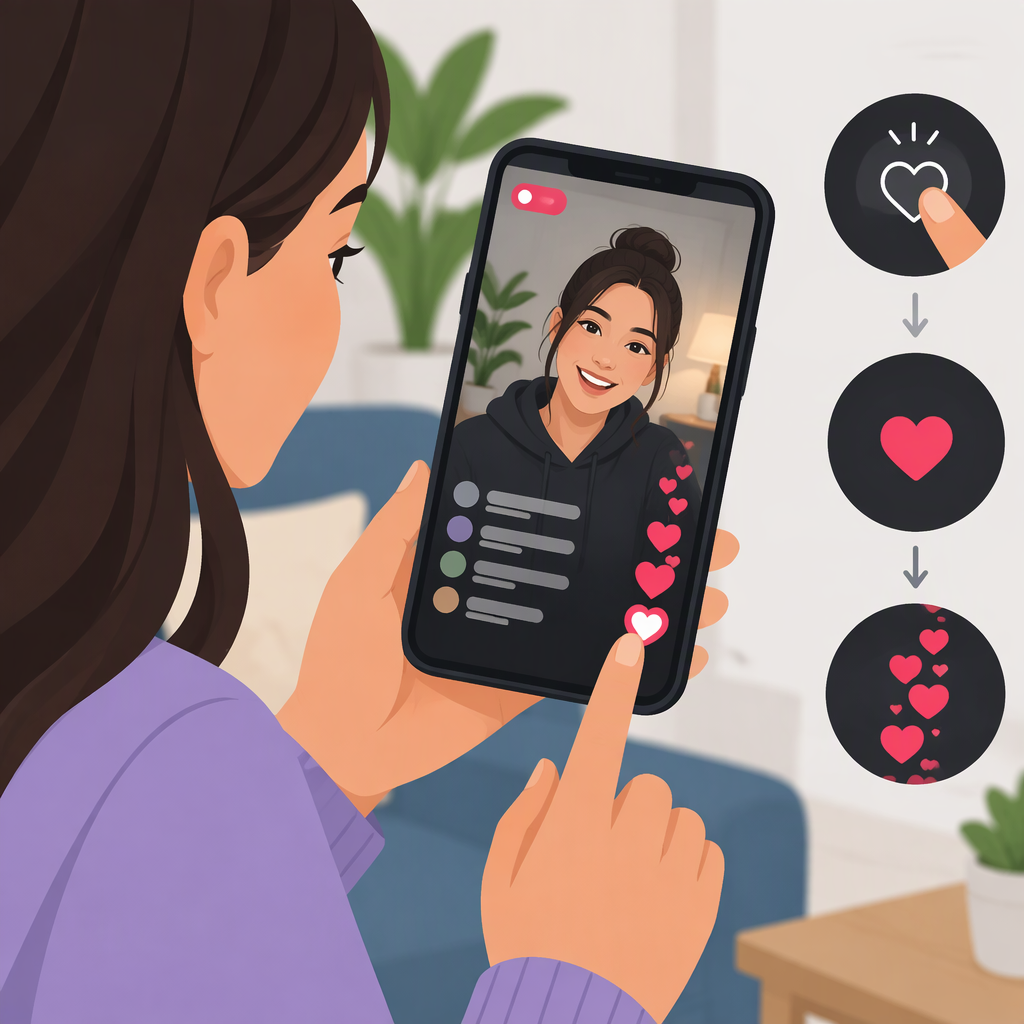
How to Like a TikTok Live
How to Like a TikTok Live
While watching a LIVE in the TikTok app, tap the video area to send a like. Tap again to send more. A commonly described visual cue is a heart animation appearing on the screen, but TikTok’s public Help Center doesn’t document that confirmation for LIVE likes, so treat it as a helpful cue rather than a guaranteed signal. (nairobinews.co.ke)
Steps
- Open a LIVE in the TikTok app.
- Tap the video area—not the Gift control—to send a like. Repeat if you want to send more.
- Look for a heart animation as a possible sign the tap registered.
Likes and Gifts are different interactions. TikTok’s Help Center describes sending a LIVE Gift as tapping Gift, choosing an item, and tapping Send; sending one requires Coins. If you only mean to like the LIVE, don’t choose or send a Gift. (support.tiktok.com)
TikTok’s public guidance retrieved for this article does not spell out LIVE-like confirmation or give a separate web-viewing instruction. If you don’t see a response, the available public guidance doesn’t establish a specific fix; avoid tapping Send or selecting a Gift by mistake.