TikTok Prerecorded Live: What the Rules Confirm—And What They Don’t
Short Answer
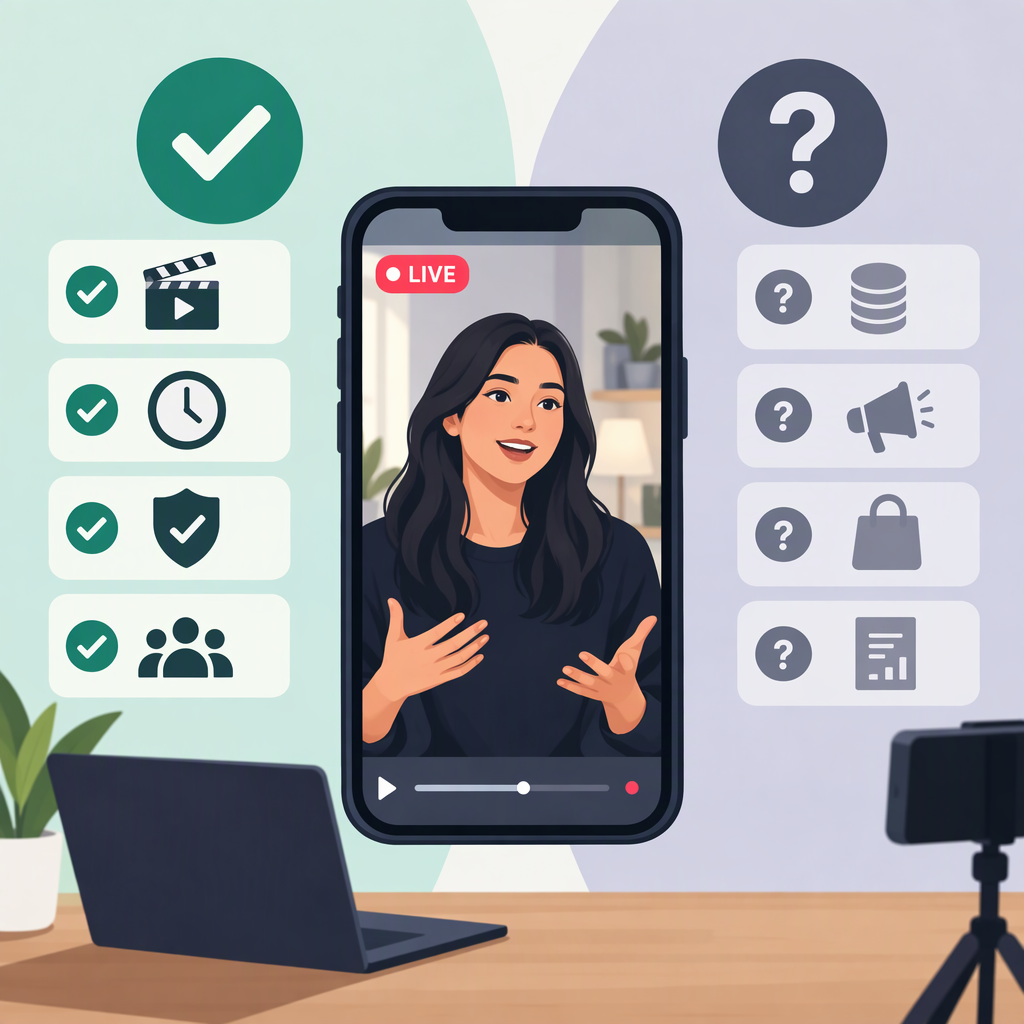
TikTok’s public guidance does not clearly confirm that creators may run a TikTok LIVE using prerecorded footage—whether by playing it through external streaming software or looping it unattended. It also does not, in the pages cited here, expressly say that every use of prerecorded material in a LIVE is prohibited. So don’t treat technical ability to send a video into a stream as proof that TikTok permits the format. Check the guidance that applies to your account and proposed setup before relying on it. (support.tiktok.com)
One related feature is clearly documented: TikTok LIVE replays are recordings of past LIVE videos, which creators can view or download for 30 days. TikTok describes replay access and management after a LIVE ends; that is not documentation of a feature for rebroadcasting a recording as a new LIVE. (support.tiktok.com)
Which Prerecorded Live Format Do You Mean?
| Planned format | What the public guidance confirms | Practical distinction |
|---|---|---|
| A person hosts and speaks live, with prerecorded clips included | The cited guidance does not specifically address prerecorded inserts in a LIVE. | The host can answer viewers in real time, but that does not settle whether a particular setup complies with applicable rules. |
| A person supervises a stream made mostly of prerecorded footage | The cited guidance does not expressly confirm or prohibit this format. | A supervisor may be able to respond or stop the stream; don’t imply the footage itself is happening live. |
| An unattended loop or a recording presented as live | The cited guidance does not expressly answer whether this format is allowed. | Viewers may have no one available to answer them. Don’t assume that labeling it “LIVE” makes the presentation clear. |
| Replaying a past TikTok LIVE | TikTok documents saved recordings of past LIVE sessions, available to view or download for 30 days. | This is a post-LIVE replay feature, not stated permission to stream that recording as a new LIVE. (support.tiktok.com) |
These descriptions are practical distinctions, not TikTok’s official classifications. The key point is to separate how a video reaches the stream from whether TikTok permits that use. The public guidance cited here does not resolve every method. (support.tiktok.com)
Viewer Expectations: Make the Interaction Promise Accurate
A live host can respond as events unfold; a supervised prerecorded stream may have someone available to respond; an unattended loop cannot provide that same immediate response. These are differences in what viewers can reasonably expect—not claims that TikTok requires a particular format or disclosure.
As a clarity measure, consider telling viewers plainly at the start—and in an on-screen note or pinned comment if available—when the main footage was prerecorded and whether someone is monitoring comments. Avoid implying that prerecorded events are happening in real time. This is practical advice, not a specific prerecorded-LIVE disclosure rule established by the cited TikTok pages.
TikTok’s published Community Guidelines include rules on harmful misinformation and misleading content in particular contexts, including falsely presenting past crisis events as recent. That is not a blanket rule about all prerecorded entertainment; it is a reason to take extra care when older footage could mislead viewers about a real-world event. The guidelines page identifies its edition as released August 14, 2025, and effective September 13, 2025. (tiktok.com)
Before You Start: A Practical Check
- Confirm LIVE access. TikTok says only creators who meet its eligibility requirements can go LIVE. Review TikTok’s current LIVE guidance and confirm the LIVE option is available to your account. The cited material does not establish a specific eligibility threshold for every region or account. (support.tiktok.com)
- Identify the exact method. Write down whether you plan to use prerecorded inserts during a live-hosted session, stream a mostly prerecorded program with a person monitoring it, or run a loop without a host. Don’t use guidance about post-LIVE replay as evidence that a new prerecorded LIVE is allowed. (support.tiktok.com)
- Check rights for every element. Confirm you have the rights or permissions needed for footage, music, images, and other material. TikTok’s intellectual-property guidance says applicable laws can vary by jurisdiction; it is general information, not a specific clearance rule for prerecorded LIVE broadcasts. (support.tiktok.com)
- Set accurate viewer expectations. If you proceed, state what is prerecorded and whether someone is available to respond. Treat this as a transparency recommendation, not a confirmed platform mandate.
- Assign a monitor and a stop plan. As a practical safeguard, have a person watch the stream and comments, with a clear way to pause or end the broadcast if the content, rights, or audience response raises a problem. The cited pages do not establish this as a TikTok-specific requirement.
- Stop if the policy answer is still unclear. If the setup depends on a feature or interpretation that TikTok’s public guidance does not clearly address, don’t infer approval from software capability or another creator’s example. Check TikTok’s Help Center or account-specific LIVE guidance before proceeding.
Bottom Line
For “TikTok prerecorded LIVE,” the most accurate public-guidance answer is unresolved, not a confident yes. TikTok documents replays of completed LIVE sessions, but that does not establish permission to broadcast a prerecorded video as a new LIVE. Be clear with viewers, check content rights, verify your own LIVE access, and pause if TikTok’s guidance does not answer the exact format you plan to use. (support.tiktok.com)