When Can You Go Live on TikTok? Age and Follower Requirements
The Short Answer
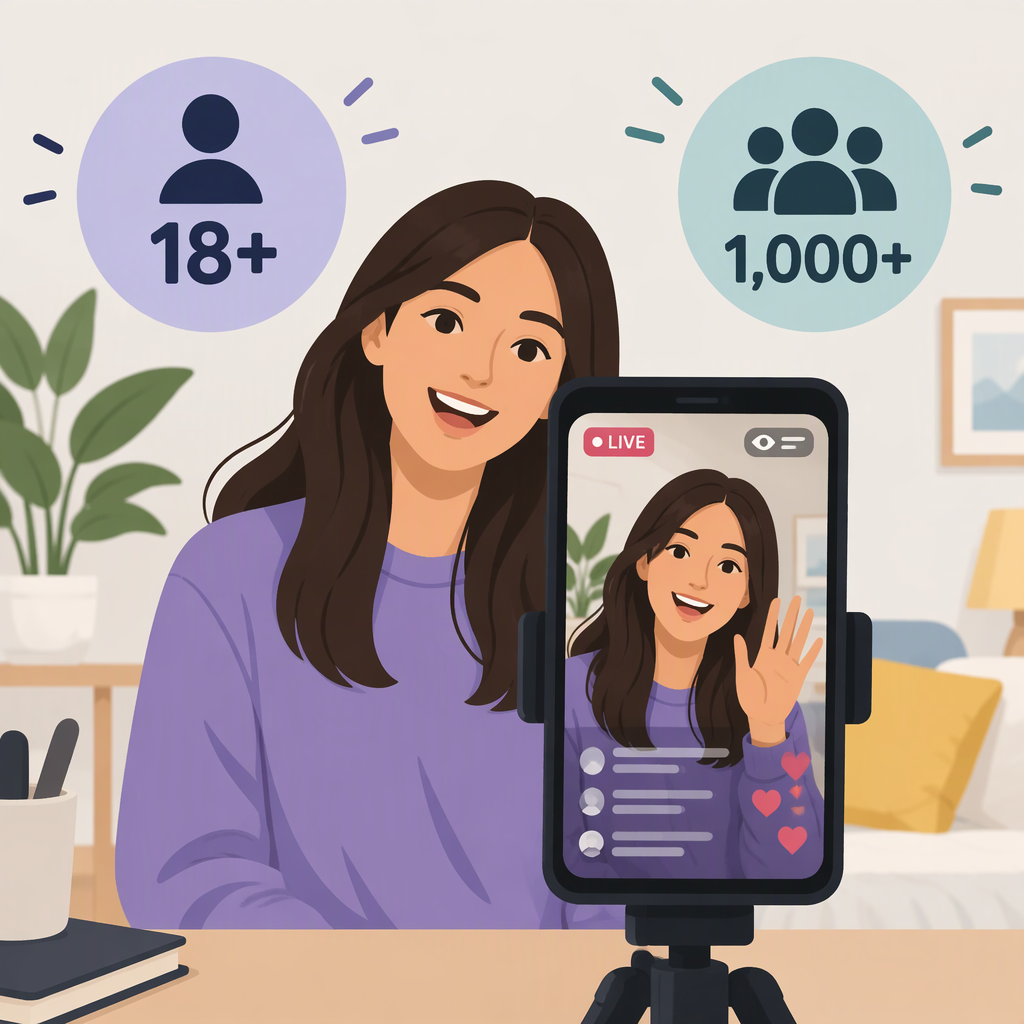
TikTok says you must be at least 18 years old and have 1,000 followers to go LIVE. TikTok notes that the follower threshold may vary across regions, so 1,000 is not a guaranteed universal cutoff. LIVE features also are not available everywhere. (tiktok.com)
Meeting those requirements does not guarantee that LIVE will be available on your account: TikTok may ask you to confirm your age, and says that if it cannot confirm you are 18 or older, you cannot go LIVE. (support.tiktok.com)
How to Check Whether Live Is Available
In the TikTok app:
- Tap the Add post (+) button at the bottom of the screen.
- Look for LIVE along the options at the bottom. You may need to scroll across to find it.
TikTok lists these as the steps for starting a LIVE. If the option is available, you can continue through the LIVE setup; TikTok may ask you to confirm your age. Seeing the option is a practical availability check, but it does not guarantee that any age confirmation or other eligibility check will be successful. (tiktok.com)
If Live Is Not Available
Compare your account with TikTok’s stated requirements: you must be 18 or older, and the usual follower threshold is 1,000, with possible regional variation. If TikTok prompts you to confirm your age, follow the instructions in the app. TikTok says that an unconfirmed age means you cannot go LIVE. (tiktok.com)
If you believe you meet the requirements but still cannot access LIVE, TikTok’s guidance is to report the issue. In the app, go to Profile → Menu (☰) → Settings and privacy → Report a problem. Choose a relevant topic and follow the suggested steps. If those do not resolve it, tap No when asked whether the problem is resolved, then tap Need more help?; TikTok also lists Chat with us as an option. (support.tiktok.com)
Bottom line: You can try to start a TikTok LIVE once you are at least 18 and meet the follower requirement that applies in your region. TikTok’s published figure is 1,000 followers, but it may vary by region; check the LIVE option in the app and use TikTok’s support flow if access still does not appear.