Can’t Go Live on TikTok with 1,000 Followers? Eligibility and Fixes
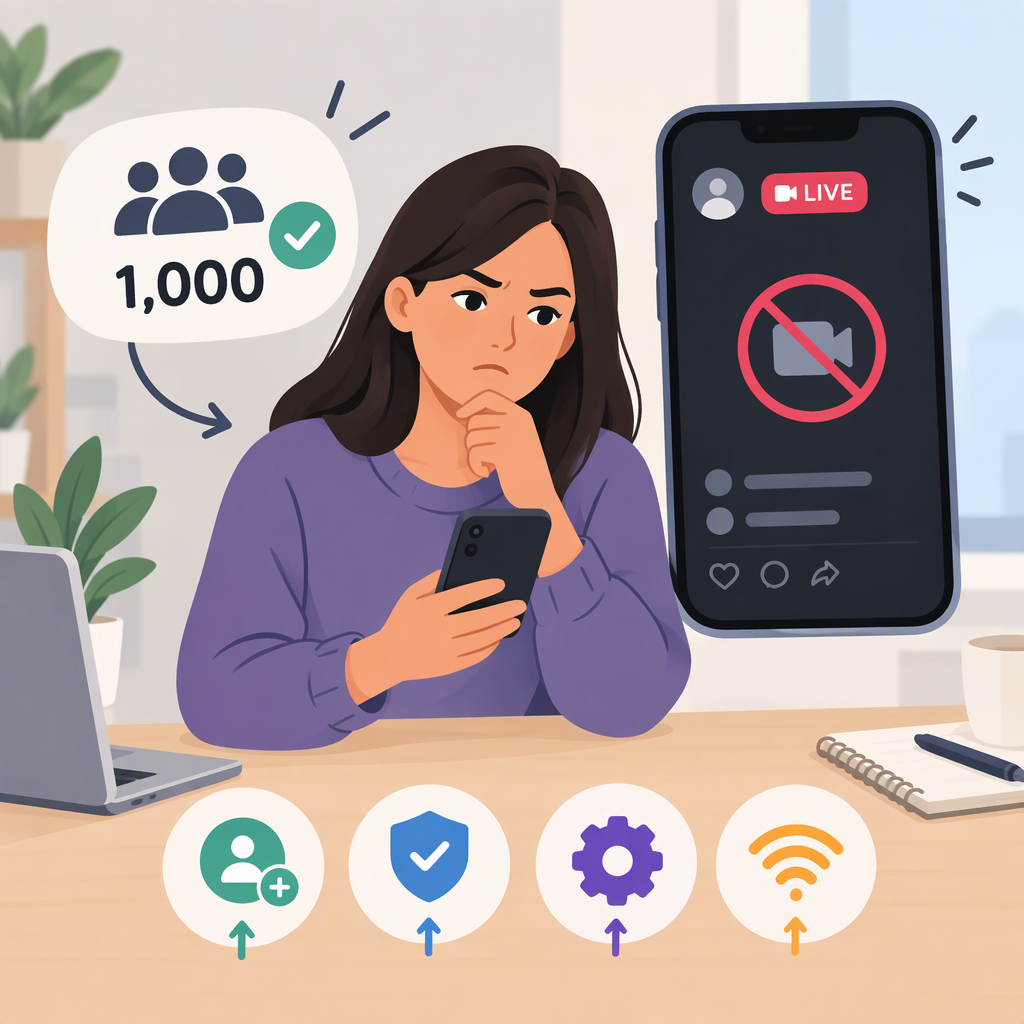
Having 1,000 followers does not, by itself, guarantee that you can go LIVE on TikTok. TikTok’s published requirements also say you must be at least 18 to host a LIVE; the follower threshold may vary by region, and LIVE features aren’t available everywhere. So if you have about 1,000 followers and the option is missing, check the other requirements and the specific symptom before treating it as a technical fault. (tiktok.com)
Check These Live Requirements First
TikTok’s public LIVE guidance says creators must:
- Be at least 18 years old to go LIVE. This age rule is for hosting; TikTok lists a separate age requirement for sending or receiving Gifts.
- Have 1,000 followers to go LIVE, with the qualification “may vary across regions.” TikTok doesn’t list the regional alternatives in this guidance, so don’t assume the threshold is identical everywhere.
- Be in a place where LIVE is available. TikTok says LIVE and Gift features aren’t currently available everywhere.
- Follow TikTok’s Community Guidelines and Terms of Service. (tiktok.com)
“Fans” usually means followers in this context. If your follower count is around 1,000, confirm the count shown on your profile. TikTok’s guidance doesn’t promise that reaching the number alone unlocks the feature.
Identify What “Can’t Go Live” Means
The next step depends on what you see. These symptom labels are a practical way to sort the problem, not separate categories TikTok lists as eligibility rules.
- The LIVE option is missing. Recheck the age, follower-count, and regional conditions above. In the app, tap Add post (+) and look for LIVE among the creation options; TikTok notes that you may need to scroll across the options. (tiktok.com)
- TikTok says you don’t meet the requirements or denies access. Follow the notice shown in the app and compare it with the official requirements. A count of 1,000 followers doesn’t establish that the age and availability conditions are met.
- You can reach the LIVE setup but can’t start the broadcast. That differs from a missing option. Note the exact error and when it appears so you can describe the problem accurately if you report it.
TikTok’s help page says that only creators who meet its eligibility requirements can go LIVE. If you meet those requirements but still have an issue, TikTok directs you to report it. (support.tiktok.com)
Report an Unresolved Issue to TikTok
In the app, TikTok’s instructions are to log in to the affected account, tap Profile, then Menu (☰), choose Settings and privacy, open Help Center, and tap Chat with us to follow the reporting steps. TikTok also provides an online reporting form. The labels or route may differ in your app, so use the Help Center if you don’t see the same options. (support.tiktok.com)
When describing the issue, it may help to include your follower count, what happens when you try to open LIVE, any error message, and a screenshot if you have one. TikTok says it may ask for screenshots or files depending on the issue; it doesn’t list these details as mandatory for every report. (support.tiktok.com)
Bottom line: 1,000 followers meets TikTok’s stated follower threshold where that threshold applies, but doesn’t guarantee LIVE access. Check the age requirement, regional availability, and the exact message or symptom. If you meet the requirements and still can’t access LIVE, report the problem through TikTok’s Help Center or online form.