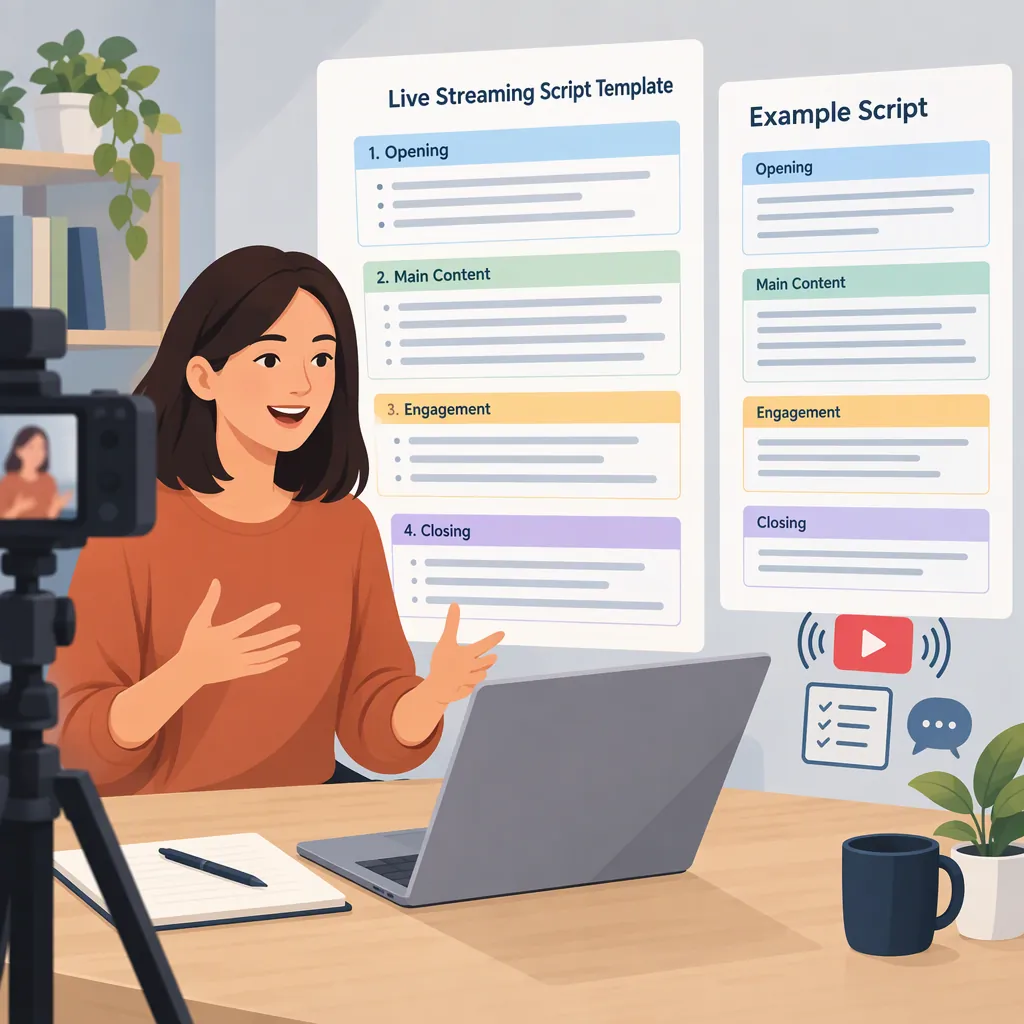
Script for Live Streaming: An Opening, Outline, and Examples
For a live stream, prepare a short opening, a topic outline, audience-question cues, a recap, and a closing. Write the opening and closing word for word, then use bullet points for the main discussion. One planning approach is to organize the topic around why it matters, what it means, how to apply it, and what happens next. [src-1] The scripts below are original educational examples, not platform requirements.
Plan the Script Around One Clear Outcome
Start with this sentence: “By the end of this broadcast, viewers should be able to ___.” Keep the outcome narrow enough to explain and demonstrate within your chosen session length.
The Lights, Camera, Live article proposes four planning questions: Why, What, How, and What If? Use those questions to select the material, rather than treating the broadcast as a list of everything you know about a subject. [src-1]
For a practical draft, separate your notes into:
- Spoken lines: The opening, important definitions, transitions, and closing.
- Talking points: The explanation and examples you can deliver in your own words.
- Production cues: Instructions such as “switch to the demonstration” or “pause for questions.” Mark these clearly so you do not read them aloud.
Source limitation: The cited article is a Facebook Live planning guide dated April 24, 2018. Its duration advice is not used here as a current platform requirement. The timings below are editorial examples, not evidence of an ideal broadcast length.
One-Page Planning Worksheet
Topic: ___
Audience: ___
By the end, viewers should be able to: ___
Why this matters: ___
What viewers need to understand: ___
How to apply it: ___
What changes under a different condition: ___
Demonstration or worked example: ___
Question to discuss: ___
Main takeaway: ___
If the demonstration fails, explain it using: ___
Use a Short, Specific Opening
For this template, use the opening to identify the host, explain the topic, and preview the session. Start the useful content without making a particular viewer count a condition for beginning.
If you invite questions, say when you plan to address them. Only promise a chat-based question segment if you can actually monitor chat or have someone helping you.
Replace every blank before rehearsal. If viewers cannot hear you, a spoken request to report audio problems will not reach them; treat that line as an optional supplement to your pre-broadcast audio check.
Adaptable Live Stream Opening
PRODUCTION CUE — Confirm the broadcast is live and the intended camera or screen is selected.

“Hello, and welcome. I’m ___, and today we’re covering ___. By the end, you should be able to ___.

“We’ll start with ___, work through an example, and finish with a short recap.”

OPTIONAL, IF CHAT IS AVAILABLE — “You can put topic questions in chat. I’ll pause for questions after the example. Please leave out personal or confidential details.”

“Let’s begin with ___.”
Build a Timed Run of Show
Use this 10-minute outline as a rehearsal target, not a rigid rule. Adjust it to suit the topic and leave room for pauses.
| Time | Segment | Script Cue |
|---|---|---|
| 0:00–0:45 | Welcome | Name the topic and intended outcome. |
| 0:45–2:00 | Why and What | Explain the problem and essential terms. |
| 2:00–6:00 | How | Walk through one example in clear steps. |
| 6:00–7:00 | What If | Discuss one variation or limitation. |
| 7:00–9:00 | Questions | Answer relevant questions or use a prepared question. |
| 9:00–10:00 | Recap and Close | Repeat the main takeaway and end the broadcast. |
During rehearsal, mark a sentence where you can shorten each segment. If time runs short, omit an extra example rather than rushing through the core explanation. Keep the recap even if you reduce the question segment.
Transition Lines
From introduction to explanation: “First, let’s define what we mean by ___.”
From explanation to demonstration: “Now let’s work through one example.”
Between steps: “That completes the first step. Next, we’ll ___.”
Into a variation: “What changes if ___? In that case, ___.”
Into questions: “Let’s pause here for questions about the example.”
Into the recap: “Before we finish, here are the main points.”
Example Script for a Short Teaching Stream
This original example teaches viewers how to outline a three-point presentation. It illustrates the wording and sequence, not a guaranteed outcome or a platform-specific format.
Read the spoken lines naturally. Use the production cues as reminders, and allow time to complete the demonstration rather than reading the entire script without pauses.
Teaching Stream: Outline a Three-Point Presentation
OPENING
“Hello, and welcome. Today we’re outlining a short presentation. By the end, you’ll have a draft with a purpose, three main points, and a closing sentence.”

WHY
“For this exercise, we’ll give the presentation one clear purpose so we can decide what belongs in the outline.”

WHAT
“Our draft has five parts: an opening sentence, three main points, and a closing sentence.”

HOW
“First, write the purpose: ‘After this presentation, the audience should understand ___.’

“Second, choose three points that support that purpose. For an example about preparing for a study session, those could be choosing a task, gathering materials, and deciding when to take a break.

“Third, add one example under each point. Under ‘choosing a task,’ we might write, ‘Complete the practice questions for one chapter.’

“Finally, write a closing sentence that brings the three points together: ‘Prepare by choosing a task, gathering what you need, and planning a break.’”

PRODUCTION CUE — Display or read the completed outline.

WHAT IF
“What if you have more than three points? For this exercise, group related ideas together or narrow the topic. Three points are a drafting constraint here, not a universal presentation rule.”

QUESTIONS
“Let’s look at questions about choosing or organizing the points.”

IF THERE ARE NO QUESTIONS
“Here’s a question we can work through: what if two points overlap? Try combining them, then check whether each remaining point supports the purpose.”

CLOSING
“To recap: define the purpose, choose three supporting points, add an example to each, and write a closing sentence. That completes today’s outline exercise. Thank you for watching.”

PRODUCTION CUE — End the broadcast using the platform controls.
Prepare Lines for Interruptions
Keep a few neutral recovery lines beside your outline. Describe only what you can verify: do not announce that a connection has recovered unless you have checked it, or promise a replay unless one will be available.
Before going live, rehearse the opening, check that your notes are readable, and prepare a verbal alternative to any screen demonstration. Decide which material you can skip if the session runs long.
Live Broadcast Recovery Lines
If the demonstration is unavailable: “I can’t show that demonstration right now. I’ll explain the steps verbally.”
If you lose your place: “Let me return to the main point: ___.”
If a question is outside scope: “That goes beyond today’s topic. I’ll keep this session focused on ___.”
If you do not know an answer: “I don’t have a verified answer to that, so I won’t guess.”
If time is running short: “I’ll leave out the extra example and summarize the essential steps.”
For viewers joining midway: “A quick orientation: we’re covering ___, and we’re now working through ___.”
If you need a brief pause: “I’m going to pause briefly to check the setup.”
FAQ
Should I Write Every Word or Use an Outline?
For these templates, write the opening, definitions, important transitions, and closing in full. Use bullets for the main explanation. If exact wording matters, script that passage too. Rehearse to decide how much written support you need.
How Long Should a Live Streaming Script Be?
Choose a session length based on what you intend to cover, then time a rehearsal that includes pauses and demonstrations. The 10-minute outline here is an example, not an optimum. The cited 2018 Facebook Live article discusses duration, but it should not be treated as a current platform requirement. [src-1]
What Should I Say If Nobody Asks a Question?
Use a prepared question and label it honestly: “Here’s a question we can work through.” Alternatively, move to the recap. Do not present a question as coming from a viewer unless it actually did.
Is This a Spoken Script or Code for a Streaming App?
This is a spoken presenter script and production outline. It does not contain JavaScript, configure streaming software, or implement a live streaming application.