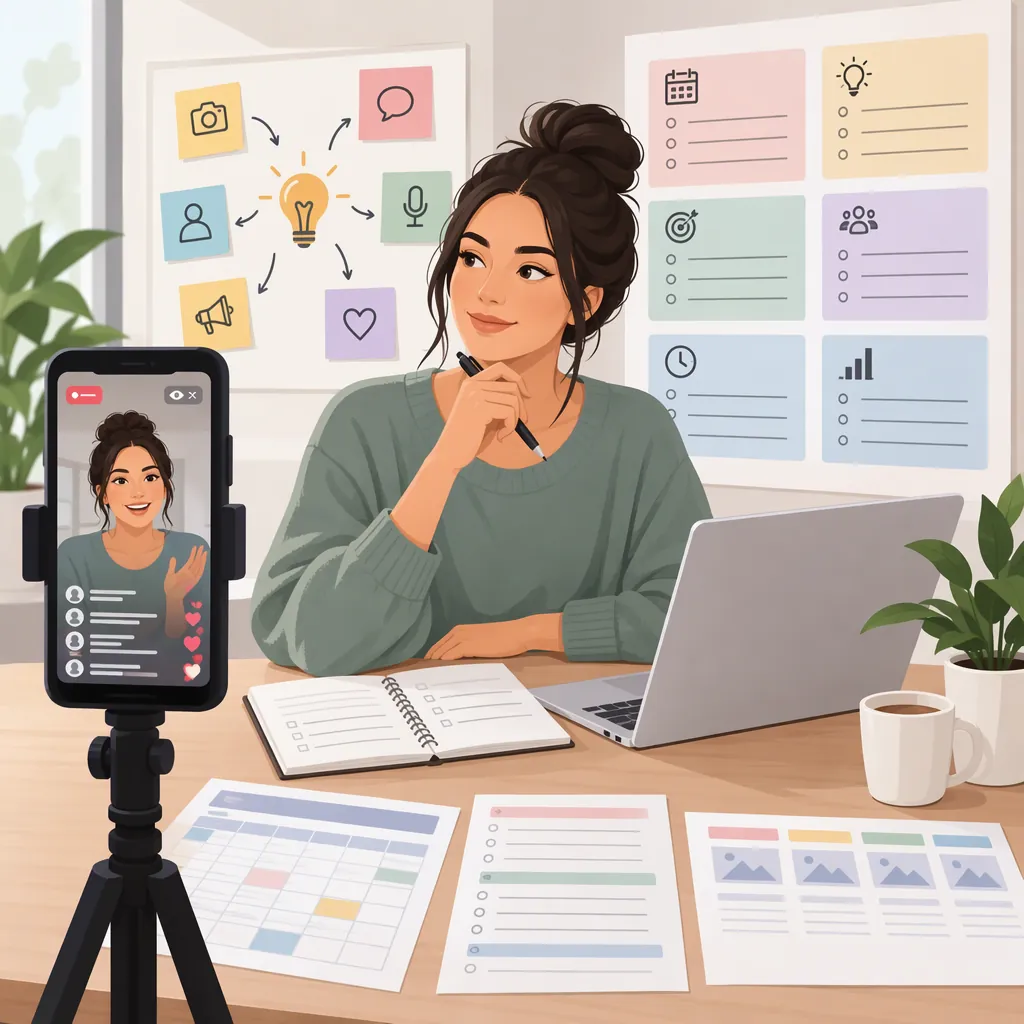
Instagram Live Stream Ideas: What to Talk About and How to Plan
Try a focused Q&A, a one-skill tutorial, a behind-the-scenes walkthrough, a guest conversation, a short performance, or a gaming discussion. Instagram’s creator guidance suggests answering questions, streaming performances, and discussing new projects. Choose one clear topic, prepare a few prompts, and plan an ending that summarizes the session rather than turning it into a sales pitch. [src_instagram]
Choose a Topic with a Clear Live Purpose
Start with this question: What can viewers contribute while this is happening? A useful live concept leaves room for questions, choices, or discussion instead of relying entirely on a prepared monologue.
Instagram’s creator guidance recommends making broadcasts interactive, including through Q&A. It also suggests adding a title and using a pinned introductory comment because viewers may arrive at different times. [src_instagram]
Use three planning filters:
- Specificity: Can you explain the session in one sentence?
- Visibility: Can you show the process or explain it clearly with your available setup?
- Independence: Can you continue if nobody comments?
For example, replace “Let’s talk about photography” with “Let’s compare three ways to light a small object.” These are editorial planning suggestions, not guarantees of reach or engagement.
One-Sentence Topic Builder
Today I’ll [demonstrate, explain, compare, or discuss] [one specific subject]. Viewers can contribute by [asking questions or suggesting options]. If comments are quiet, I’ll use [three prepared examples or questions].
Five Instagram Live Ideas for Solo Sessions
The following are suggested formats, not measured performance rankings.
1. A One-Topic Q&A
Choose a narrow subject, such as beginner watercolor supplies or organizing a small workspace. Prepare five questions before starting so the session does not depend on immediate comments. Answer only within your knowledge, and distinguish opinion from established information.
2. A One-Skill Tutorial
Demonstrate one manageable task: folding a paper ornament, sketching a leaf, or setting up a simple practice routine. Pause after each step for questions. Prepare a finished example in case the demonstration takes longer than expected.
3. A Behind-The-Scenes Walkthrough
Show one stage of a creative process, such as arranging a still life or choosing materials for a drawing. Explain your choices rather than exposing private documents, messages, or other people’s work without permission.
4. A Short Performance with Commentary
Pair a brief performance with an explanation of your preparation or creative decisions. Use material you created or have permission to share. Prepare a spoken alternative if sound or equipment problems interrupt the performance.
5. A New-Project Discussion
Explain the question behind a project, show an appropriate draft, and discuss two possible directions. Keep the session educational rather than promotional.
Q&As, performances, and conversations about new projects are all examples listed in Instagram’s creator guidance. The specific session concepts above are original adaptations of those broad formats. [src_instagram]
Four Ideas Built Around Conversation
6. A Guest Conversation
Invite a collaborator to discuss one shared question, such as how each person approaches a first draft. Agree on the scope, questions, and privacy boundaries beforehand. Instagram’s creator page describes Live Rooms with up to three guests; check the options available to your account before planning around that feature. [src_instagram]
7. A Two-Option Comparison
Compare two approaches to the same task: pencil versus pen for a sketch, or planning a creative project on paper versus a digital document. Ask viewers what trade-offs they notice. Avoid declaring a universal winner when the choice depends on preferences or circumstances.
8. A Prepared Troubleshooting Clinic
Work through three fictional or self-created examples of a common problem. For a writing session, you might revise three unclear opening sentences. Label invented examples clearly, and do not present them as actual customer or audience submissions.
9. A Choice-Driven Creative Session
Prepare two safe options at each stage of a small project. Ask viewers which color, subject, or technique to try next. If no one responds, explain your own choice and continue. Informal comment prompts keep the format from depending on a particular voting feature.
Guest Conversation Brief
Topic: [one shared question]
Guest: [confirmed participant]
Discussion prompts: [three questions]
Material permitted to show: [agreed examples]
Topics or details to avoid: [privacy boundaries]
Solo fallback: [an explanation or demonstration you can deliver alone]
A Gaming Idea That Does Not Require Gameplay
10. A Game-List Discussion
Select three games you have not played and discuss what interests you about each. Separate what you know from what you expect; do not review a game as though you have played it when you have not.
The supplied stream-ideas generator suggests reviewing unplayed games with chat and planning a future session. [src_generator] A possible outline is: introduce the shortlist, explain your selection criteria, then compare the options with viewers.
For a recurring variation, use a different theme each time, such as puzzle games or cooperative games. The supplied gaming article recommends an ongoing series and a consistent schedule. That is a planning suggestion, not evidence that a series will increase views. [src_gaming]
This discussion format does not establish that direct gameplay broadcasting is available on your account or equipment. Verify technical requirements separately before planning a gameplay session.
Turn One Idea into a Simple Session Plan
Use a short run of show as a starting point, not as an Instagram time limit. The timing below is an editorial example.
Open by naming the topic and explaining what you will cover. Move into one demonstration or discussion, leave space for questions, and finish with a concise recap. Prepare backup questions so a quiet chat does not stop the session.
Instagram recommends announcing a Live ahead of time through Stories and a countdown sticker. Its guidance also mentions comment moderation tools. Check what is available in your account before relying on those tools. [src_instagram]
Before broadcasting, review what the camera can reveal, remove private information, and test whether your explanation is understandable without extra context.
Example 15-Minute Run of Show
0:00–2:00 — Introduce the topic and explain the session’s scope.
2:00–8:00 — Demonstrate one task or discuss three prepared points.
8:00–12:00 — Answer relevant questions; use prepared prompts if needed.
12:00–14:00 — Revisit the main example and clarify limitations.
14:00–15:00 — Summarize the key points and thank participants.
Fallback — If a guest or demonstration is unavailable, switch to prepared examples.
What These References Can and Cannot Establish
These references support broad content formats and selected planning practices. They do not establish which idea will perform best for a particular account.
The official Instagram creator page is the primary reference here for platform-described activities and tools. [src_instagram] The stream-ideas generator supplies a gaming prompt, not comparative evidence about engagement. [src_generator] The Stream Designz gaming article is dated March 29, 2023; this article uses its recurring-series suggestion, not its technical limits, monetization statements, or audience statistics. [src_gaming]
No supplied reference establishes your account’s current Live eligibility or feature availability. Check those details separately before committing to a guest format, gameplay setup, or recording workflow.
FAQ
What Is a Simple Idea for a First Instagram Live?
Try a narrow Q&A with five prepared questions. Instagram lists answering questions as a Live activity. Keep the subject within your knowledge and prepare enough material to continue without audience comments. [src_instagram]
What Should I Do If Nobody Comments?
Continue with prepared examples or questions. Explain your reasoning aloud and move through the planned topic. Treat audience participation as optional rather than making it a requirement for the session.
How Long Should an Idea-Based Live Session Be?
Choose a duration that fits the material you can prepare. The 15-minute outline in this article is a planning example, not a platform requirement or an evidence-based optimum. Shorten or extend it according to the demonstration and questions.
Do I Need a Guest for an Instagram Live?
No guest is needed for the solo formats suggested here. A guest conversation is another option: Instagram’s creator guidance describes Live Rooms with up to three guests, but you should verify availability for your account. [src_instagram]
Sources
-
[src_instagram] Connect with Instagram Live | Instagram for Creators
-
[src_generator] Stream Ideas Generator - 142+ fun things to do on live stream
-
[src_gaming] Instagram Streaming for Gamers: Stream like a PRO – Stream Designz