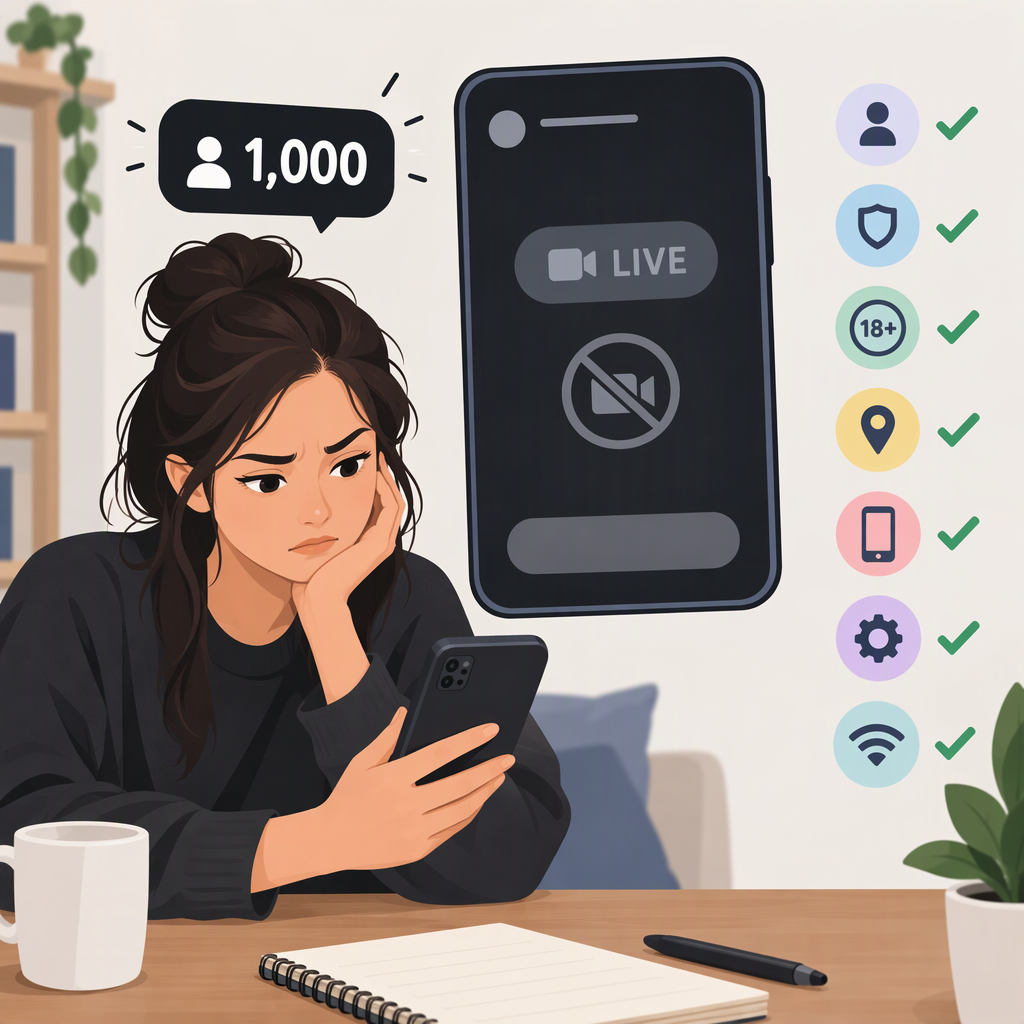
Have 1,000 TikTok Followers but Can’t Go Live? What to Check
Short Answer
If you mean TikTok, 1,000 followers does not guarantee you can go LIVE. TikTok says the follower requirement can vary by region; it also requires LIVE creators to be at least 18. So your follower count may meet the relevant threshold, but it does not prove that every other eligibility condition is met or that LIVE access is enabled for your account. (tiktok.com)
TikTok’s public Help Center pages retrieved for this guide do not state one universal follower number for every region. If you mean another platform, its LIVE rules may be different.
Check These Things First
- Make sure you’re checking the right kind of LIVE access. Access to start a LIVE in the TikTok app is not necessarily the same as access through LIVE Studio on a computer. TikTok says LIVE Studio access has a separate status and application process, with requirements that can vary by country or region. (tiktok.com)
- Check the age requirement. TikTok says you must be 18 or older to go LIVE. It may ask you to confirm your age; if it cannot confirm you meet the requirement, you cannot go LIVE. Follow the age-confirmation instructions presented by TikTok. (support.tiktok.com)
- Don’t treat 1,000 as a guaranteed universal threshold. TikTok describes its follower requirement as region-dependent. If you have 1,000 followers and cannot find LIVE, that number alone won’t tell you whether your account meets the applicable threshold. (tiktok.com)
- Look for an account notice. If TikTok has removed access to an age-restricted feature, it says it will notify you. If you believe an age decision is incorrect, use TikTok’s appeal instructions rather than trying to bypass the restriction. (support.tiktok.com)
If the Live Option Is Missing
First, distinguish no LIVE option from an option that appears but fails to start. For the missing-option case, confirm that you’re using the intended channel (TikTok app or LIVE Studio), review any age or account notices, and compare your account with TikTok’s eligibility information for your region. TikTok says only eligible creators can go LIVE; its Help Center does not promise that reaching a particular follower count will turn the option on immediately. (support.tiktok.com)
If you use LIVE Studio, open it and check Your LIVE access for the access status and application steps. TikTok notes that LIVE Studio requirements vary by country or region and may change. (tiktok.com)
If Live Appears but Won’t Start
If you can select LIVE but the broadcast fails, note the exact message and what happened just before the failure. TikTok’s published LIVE troubleshooting guidance says eligible creators who still have a problem can report it. Its general reporting instructions say you may be asked to attach relevant screenshots or files. (support.tiktok.com)
Contact TikTok Through Its Official Support Route
In the TikTok app, make sure you’re logged into the affected account, then go to Profile → Menu ☰ → Settings and privacy → Help Center → Chat with us and follow the prompts. TikTok also says you can use its online reporting form. Describe whether the LIVE option is missing or fails to start, include any displayed error, and attach a screenshot if useful. TikTok does not promise a specific response time or outcome on the cited support page. (support.tiktok.com)