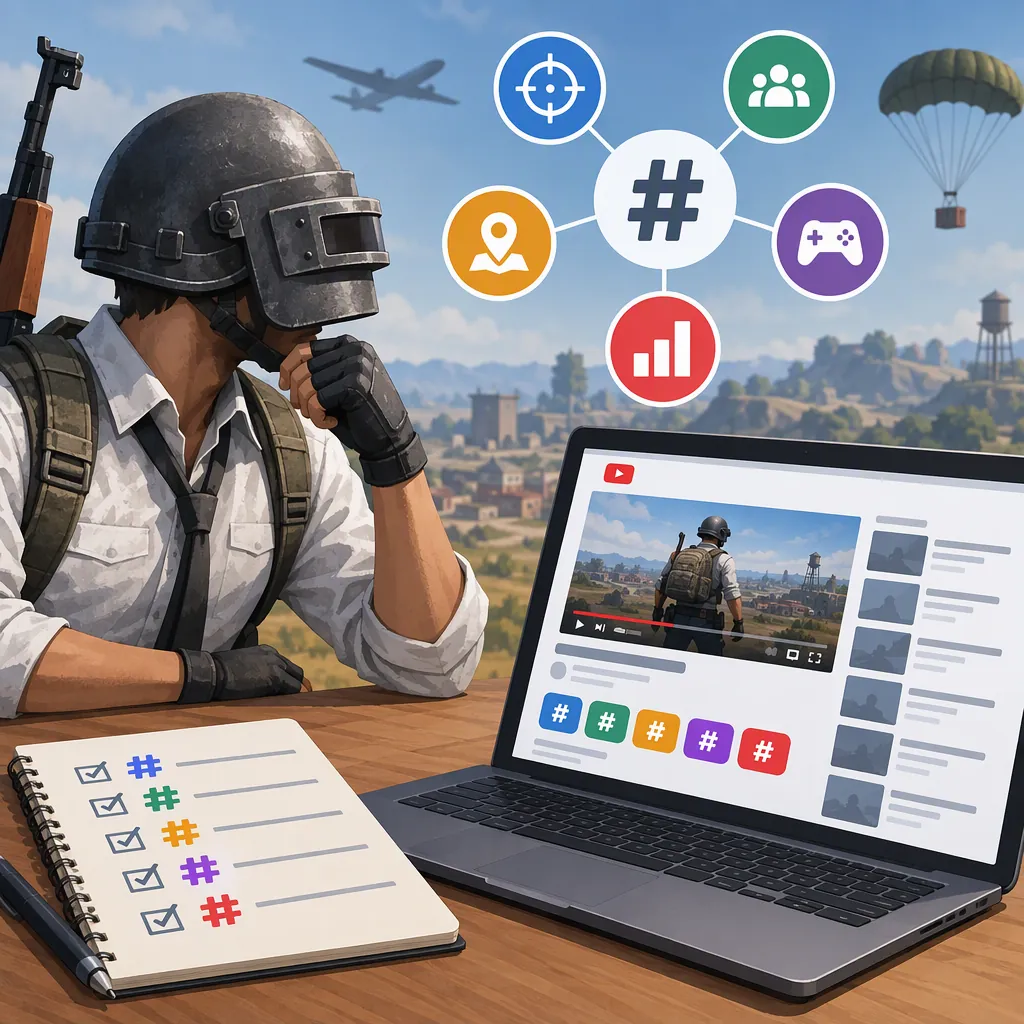
How to Choose Pubg Hashtags for YouTube Videos
For a PUBG YouTube video, start with the game shown, then add hashtags describing the content and format. Suggested sets include #PUBG #Gameplay #GamingHighlights for a highlights video or #PUBGMobile #GamingTips for a mobile tutorial. Use #BGMI when the footage is BGMI. These are relevance-based examples, not verified trending combinations. Both provided guides recommend matching hashtags to the content; neither establishes a guaranteed PUBG-specific performance benefit. [c1] [c2]
Choose Hashtags by Game, Topic, and Format
Instead of copying a large hashtag block, describe the upload in one sentence: which game appears, what happens, and whether the upload is a tutorial, highlight, Short, or stream.
Build a small set from those details:
- Game: Choose #PUBG, #PUBGMobile, or #BGMI according to the footage. Do not automatically combine all three.
- Topic: Consider #Gameplay for a match, #GamingTips for instruction, or #FunnyMoments for a comedy-focused edit.
- Format: Consider #Shorts for a Short or #LiveStream for a stream when that label accurately describes the upload.
The BGMI Khelo guide separates suggestions for Shorts, longer videos, and live streams. The OpusClip guide recommends content relevance rather than selecting hashtags solely by volume. These support a content-first approach, but do not validate every example in this article as a high-performing tag. [c1] [c2]
Sample Pubg Hashtag Sets
The following sets are editorial examples to adapt, not rankings or verified trends. Use only the row that fits the actual upload, and remove any hashtag that does not describe it.
| Upload | Suggested Hashtags |
|---|---|
| PUBG match highlights | #PUBG #Gameplay #GamingHighlights |
| PUBG Mobile tutorial | #PUBGMobile #GamingTips #MobileGaming |
| PUBG Mobile funny Short | #PUBGMobile #FunnyMoments #Shorts |
| BGMI gameplay Short | #BGMI #BGMIGameplay #Shorts |
| BGMI live stream | #BGMI #BGMILive #LiveStream |
The source lists include broad gaming labels such as #Gameplay, #GamingHighlights, and #GamingTips, alongside game-specific examples such as #PUBGMobile, #BGMI, and #BGMIGameplay. Their inclusion in a list is not proof that a particular combination will improve your upload's results. [c1] [c2]
For a comparison video covering multiple games, multiple game hashtags may be appropriate. For a single-game upload, prefer the name of the game actually shown.
Description Example for a Pubg Mobile Tutorial
Use this only if it accurately describes the video:

This PUBG Mobile tutorial explains the aiming adjustments demonstrated in the match footage.

#PUBGMobile #GamingTips #MobileGaming
Keep the Set Small and the Description Clear
As an editorial starting point, use three relevant hashtags, adding another only when it conveys a distinct detail. This is a practical selection rule, not an official YouTube limit or a proven optimum.
OpusClip recommends three to five hashtags in a YouTube Shorts description. BGMI Khelo recommends placing hashtags at the bottom of the description, but gives different count advice. Neither provided reference is official YouTube policy documentation, so this article does not treat their numerical advice as a verified platform rule. [c1] [c2]
A simple description layout is:
- Explain what the viewer will see or learn.
- Add relevant context, such as the topic demonstrated.
- Put the selected hashtags on a separate final line.
Do not include an update number, event name, or unrelated game just because it appears in a copied list. Prefer descriptive labels over vague additions such as #Viral when the goal is to identify the video's subject.
Separate Hashtag Research from Performance Promises
A list labeled “trending” is not enough to establish what works for a particular PUBG upload. BGMI Khelo supplies suggested tags across several content types. OpusClip reports gaming hashtag usage and average views from clips posted by its users, rather than a PUBG-only comparison. [c1] [c2]
Those observations do not isolate hashtags as the cause of higher views. They also do not establish a universal best hashtag set for PUBG videos.
For a cautious review process, record each video's game, topic, format, hashtag set, and results over a consistent observation period. Compare similar uploads and note other differences, including the title, thumbnail, and subject. Treat a better result as a reason to investigate, not proof that one hashtag caused it.
Keep the game label stable when the game stays the same. Change topic and format labels when the content changes, rather than rotating tags simply to appear current.
FAQ
What Are the Best Pubg Hashtags for a YouTube Video?
Choose the game label first, then labels for the actual content. #PUBG #Gameplay #GamingHighlights is a suggested starting set for PUBG highlights. It is not a verified best-performing combination; the provided research does not establish a PUBG-specific winner. [c1] [c2]
How Many Hashtags Should I Use?
Start with three relevant hashtags as a practical editing choice. OpusClip recommends three to five for Shorts, but the supplied sources are not official YouTube policy documentation. Do not interpret this recommendation as a platform limit. [c2]
Can Pubg Hashtags Make a Video Go Viral?
The provided references do not establish that any hashtag set can make a PUBG video go viral. OpusClip reports usage and average-view observations for its users' gaming clips; those observations do not demonstrate that hashtags alone caused the results. [c2]