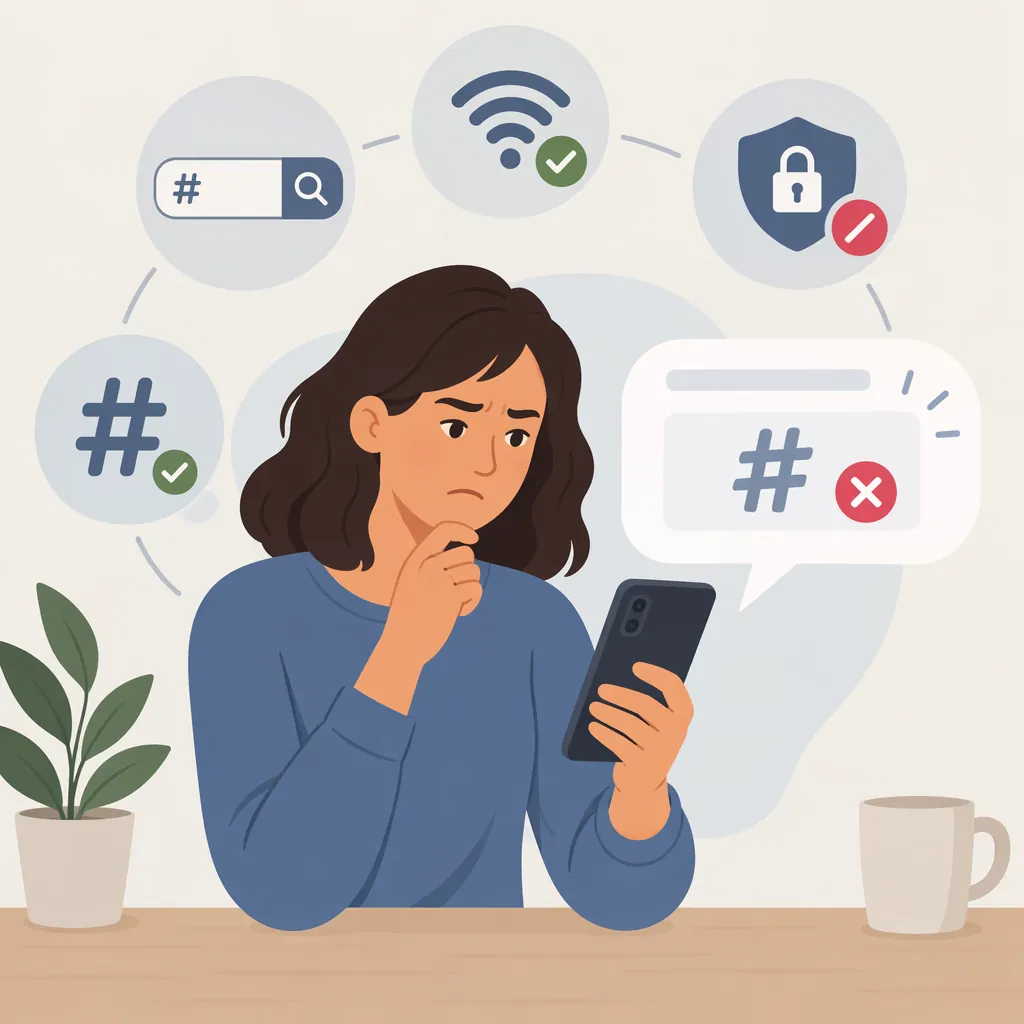
Couldn't Follow a Hashtag on Instagram? Troubleshoot Following, Search, and Reach
If you couldn't follow a hashtag on Instagram, first identify whether the Follow control is missing, a tap fails, the hashtag cannot be found, or a tagged post has low reach. Each symptom needs a different next step. These sources document hashtag following historically but do not confirm its current availability, so do not assume that an absent control is an account restriction. [c1]
Identify Which Instagram Hashtag Function Is Failing
Start with the action you attempted, rather than the general conclusion that hashtags are broken. Use this table to choose a troubleshooting path; the observations help narrow the report, not establish the cause.
| Symptom | First Check | Next Step |
|---|---|---|
| No Follow control on a hashtag page | Compare the controls on another relevant hashtag page | If the control is absent on both, stop treating this as a failed tap and check current in-app help for feature support |
| A Follow tap produces an error | Capture the exact error, then make one basic retry | If it still fails, prepare an issue report rather than repeatedly tapping |
| Only one hashtag page behaves differently | Compare it with a relevant hashtag that opens normally | Save both tag names and screenshots showing the difference |
| A hashtag cannot be found | Check its spelling and try opening it from a published post, if possible | Record whether search and the post link behave differently; do not infer a ban from absence alone |
| A tagged post is missing from results | Inspect the published tag, intended audience, and any explicit notice | Follow the visibility checks below, separately from following errors |
| Reach is lower than expected | Compare the same available metric over the same observation window | Use a modest selection test, without assuming hashtags caused the change |
Historically, Instagram's hashtag-following feed was algorithmically selected, not an exhaustive list of every tagged post. The 2017 launch report therefore does not support an expectation that every post using a followed hashtag would appear in a follower's feed. [c1]
Symptom Record
- Platform and interface: Instagram app or other available interface
- App version, if visible: ____
- Date, time, and time zone: ____
- Exact hashtag: ____
- Action attempted: ____
- Expected result: ____
- Actual result or exact error: ____
- Comparison hashtag and its behavior: ____
- Any explicit notice shown: ____
Check an Instagram Following Error
Use the branch that matches what your interface actually shows.
If the Follow Control Is Missing
- Open the hashtag through search and, where possible, through a tag on a published post.
- Compare the displayed controls with another relevant hashtag page.
- If another interface is available, note whether it displays a different set of controls.
If the control is absent across the pages you checked, stop the click-failure troubleshooting. Check Instagram's current in-app help for information about feature support. If help does not resolve the question, report the absent control with your observations.
If only one page differs, save the affected hashtag, the comparison hashtag, and screenshots of both views. That difference is useful evidence, but it does not establish why the page behaves differently.
Do not change your privacy settings merely to look for a Follow control.
If the Follow Control Exists but Fails
- Record the exact error wording and when it occurred.
- Close and reopen the app, check for an available update, and make one retry on a stable connection.
- If the retry succeeds, record that result; it does not identify the original cause.
- If it fails again, stop repeated tapping and use the app's available help or reporting route.
These are basic troubleshooting attempts, not verified hashtag-specific fixes.
What to Include in an Issue Report
Use a concise description such as:
On Instagram, I opened hashtag ____ using ____. The Follow control was [absent / visible but unsuccessful]. The exact message was ____. This occurred on ____ at ____ in time zone ____. My app version, if visible, is ____. I also checked hashtag ____, which showed ____. After reopening the app and making one retry, the result was ____.
Attach screenshots with private information removed. Keep the report focused on observable behavior rather than a presumed diagnosis such as an account ban.
Inspect Hashtag Search and Post Visibility Separately
A failed Follow action and a missing tagged post are different problems. For a post that seems absent from Instagram hashtag results, inspect the published post rather than a saved draft or copied hashtag list.
- Check the exact tag. Confirm that the intended hashtag appears as expected in the published post.
- Compare opening routes. Try opening the tag from the post, if the interface permits it, and compare that with searching for the same tag.
- Review the intended audience. Check the post's audience and the account's privacy setting. Do not make private content public unless that is genuinely your intended audience.
- Record explicit notices. Save the wording of any message on the hashtag page or account interface.
- Keep absence separate from restriction. A missing result is not the same observation as a visible restriction notice.
Disruptive Advertising's troubleshooting article discusses privacy, tag relevance, and restricted hashtags. Its interface directions and diagnostic explanations should not be treated as current platform policy; an absent search result alone is not sufficient evidence that a hashtag is banned. [c2]
Decide What to Do with the Result
| Observation | Practical Next Step | What Not to Conclude |
|---|---|---|
| The published tag differs from the intended tag | Correct it if appropriate, then record what changed | That the original absence was an account restriction |
| Search and the post's tag link behave differently | Save the exact tag and both results for a report | That one route proves a ban |
| The audience setting does not match your intended audience | Decide whether to change it based on your privacy preferences | That making content public guarantees discovery |
| An explicit notice appears | Read it and use any help or review option actually provided | That it explains unrelated following or reach symptoms |
| The tag appears correct, but the post is still absent | Document the view and observation time; report the issue if needed | That every tagged post must appear in that view |
These checks can establish what you observed, but not why an individual post was omitted.
Choose Relevant Tags and Test Low Reach Modestly
If the problem is low reach rather than a failed action, treat hashtag selection as an editorial test—not a repair for an unexplained account problem.
Start with tags that accurately describe the content's subject, activity, or location. Remove tags included only because they are popular. Disruptive Advertising recommends considering the audience's likely search terms and keeping tags specific and relevant. Those are selection suggestions, not guarantees of distribution. [c2]
Do Not Treat a Hashtag Count as a Fix
A September 2024 creator post recommends three to five hashtags or none, while the agency article discusses testing counts under an older stated maximum. Neither establishes today's official limit or an optimal count for your account. Follow the limits displayed by your current posting interface rather than treating either source as a current specification. [c2] [c3]
Compare Like with Like
For a modest comparison:
- Choose posts with similar topics and formats.
- Use the same observation window for each—for example, the same elapsed time after publication.
- Change tag selection while keeping other editorial choices as similar as practical.
- Record the exact metric name and value shown by the interface.
- Note whether that metric explicitly identifies hashtag-origin discovery.
If the interface shows only total reach, record “Cannot separately identify hashtag contribution.” Do not label total reach as hashtag reach.
Hashtag Test Worksheet
| Field | Test Post | Comparison Post |
|---|---|---|
| Content topic | ____ | ____ |
| Format | ____ | ____ |
| Publication date, time, and time zone | ____ | ____ |
| Tags used | ____ | ____ |
| Reason each tag fits the content | ____ | ____ |
| Observation window after publication | ____ | ____ |
| Exact metric name | ____ | ____ |
| Metric value | ____ | ____ |
| Does the metric explicitly identify hashtag origin? | Yes / No / Unclear | Yes / No / Unclear |
| Other differences between posts | ____ | ____ |
Interpretation rule: A single difference creates a hypothesis for another comparison, not proof that hashtags worked, failed, or caused an account restriction. Even with consistent metrics and observation windows, the posts differ and their distribution is not controlled.
Source Timing and Evidence Limits
The sources have different roles:
- MarTech: historical reporting on the 2017 launch of hashtag following and its curated feed. [c1]
- Disruptive Advertising: third-party troubleshooting and hashtag-selection advice, not a current official policy document. [c2]
- The September 2024 Instagram reel: a creator's opinion about hashtag use, not official guidance merely because it is hosted on Instagram. [c3]
None is a current official document resolving a “couldn't follow hashtag” error. They cannot establish today's feature support, diagnose a particular account restriction, or promise a recovery time.
End your troubleshooting with a narrow conclusion: what failed, what you checked, and what remains unresolved. “The Follow control is absent on both hashtag pages I checked” is more useful than “My account is banned.” “Total reach was lower over the same observation window” is more accurate than “Hashtags stopped working.”
FAQ
Can I Still Follow Hashtags on Instagram?
These sources do not confirm current availability. Check the controls in your current interface and Instagram's available in-app help. If no Follow control appears across the hashtag pages you checked, do not keep retrying historical instructions: the 2017 launch report establishes past availability, not today's interface. [c1]
What Should I Do If the Follow Button Keeps Showing an Error?
Capture the exact message, time, app version if visible, and a comparison hashtag. After one basic retry, submit those observations through the app's available reporting route rather than repeatedly tapping. The historical feature report does not provide an error-specific fix or recovery time. [c1]
Does a Missing Hashtag Result Mean My Account Is Banned?
No—not on that observation alone. Check the exact published tag, intended audience, and any explicit notice. The agency article discusses restricted hashtags, but it does not establish the cause of your missing result or your account's status. [c2]
How Many Hashtags Should I Use to Fix Low Reach?
No number in these sources is verified as a fix. The creator post suggests three to five or none, while the agency article recommends testing. Choose relevant tags within the limits shown by your current interface, then compare consistent metrics without assuming a reach guarantee. [c2] [c3]
Can I Use Total Reach to Judge Whether My Hashtags Worked?
You can record it as an overall outcome, but do not attribute it solely to hashtags. The third-party selection and count advice does not establish a causal test or guarantee. If your metrics do not explicitly identify hashtag-origin discovery, mark that contribution as unidentifiable and treat any difference as a hypothesis for further comparison. [c2] [c3]